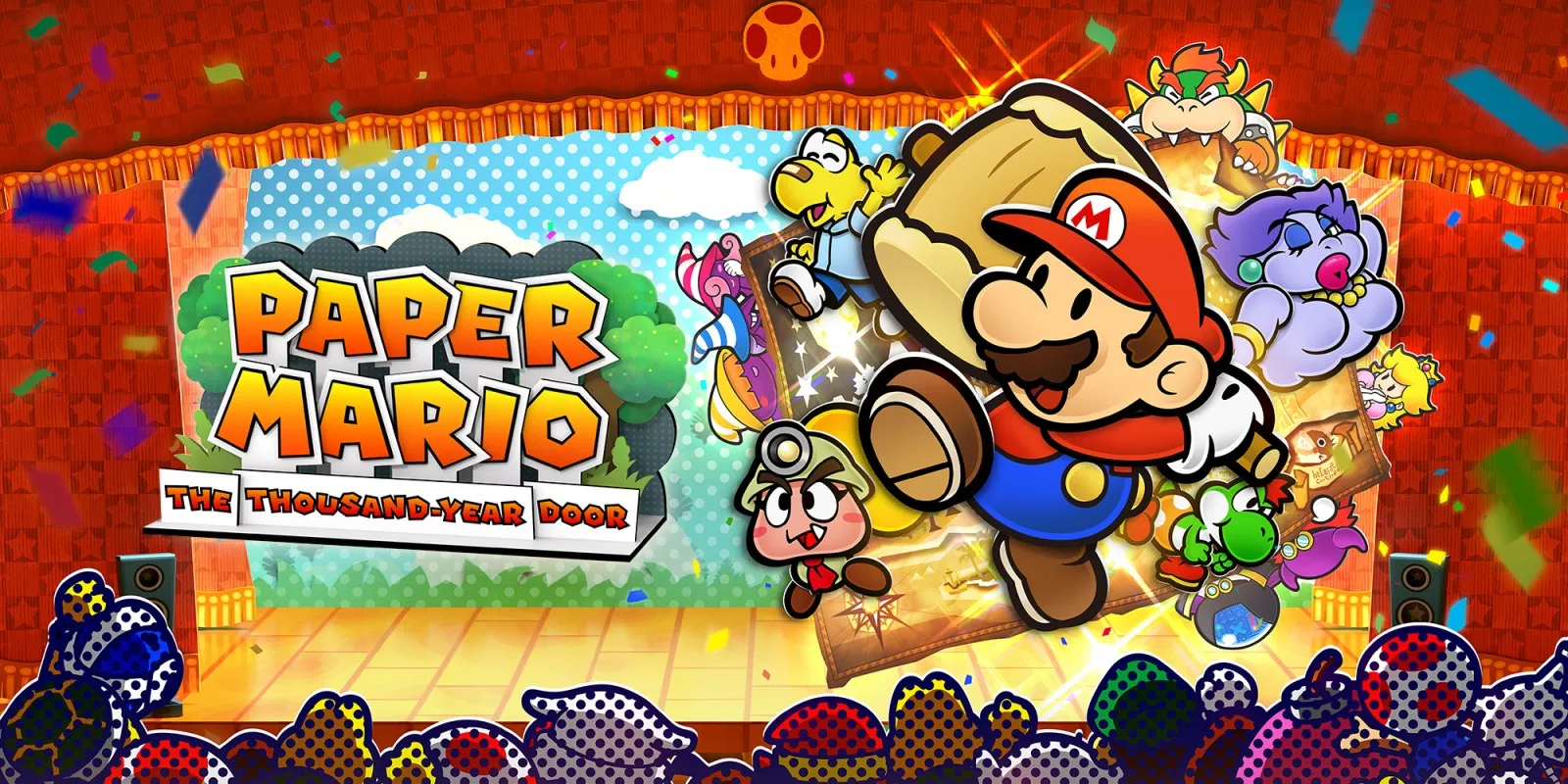
Paper Mario: The Thousand-Year Door
Checked Updated
Every fact on this page applies to update 1.0.1, the one version tested. Other versions may behave differently.
No emulator needed: Paper Mario: The Thousand-Year Door runs natively on the Apple chip. How nxnative compares with emulators
Running through nxnative
How Paper Mario: The Thousand-Year Door runs
Paper Mario: The Thousand-Year Door runs at 60 fps with update 1.0.1, double the 30 fps it has on the Switch, and it plays on the iPhone. Its Packed app came to about 5 GB in the last published sizes.
How it runs
The game normally counts time in Switch display refreshes, so simply showing more frames would make it run at double speed. nxnative steps the game's clocks by how long each frame actually stays on screen instead, so fades, animations and scripts keep their normal timing whether the game is at 60 fps or dropping lower. If you prefer the original 30 fps, set DM_FPS_TARGET=30 in the app's env.txt file.
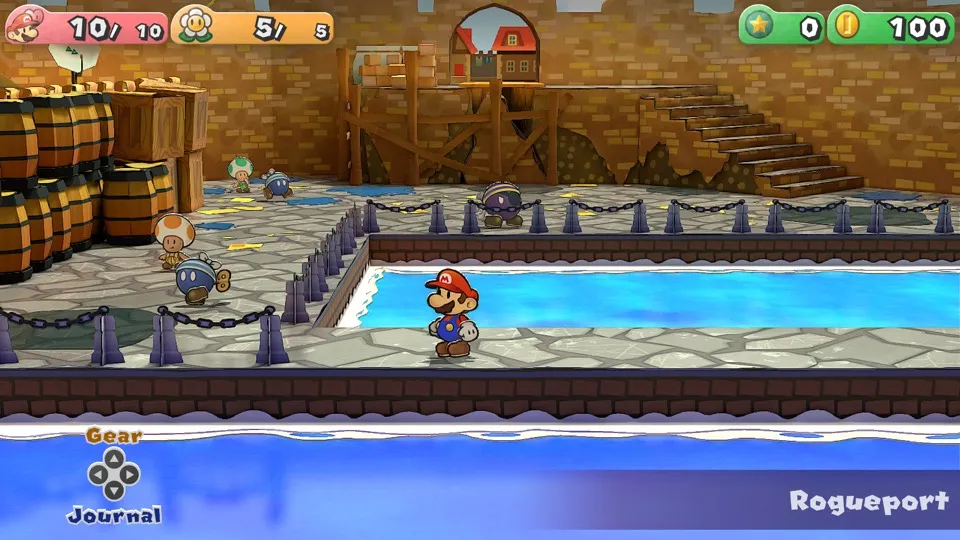
On the Mac, play ran from the title screen through the storybook prologue and the boat into Rogueport, with Mario under control on the docks, with music and sound and no crash over eight minutes. An early iPhone build ran Rogueport at only 24 fps because the game's worker threads were busy-waiting; that has since been fixed.
Controls
The Packed app starts in the 3D touch layout, because it includes a D-pad, which the game uses to open the Gear and Journal menus.
Good to know
- An earlier black screen at startup is fixed, and a reporter confirmed the game now starts on iPhone. The project developers note that a full gameplay recheck on iPhone after that fix is still open.
- Tested with update 1.0.1. The 60 fps result applies to that update.
Known issues
None reported
Packing command
Run this in your nxnative folder on the Build Mac. Replace the game folder and the keys path with your own. Add --platform mac-app to get a Mac app instead of an iPhone and iPad app.
python3 scripts/build_ipa_from_nsp.py ~/Games/paper-mario-the-thousand-year-door -k ~/keys/prod.keysPut update 1.0.1 in the game folder to get 60 fps.
FAQ
Does Paper Mario: The Thousand-Year Door work with nxnative?
Yes. Paper Mario: The Thousand-Year Door is tested with nxnative on update 1.0.1. With update 1.0.1 it runs at 60 fps.
Which iPhone, iPad or Mac do I need to play Paper Mario: The Thousand-Year Door?
An iPhone 15 Pro or newer (A17 Pro chip or later) or an iPad with an M1 chip or later, on iOS or iPadOS 26 or later, or a Mac with Apple silicon. iPads with the A17 Pro chip (iPad mini) have the iPhone 15 Pro's chip but are untested by nxnative. Packing needs a Mac with macOS 26.6 or later and Xcode 27.1.
Is Paper Mario: The Thousand-Year Door included?
No. Neither this site nor nxnative includes any game. You Pack Paper Mario: The Thousand-Year Door from your own copy of the game, with keys dumped from your own Switch.
Does online play work in Paper Mario: The Thousand-Year Door?
Online play in Paper Mario: The Thousand-Year Door is not confirmed to work, so do not count on it.