Every fact on this page applies to update 1.0.3, the one version tested. Other versions may behave differently.
No emulator needed: Need for Speed: Hot Pursuit Remastered runs natively on the Apple chip. How nxnative compares with emulators
Running through nxnative
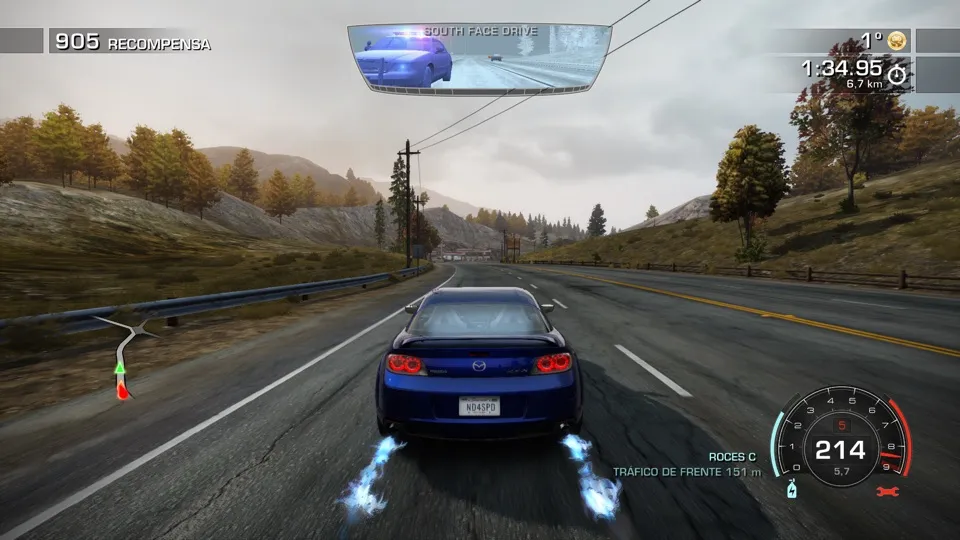
How Need for Speed: Hot Pursuit Remastered runs
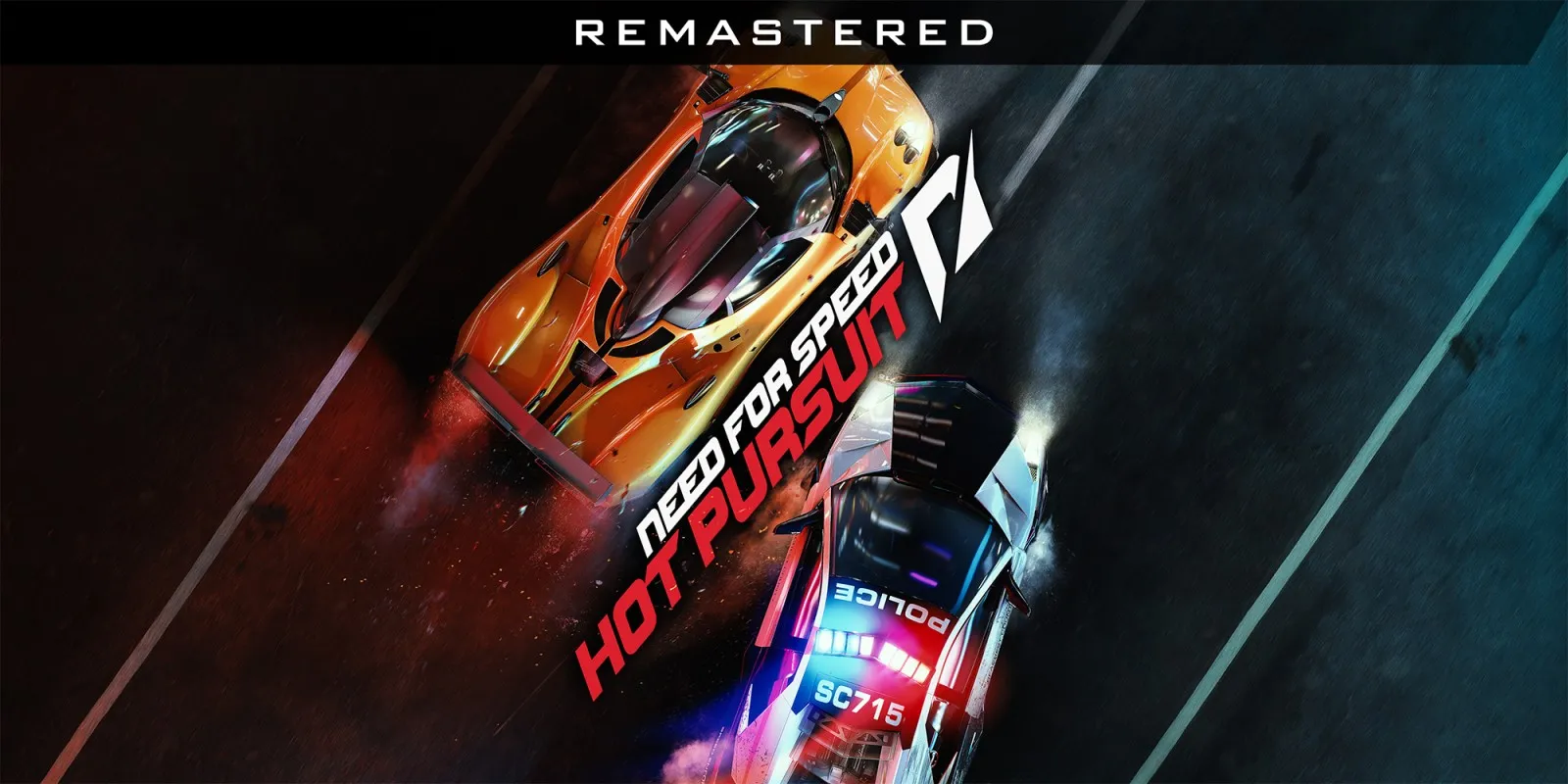
Need for Speed: Hot Pursuit Remastered plays on the Mac at 60 fps, up from the 30 fps it has on the Switch, with sound, a Switch Pro Controller and saves. Tested on an Apple M4 Mac through the Autolog connection screen, the career map, car select and whole races: Grand Ocean Road, Mystic Lake Road, South Face Drive and First Offence, won with the gold medal. Two sessions of 7 and 11 minutes ran with no crash. It has not been tested on iPhone or iPad.
How it runs
nxnative switches on a 60 fps mode built into the game's engine and lifts its own 30 fps limit. Races, the timer and the computer drivers all run at normal speed at 60 fps. In races the frame rate holds a steady 60; in menus and loading screens it dips slightly.
Autolog, the game's online layer, finds no network. After its connection screen the game goes on to the career map by itself.
Bring update 1.0.3
Only update 1.0.3 has been tested, and the 60 fps settings are made for it. Put it in the same folder as the base game before you Pack.
Controls
The Packed app starts in the 2D touch layout. On the Mac it was played with a Switch Pro Controller.
Good to know
- Online play through Autolog is not available: the game plays offline.
Known issues
- It has not been tested on iPhone or iPad.
- Autolog, the game's online layer, finds no network, so the game plays offline.
Packing command
Run this in your nxnative folder on the Build Mac. Replace the game folder and the keys path with your own. Add --platform mac-app to get a Mac app instead of an iPhone and iPad app.
python3 scripts/build_ipa_from_nsp.py ~/Games/need-for-speed-hot-pursuit-remastered -k ~/keys/prod.keysFAQ
Does Need for Speed: Hot Pursuit Remastered work with nxnative?
Yes. Need for Speed: Hot Pursuit Remastered is tested with nxnative on update 1.0.3.
Which iPhone, iPad or Mac do I need to play Need for Speed: Hot Pursuit Remastered?
An iPhone 15 Pro or newer (A17 Pro chip or later) or an iPad with an M1 chip or later, on iOS or iPadOS 26 or later, or a Mac with Apple silicon. iPads with the A17 Pro chip (iPad mini) have the iPhone 15 Pro's chip but are untested by nxnative. Packing needs a Mac with macOS 26.6 or later and Xcode 27.1.
Is Need for Speed: Hot Pursuit Remastered included?
No. Neither this site nor nxnative includes any game. You Pack Need for Speed: Hot Pursuit Remastered from your own copy of the game, with keys dumped from your own Switch.
Does online play work in Need for Speed: Hot Pursuit Remastered?
Online play in Need for Speed: Hot Pursuit Remastered is not confirmed to work, so do not count on it.