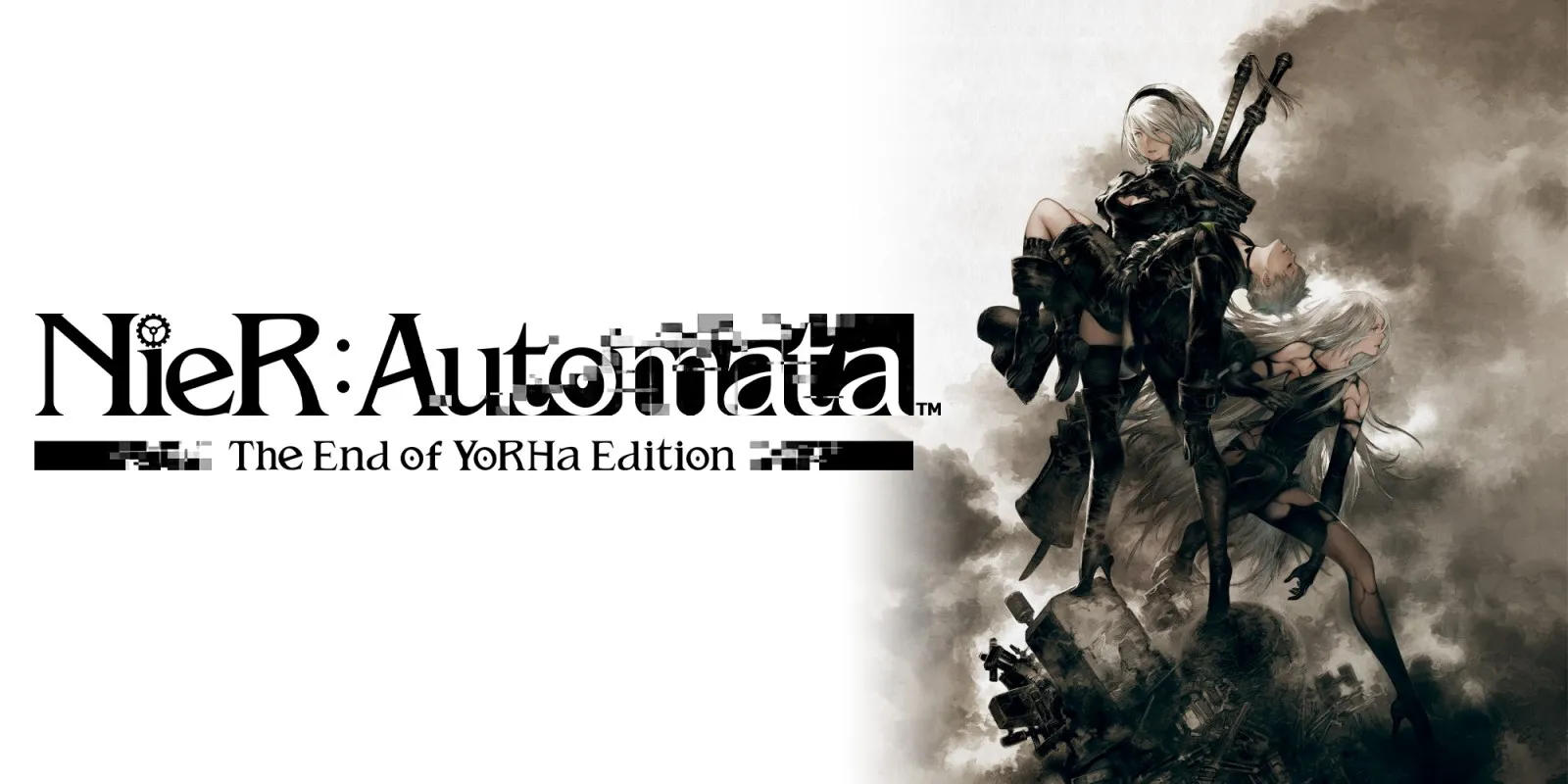
NieR:Automata The End of YoRHa Edition
Checked Updated
Every fact on this page applies to update 1.0.3, the one version tested. Other versions may behave differently.
No emulator needed: NieR:Automata The End of YoRHa Edition runs natively on the Apple chip. How nxnative compares with emulators
Running through nxnative
How NieR:Automata The End of YoRHa Edition runs
NieR:Automata plays on the Mac and the iPhone, and with update 1.0.3 it targets 60 fps instead of the 30 fps it has on the Switch. The iPhone app came to about 10.9 GB in the last published sizes.
How it runs
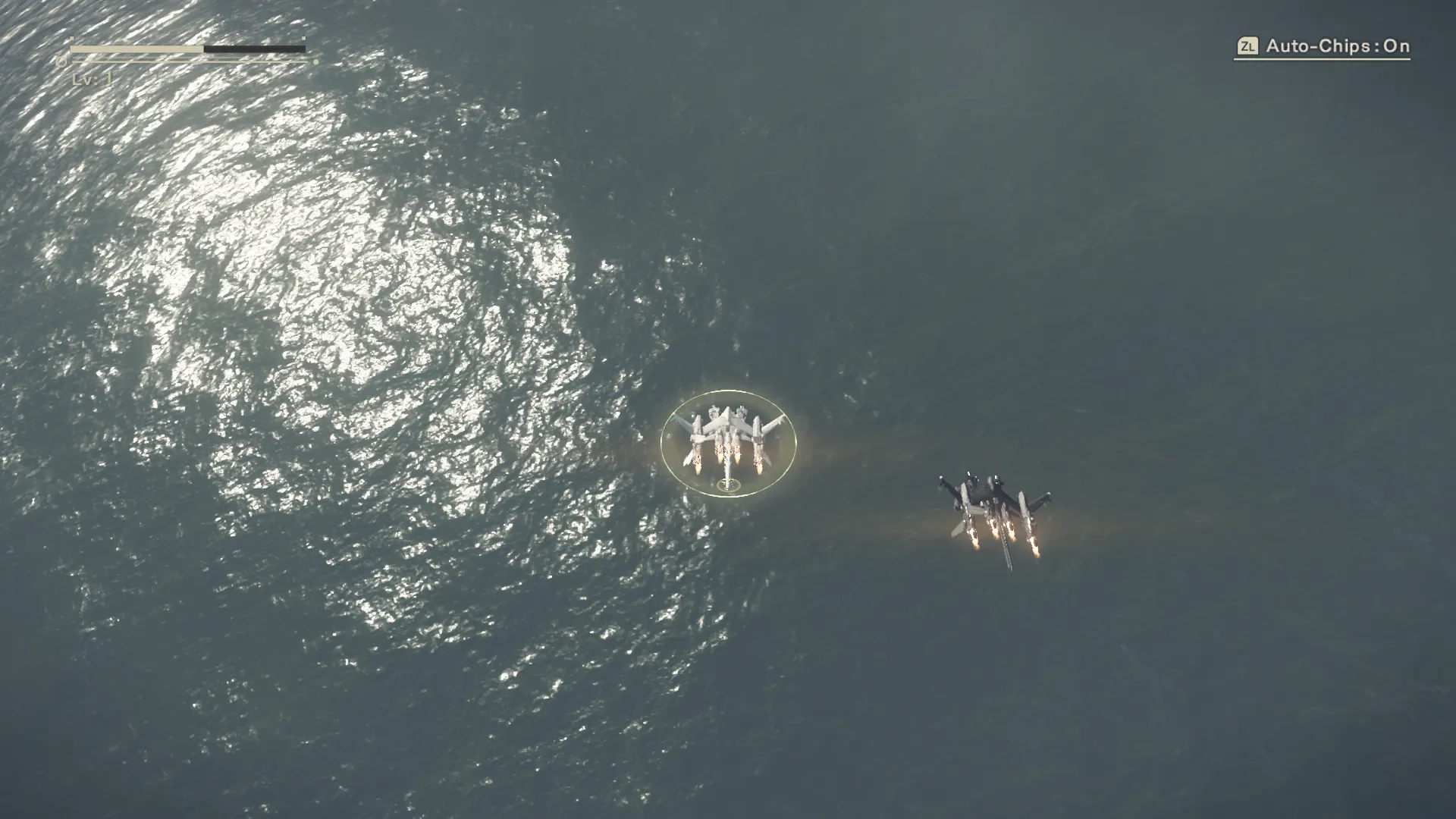
The game keeps time by measuring how long each frame took, so presenting more frames does not speed it up. nxnative switches the game to a 60 fps target for this exact build. In the project developers' measured windows on an M4 Pro Mac, through the opening formation, the flight and the ocean battle, the game held about 60 fps at 1080p with game time matching real time.
A contributor reports a complete playthrough at a stable 60 fps on the Mac. On the iPhone, performance depends on the scene: the latest retest, by the author of PR #336, was noticeably better than before but still below a constant 60 fps across the whole game.
Much of the work on this Game went into the geometry the game builds on the GPU, which first made heavy scenes slow. Several of those improvements help other Games too.
Settings on iPhone
The frame rate defaults to 60 fps and can be set to 30 from the app's settings screen, or with DM_FPS_TARGET=30 in the app's env.txt file. Dynamic resolution is off by default, which keeps full resolution. Turning it on with DM_DYNAMIC_RESOLUTION=1 lets the game drop to 70% resolution when a scene gets heavy.
Controls
The Packed app starts in the 3D touch layout, because moving and aiming use both sticks.
Good to know
- At about 10.9 GB, the Packed app may be too big for some sideloading setups. nxnative's packing script can keep the game files out of the app with
--romfs separate; see the install guide. - Tested with update 1.0.3. Other versions may behave differently.
Known issues
- On iPhone the frame rate depends on the scene; a constant 60 fps across the whole game has not been reached.
Packing command
Run this in your nxnative folder on the Build Mac. Replace the game folder and the keys path with your own. Add --platform mac-app to get a Mac app instead of an iPhone and iPad app.
python3 scripts/build_ipa_from_nsp.py ~/Games/nier-automata-the-end-of-yorha-edition -k ~/keys/prod.keysPut update 1.0.3 in the game folder to get 60 fps.
FAQ
Does NieR:Automata The End of YoRHa Edition work with nxnative?
Yes. NieR:Automata The End of YoRHa Edition is tested with nxnative on update 1.0.3. With update 1.0.3 it runs at 60 fps.
Which iPhone, iPad or Mac do I need to play NieR:Automata The End of YoRHa Edition?
An iPhone 15 Pro or newer (A17 Pro chip or later) or an iPad with an M1 chip or later, on iOS or iPadOS 26 or later, or a Mac with Apple silicon. iPads with the A17 Pro chip (iPad mini) have the iPhone 15 Pro's chip but are untested by nxnative. Packing needs a Mac with macOS 26.6 or later and Xcode 27.1.
Is NieR:Automata The End of YoRHa Edition included?
No. Neither this site nor nxnative includes any game. You Pack NieR:Automata The End of YoRHa Edition from your own copy of the game, with keys dumped from your own Switch.
Does online play work in NieR:Automata The End of YoRHa Edition?
Online play in NieR:Automata The End of YoRHa Edition is not confirmed to work, so do not count on it.