Every fact on this page applies to update 1.0.1, the one version tested. Other versions may behave differently.
No emulator needed: The Legend of Zelda: Skyward Sword HD runs natively on the Apple chip. How nxnative compares with emulators
Running through nxnative
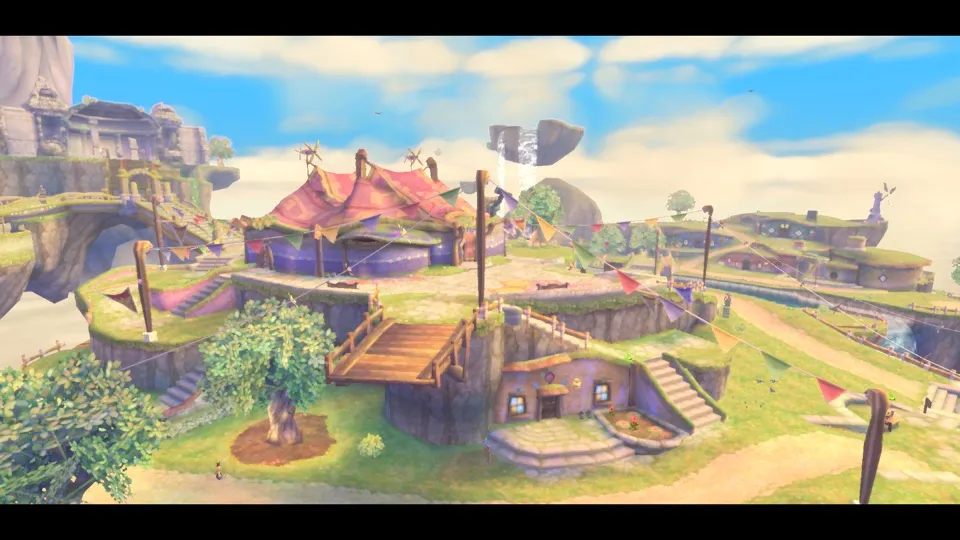
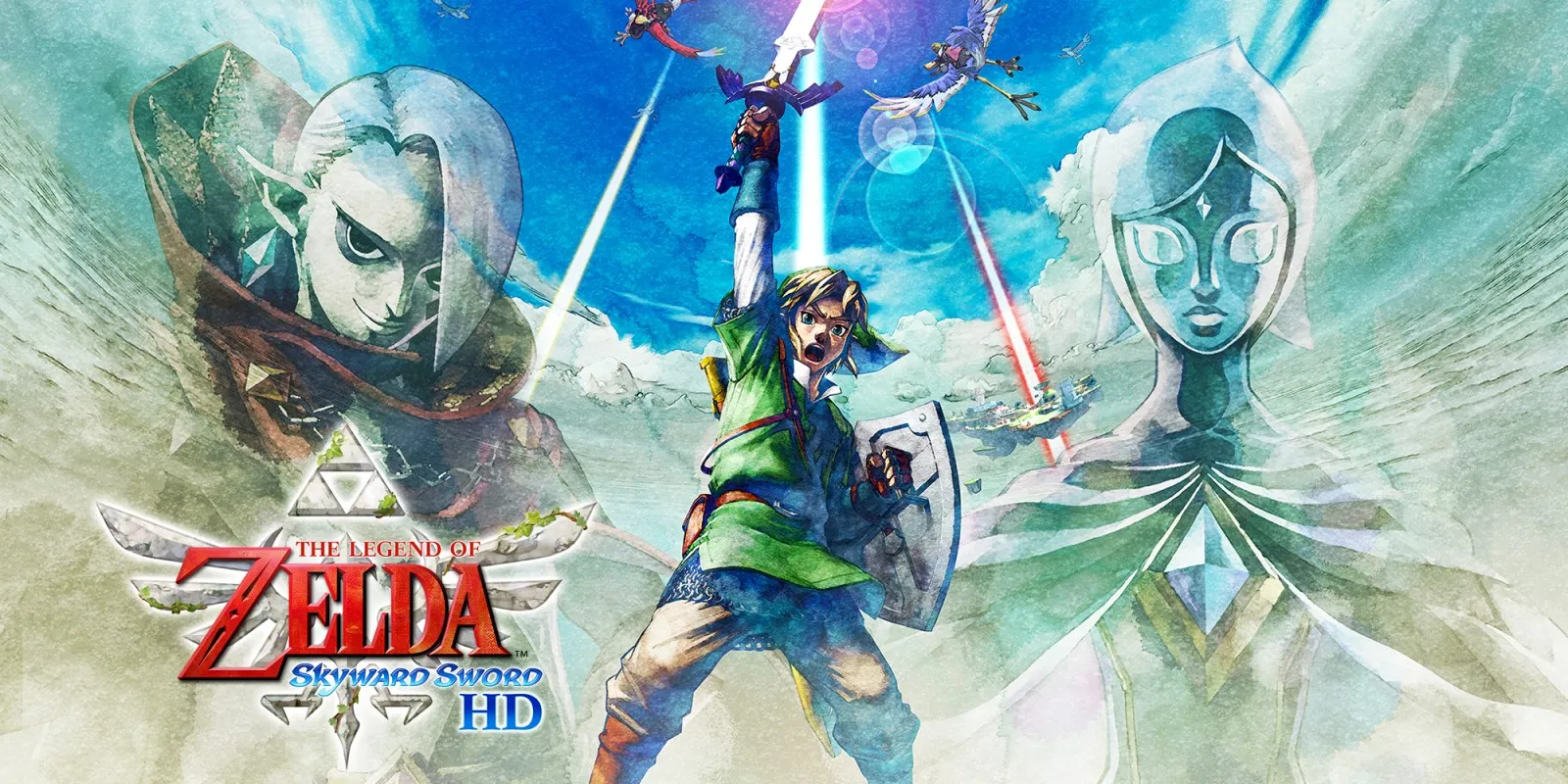
How The Legend of Zelda: Skyward Sword HD runs
Skyward Sword HD plays on the Mac at 60 fps, from a new game through the opening to Skyloft, using about 1.8 GB of memory. It has been tested on the Mac only, not on the iPhone.
How it runs
The opening movie, the title, a new game, the opening cutscenes, Link's room, the Knight Academy and Skyloft outside its doors all run, and the game autosaves in Skyloft. One player reported playing on through the Sailcloth tutorial. Combat, flight and the dungeons have not been tested by the project developers.
A brown cast that covered the distance and turned nearby objects into dark silhouettes, in the title screen's sky and the opening flight, is fixed. So are Link's oversized eyes and an invisible Sailcloth.
Bring update 1.0.1
Tested with update 1.0.1. Put it in the same folder as the base game before you Pack.
Controls
The Packed app starts in the 2D touch layout.
- A or Plus skips the opening movie.
- After the title, wait about five seconds for the file list to settle before you press anything; a press while it fades in does nothing.
- A skips through the opening cutscenes to Link's room, which takes about four minutes.
Good to know
- One player reported a torn band near the top of the opening movie, mixing rows from two pictures. Over 114 captures on the Mac it did not appear, so whether it can happen is not settled.
- One player reported Link reaching dash speed without B at some diagonal stick angles. A measurement in the Knight Academy showed no extra speed at a full diagonal; shallower angles were inconclusive.
Known issues
- Tested on the Mac only; the iPhone has not been tested.
- Combat, the Sailcloth, flight and the dungeons have not been tested by the project developers.
- A player reported a torn band near the top of the opening movie; it has not been seen in testing.
- A player reported Link running at dash speed with the stick at some diagonal angles; testing did not show it.
Packing command
Run this in your nxnative folder on the Build Mac. Replace the game folder and the keys path with your own. Add --platform mac-app to get a Mac app instead of an iPhone and iPad app.
python3 scripts/build_ipa_from_nsp.py ~/Games/the-legend-of-zelda-skyward-sword-hd -k ~/keys/prod.keysFAQ
Does The Legend of Zelda: Skyward Sword HD work with nxnative?
Yes. The Legend of Zelda: Skyward Sword HD is tested with nxnative on update 1.0.1.
Which iPhone, iPad or Mac do I need to play The Legend of Zelda: Skyward Sword HD?
An iPhone 15 Pro or newer (A17 Pro chip or later) or an iPad with an M1 chip or later, on iOS or iPadOS 26 or later, or a Mac with Apple silicon. iPads with the A17 Pro chip (iPad mini) have the iPhone 15 Pro's chip but are untested by nxnative. Packing needs a Mac with macOS 26.6 or later and Xcode 27.2.
Is The Legend of Zelda: Skyward Sword HD included?
No. Neither this site nor nxnative includes any game. You Pack The Legend of Zelda: Skyward Sword HD from your own copy of the game, with keys dumped from your own Switch.
Does online play work in The Legend of Zelda: Skyward Sword HD?
Online play in The Legend of Zelda: Skyward Sword HD is not confirmed to work, so do not count on it.