Every fact on this page applies to update 1.0.1, the one version tested. Other versions may behave differently.
No emulator needed: ASTRAL CHAIN runs natively on the Apple chip. How nxnative compares with emulators
Running through nxnative
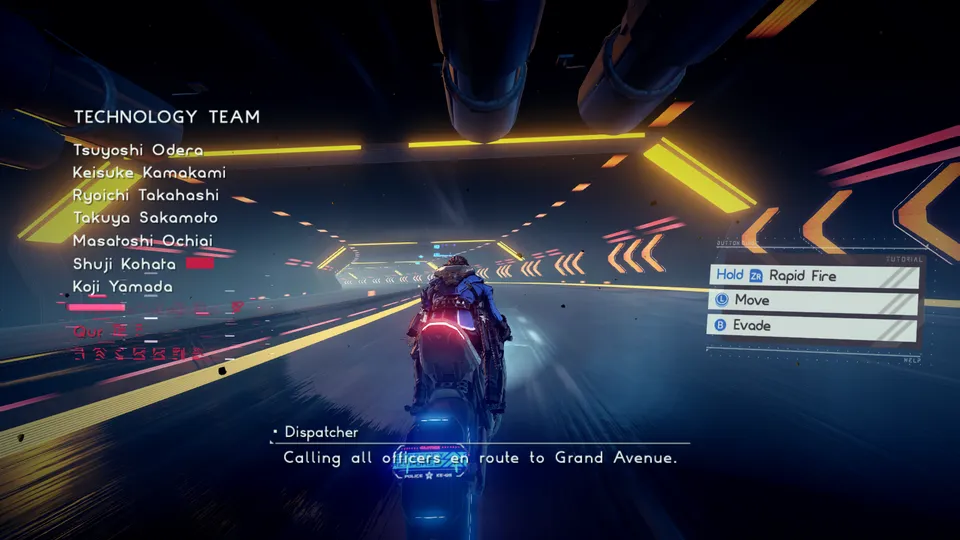
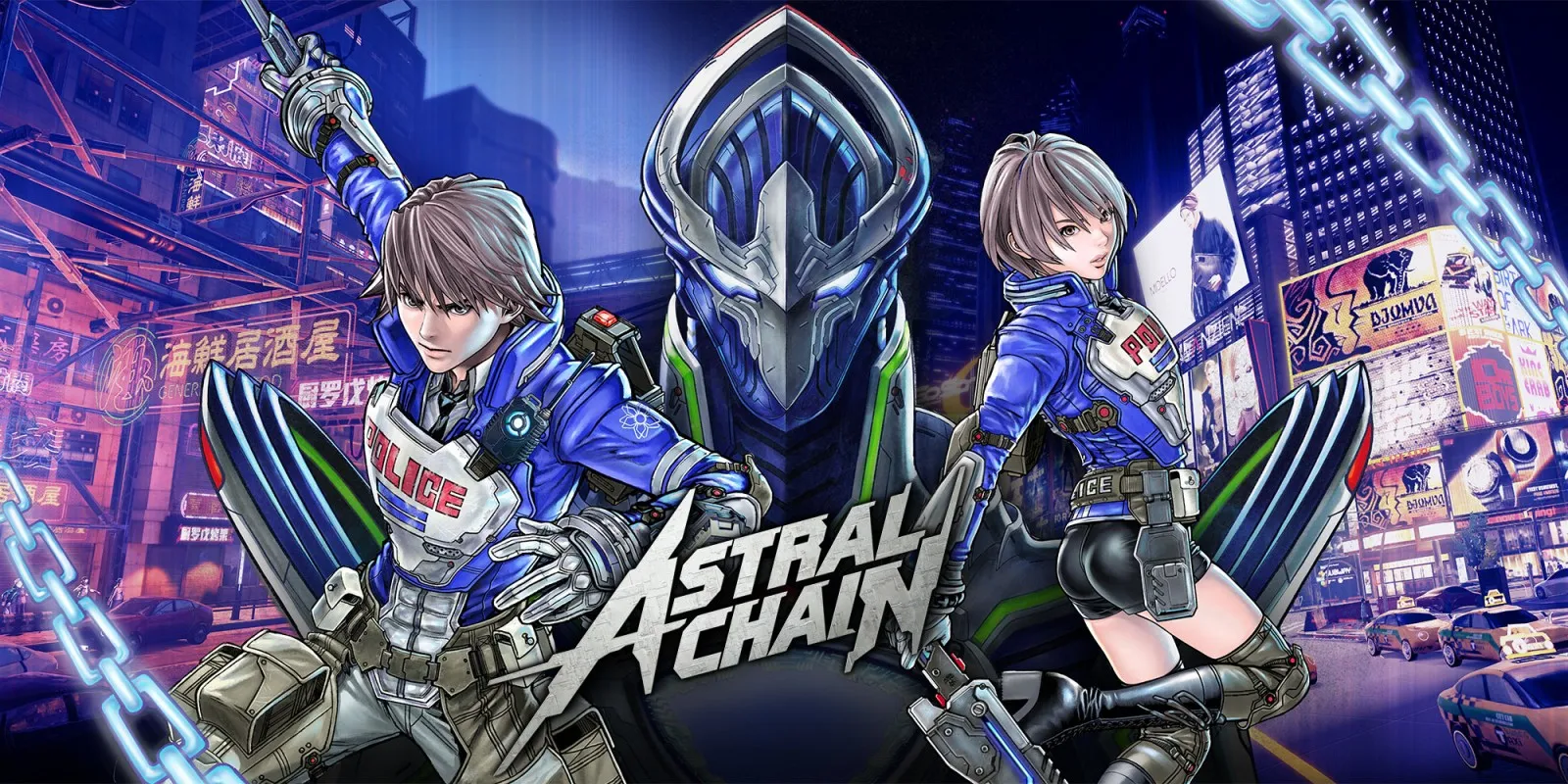
How ASTRAL CHAIN runs
ASTRAL CHAIN targets 60 fps in gameplay with update 1.0.1, up from the 30 fps it has on the Switch. So far it has been tested on the Mac: an iPhone build packs fine, but the project developers have not yet tested it on a phone. When the developers last published sizes, the Packed app came to about 9.7 GB.
How it runs
Raising the frame rate in this game is not just a matter of drawing more often. Many of its timers count whole ticks, and a naive 60 fps patch made those timers stop. nxnative's profile gives the game a clock that carries fractional ticks between frames, so action windows, hit-stop, button repeat and rumble keep their original timing at 60 fps as at 30. Camera smoothing is adjusted to match. The timer and camera work is adapted from an MIT-licensed community 60 fps mod, credited in the project notes.
Cinematics that the engine runs at a fixed step stay at 30 fps, as intended. On an M4 Pro Mac, testing went through character creation, saving and reloading, the motorcycle tutorial and its combat, up to the first checkpoint on foot.
DM_FPS_TARGET=30 in the app's env.txt file caps the game at 30 fps with the same corrected timing.
Bring update 1.0.1
The 60 fps profile works only with update 1.0.1. Put the update in the same folder as the base game before you Pack.
Controls
The Packed app starts in the 3D touch layout, with the camera on an undrawn right stick. Touch controls on iPhone are still on nxnative's list to check.
Good to know
- Later levels have not been tested yet, nor have combat timing and the camera beyond the opening.
- The tendrils of the death effect were reported to draw as solid black. nxnative has since gained a general fix for this kind of problem, but it has not yet been checked on this Game.
Known issues
- The Packed app builds for iPhone, but the project developers have not yet tested it on an iPhone.
- Audio and video sync in movies has not been verified at 60 fps.
Packing command
Run this in your nxnative folder on the Build Mac. Replace the game folder and the keys path with your own. Add --platform mac-app to get a Mac app instead of an iPhone and iPad app.
python3 scripts/build_ipa_from_nsp.py ~/Games/astral-chain -k ~/keys/prod.keysPut update 1.0.1 in the game folder to get 60 fps.
FAQ
Does ASTRAL CHAIN work with nxnative?
Yes. ASTRAL CHAIN is tested with nxnative on update 1.0.1. With update 1.0.1 it runs at 60 fps.
Which iPhone, iPad or Mac do I need to play ASTRAL CHAIN?
An iPhone 15 Pro or newer (A17 Pro chip or later) or an iPad with an M1 chip or later, on iOS or iPadOS 26 or later, or a Mac with Apple silicon. iPads with the A17 Pro chip (iPad mini) have the iPhone 15 Pro's chip but are untested by nxnative. Packing needs a Mac with macOS 26.6 or later and Xcode 27.1.
Is ASTRAL CHAIN included?
No. Neither this site nor nxnative includes any game. You Pack ASTRAL CHAIN from your own copy of the game, with keys dumped from your own Switch.
Does online play work in ASTRAL CHAIN?
Online play in ASTRAL CHAIN is not confirmed to work, so do not count on it.