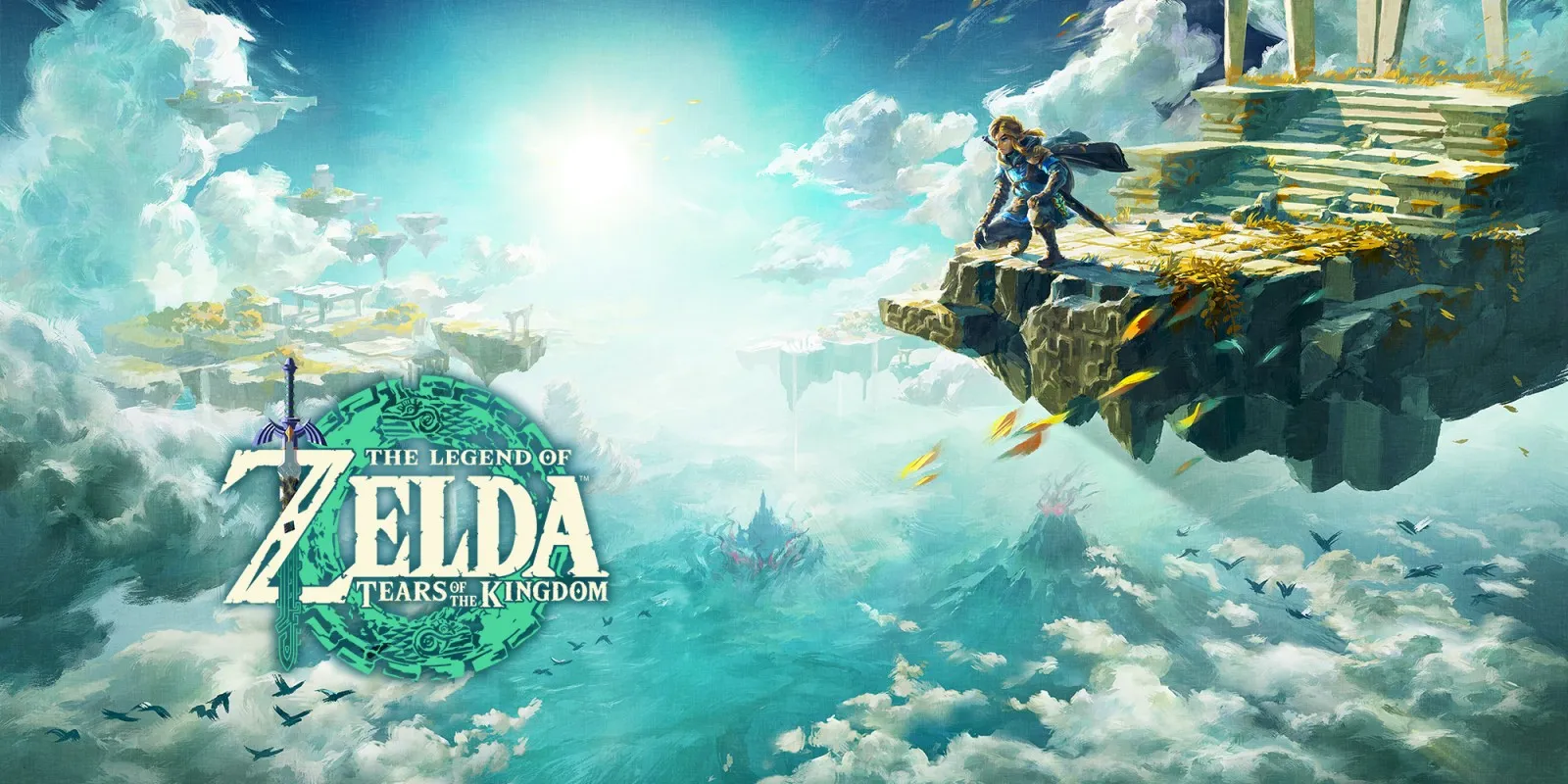
The Legend of Zelda: Tears of the Kingdom
Updated
Every fact on this page applies to update 1.4.3, the one version tested. Other versions may behave differently.
No emulator needed: The Legend of Zelda: Tears of the Kingdom runs natively on the Apple chip. How nxnative compares with emulators
Running through nxnative
How The Legend of Zelda: Tears of the Kingdom runs
Tears of the Kingdom plays on the iPhone and, with update 1.4.3, runs at 60 fps instead of the Switch's 30. When the project developers last published sizes, its Packed app came to about 17 GB.
How it runs
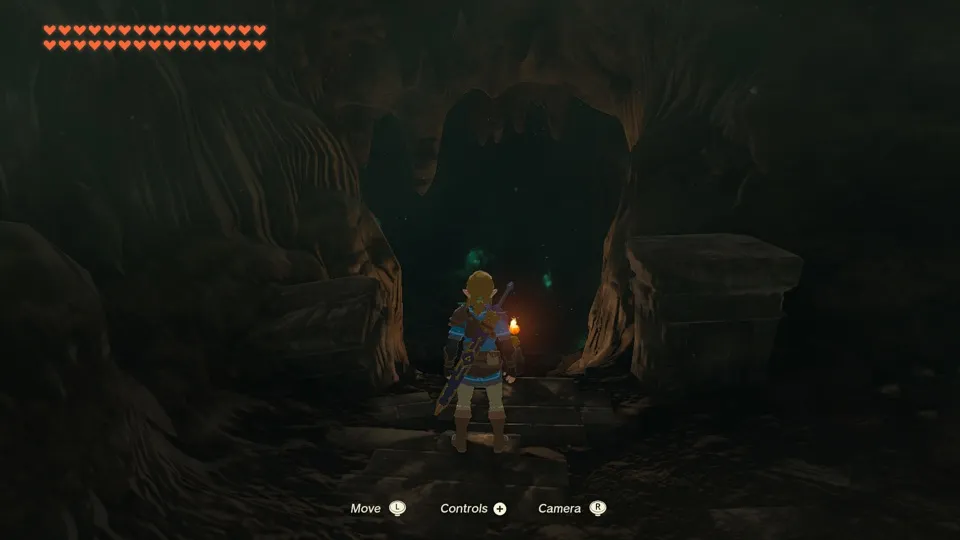
As with Breath of the Wild, nxnative replaces the game's own frame pacing with its frame step. It holds 60 fps while frames are on time and steps down to 30 when they run late, while game time keeps pace with real time, so nothing slows down. Prerendered movies stay at 30 fps. On an M4 Pro Mac, the opening cave held 60 fps.
Grass in the meadows now looks right on the Mac. It used to vanish within half a minute of loading, leaving the ground dark, and the grass along Link's path flattened and went bare as he walked. Both are fixed.
To save battery, set DM_FPS_TARGET=30 in the app's env.txt file. DM_RENDER_SCALE, from 0.5 to 1.0, shrinks the 3D view for more headroom while keeping the HUD sharp. At 1.0 the game's own dynamic resolution stays in charge.
Bring update 1.4.3
The 60 fps result and the other facts here apply to update 1.4.3. Put it in the same folder as the base game before you Pack.
Controls
The Packed app starts in the 3D touch layout, with the camera on an undrawn right stick in the right third of the screen.
Good to know
- The Packed app is large. nxnative's packing script can keep the game files out of the app with
--romfs separate; see the install guide. - Memory spikes temporarily on the Mac when you walk out from the Great Sky Island; the project developers have confirmed this. Memory falls back afterwards; iPhone behaviour has not been checked yet.
- A tester on an M5 iPad Pro reported blocky ground textures that sharpen after a few seconds.
- In the Depths, terrain that stretched into huge walls and ceilings and rock that looked smeared are fixed; a tester confirmed both fixes on an M4 Mac with update 1.4.3. Black patches around vegetation and flowers that sink into the ground after a few seconds are still open.
Known issues
- On the Mac, memory use can spike well above normal for a while when walking from the Great Sky Island save, then fall back. The project developers have confirmed this on the Mac; iPhone and iPad have not been checked.
- On an M5 iPad Pro, ground textures were reported to appear as a blocky checkerboard that fills in over a few seconds. Not yet investigated.
- In the Depths, black patches around vegetation and flowers that sink into the ground after a few seconds have been reported and are still open.
Packing command
Run this in your nxnative folder on the Build Mac. Replace the game folder and the keys path with your own. Add --platform mac-app to get a Mac app instead of an iPhone and iPad app.
python3 scripts/build_ipa_from_nsp.py ~/Games/the-legend-of-zelda-tears-of-the-kingdom -k ~/keys/prod.keysPut update 1.4.3 in the game folder to get 60 fps.
FAQ
Does The Legend of Zelda: Tears of the Kingdom work with nxnative?
Yes. The Legend of Zelda: Tears of the Kingdom is tested with nxnative on update 1.4.3. With update 1.4.3 it runs at 60 fps.
Which iPhone, iPad or Mac do I need to play The Legend of Zelda: Tears of the Kingdom?
An iPhone 15 Pro or newer (A17 Pro chip or later) or an iPad with an M1 chip or later, on iOS or iPadOS 26 or later, or a Mac with Apple silicon. iPads with the A17 Pro chip (iPad mini) have the iPhone 15 Pro's chip but are untested by nxnative. Packing needs a Mac with macOS 26.6 or later and Xcode 27.1.
Is The Legend of Zelda: Tears of the Kingdom included?
No. Neither this site nor nxnative includes any game. You Pack The Legend of Zelda: Tears of the Kingdom from your own copy of the game, with keys dumped from your own Switch.
Does online play work in The Legend of Zelda: Tears of the Kingdom?
Online play in The Legend of Zelda: Tears of the Kingdom is not confirmed to work, so do not count on it.