Every fact on this page applies to update v262144, the one version tested. Other versions may behave differently.
No emulator needed: Nintendo Switch 2 Welcome Tour runs natively on the Apple chip. How nxnative compares with emulators
How Nintendo Switch 2 Welcome Tour runs
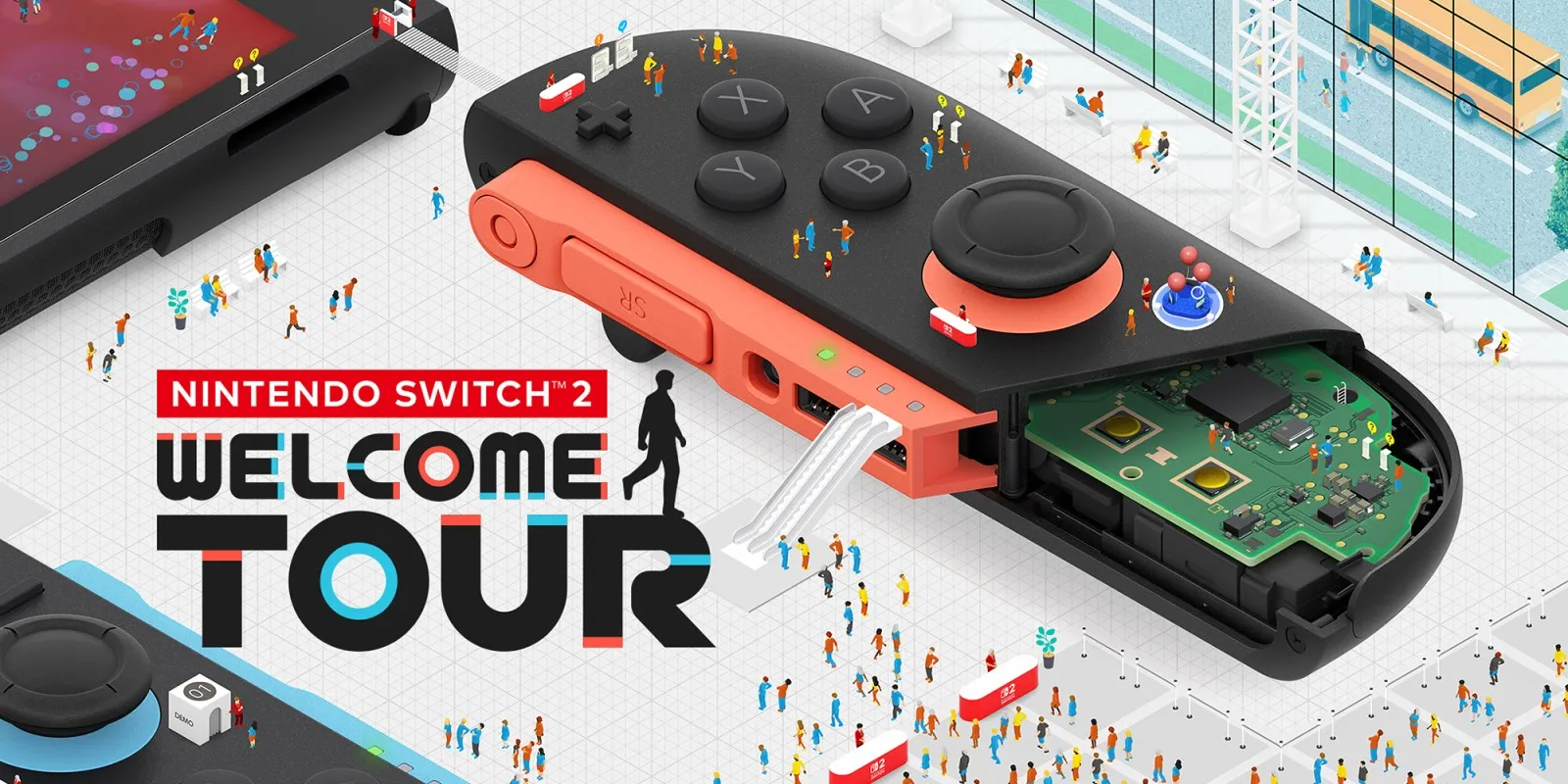
Nintendo Switch 2 Welcome Tour plays on the Mac at about 60 fps, tested on a 16 GB Apple M6 Mac mini through the opening movie, character selection, the venue introduction and walking around Area A (Joy-Con 2 (L)). Exhibits and later areas still need further testing, and no iPhone or iPad run has been tested yet.
How it runs
In Area A, the venue holds about 60 fps on the tested M6 Mac mini (16.66 to 16.67 ms median frame time, 8.5 to 8.8 ms median GPU time), using about 6.7 GB of resident memory. First-use pipeline compilation still causes brief hitches as new effects appear.
Two exhibits — Balloon Hunt (Area I) and Stunt Driving (Area K) — use hardware ray tracing. Balloon Hunt now reaches its "Single Balloons" title and instructions screen through nxnative's Metal ray-tracing backend without crashing, reaching about 8.1 GB of resident memory on the M6 Mac mini. Full mouse gameplay in Balloon Hunt, its final 3D scene and Stunt Driving have not been tested yet.
Bring update v262144
Tested with update v262144 (its display version is unknown because the tested .nup carries no control metadata or icon). Because that .nup omits app metadata, pass --app-name "Nintendo Switch 2 Welcome Tour" when you Pack (and --icon <image> if you want a custom app icon).
Controls
The Packed app starts in the 2D touch layout. On the Mac, standard gamepad input advances dialogue, confirms character selection and moves with the left stick. nxnative's host mouse support was checked separately on this Game, but a real Joy-Con 2's mouse sensor and rumble have not been validated during this bring-up.
Good to know
- Because Nintendo Switch 2 Welcome Tour is a Nintendo Switch 2 Game, Packing from a
.nupfile or dump folder needs noprod.keys. - First-time preparation of the ray-tracing pipeline takes significantly longer than normal shader startup (about 110 seconds cold in isolated Mac testing), dropping to 11 to 17 ms once cached.
- An unsigned 1.7 GB IPA compiles cleanly, but iPhone runtime and memory limits have not been verified yet.
Known issues
- Only Area A (Joy-Con 2 (L)) and the Balloon Hunt entry screen have been tested; exhibits, later areas, Stunt Driving and real Joy-Con 2 mouse and rumble features need further testing.
- No iPhone or iPad run has been tested yet. An unsigned IPA builds, but iPhone memory and ray-tracing behaviour remain untested.
- First-use graphics pipeline preparation causes hitches, and the first cold build of the ray-tracing pipeline took about 110 seconds in an isolated Mac test (about 11 to 17 ms once cached).
Packing command
Run this in your nxnative folder on the Build Mac. Replace the game path with your .nup file or the folder of the game's files. It builds a Mac app, the only kind tested so far; leave out --platform mac-app for an iPhone and iPad app, which is untested.
python3 scripts/build_ipa_from_nsp.py ~/Games/nintendo-switch-2-welcome-tour --platform mac-appFAQ
Does Nintendo Switch 2 Welcome Tour work with nxnative?
Yes. Nintendo Switch 2 Welcome Tour is tested with nxnative on update v262144 and runs at 60 fps.
Which iPhone, iPad or Mac do I need to play Nintendo Switch 2 Welcome Tour?
Nintendo Switch 2 Welcome Tour is a Nintendo Switch 2 Game. So far it has been tested on the Mac only, which needs Apple silicon; an iPhone and iPad app can be packed but is untested. Packing needs a Mac with macOS 26.6 or later and Xcode 27.2.
Is Nintendo Switch 2 Welcome Tour included?
No. Neither this site nor nxnative includes any game. You Pack Nintendo Switch 2 Welcome Tour from your own copy of the game.
Does online play work in Nintendo Switch 2 Welcome Tour?
Online play in Nintendo Switch 2 Welcome Tour is not confirmed to work, so do not count on it.