Every fact on this page applies to update 1.1.0, the one version tested. Other versions may behave differently.
No emulator needed: Metroid Prime 4: Beyond runs natively on the Apple chip. How nxnative compares with emulators
How Metroid Prime 4: Beyond runs
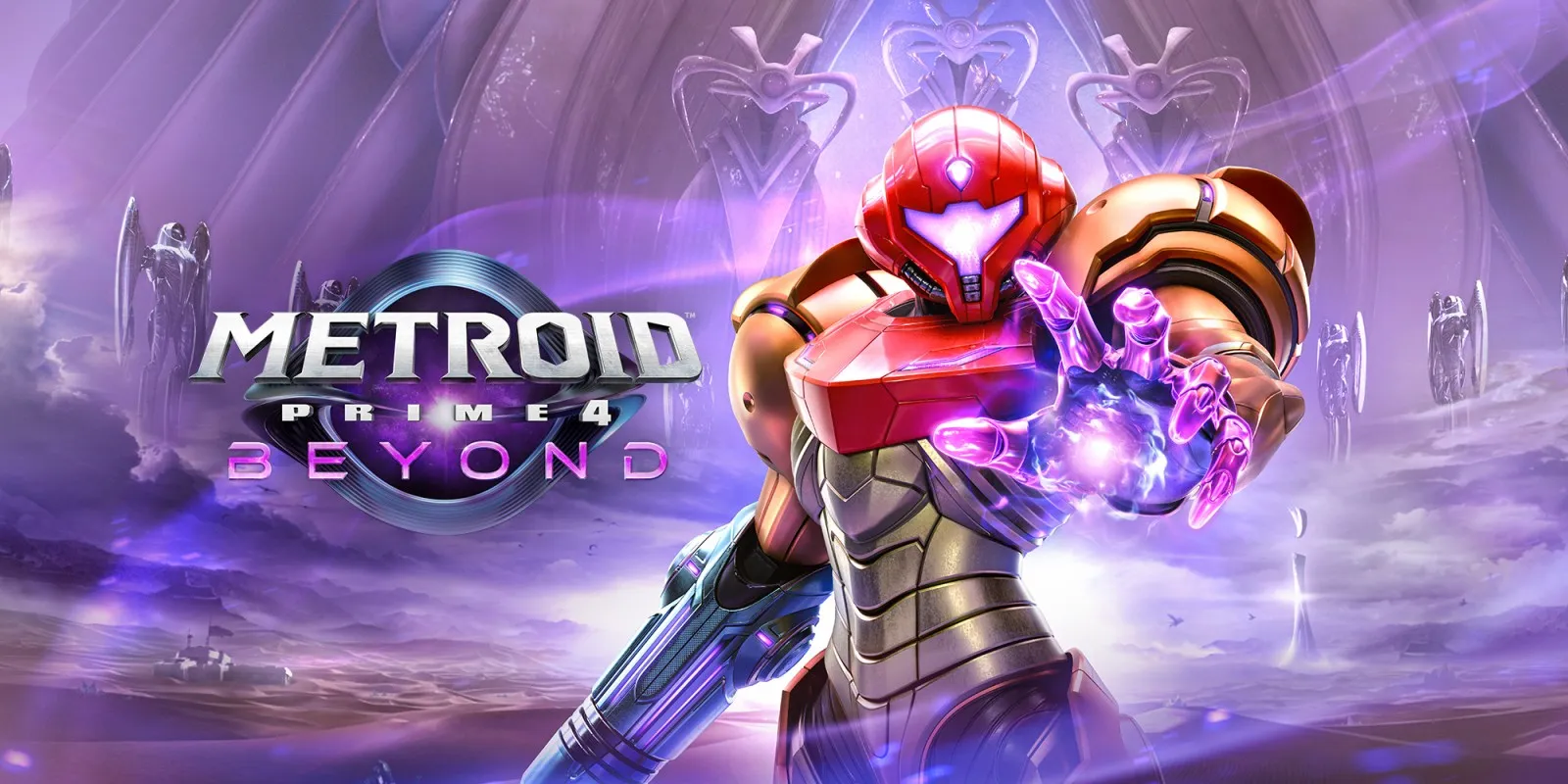
Metroid Prime 4: Beyond, the Nintendo Switch version, plays on the Mac at 60 fps. Tested through the opening movie, the title, the menu, the save slot and difficulty screens, a new game's opening (the Federation base under attack and Samus's gunship landing) and about a minute in the first area of Tanamaar: walking, turning and firing, with the visor HUD, the radar, the map and the hint texts. No iPhone app has been built yet.
How it runs
It needed no change to nxnative itself, only one graphics setting of its own. Frames hold 60 fps in play on an Apple M6 Mac, at 1600x900. Memory levels off at about 4.0 GB in the first area.
The game makes sound, but the project developers have not listened to it yet.
Bring update 1.1.0
Tested with update 1.1.0. Put it in the same folder as the base game before you Pack. The base game alone has not been run.
Controls
The Packed app starts in the 2D touch layout. The left stick walks, the right stick turns and A fires. The game's hints say ZL locks on; that has not been tried.
Good to know
- Packing takes a long time and a lot of space: on an Apple M6, preparing the game's graphics took about four and a half hours, and the prepared graphics for the Mac come to about 84 GB.
- After a long frame, such as the first use of a new effect, the game sometimes runs at 30 fps for 5 to 20 frames before returning to 60.
- From a fresh save the title answers to A after about a minute, and the game gives control on Tanamaar about two and a half minutes after choosing the difficulty.
- Combat, scanning, the Morph Ball, the psychic abilities, later areas, bosses, saving at a station and loading a save have not been tested yet.
Known issues
- No iPhone app has been built or tested yet.
- After a long frame, the game sometimes drops to 30 fps for 5 to 20 frames.
- Only the opening and the first minute of Tanamaar have been played.
Packing command
Run this in your nxnative folder on the Build Mac. Replace the game folder and the keys path with your own. It builds a Mac app, the only kind tested so far; leave out --platform mac-app for an iPhone and iPad app, which is untested.
python3 scripts/build_ipa_from_nsp.py ~/Games/metroid-prime-4-beyond -k ~/keys/prod.keys --platform mac-appFAQ
Does Metroid Prime 4: Beyond work with nxnative?
Yes. Metroid Prime 4: Beyond is tested with nxnative on update 1.1.0 and runs at 60 fps.
Which iPhone, iPad or Mac do I need to play Metroid Prime 4: Beyond?
So far Metroid Prime 4: Beyond has been tested on the Mac only, which needs Apple silicon. An iPhone and iPad app can be packed but is untested. Packing needs a Mac with macOS 26.6 or later and Xcode 27.2.
Is Metroid Prime 4: Beyond included?
No. Neither this site nor nxnative includes any game. You Pack Metroid Prime 4: Beyond from your own copy of the game, with keys dumped from your own Switch.
Does online play work in Metroid Prime 4: Beyond?
Online play in Metroid Prime 4: Beyond is not confirmed to work, so do not count on it.