Every fact on this page applies to update 1.0.5, the one version tested. Other versions may behave differently.
No emulator needed: DOOM 3 runs natively on the Apple chip. How nxnative compares with emulators
How DOOM 3 runs
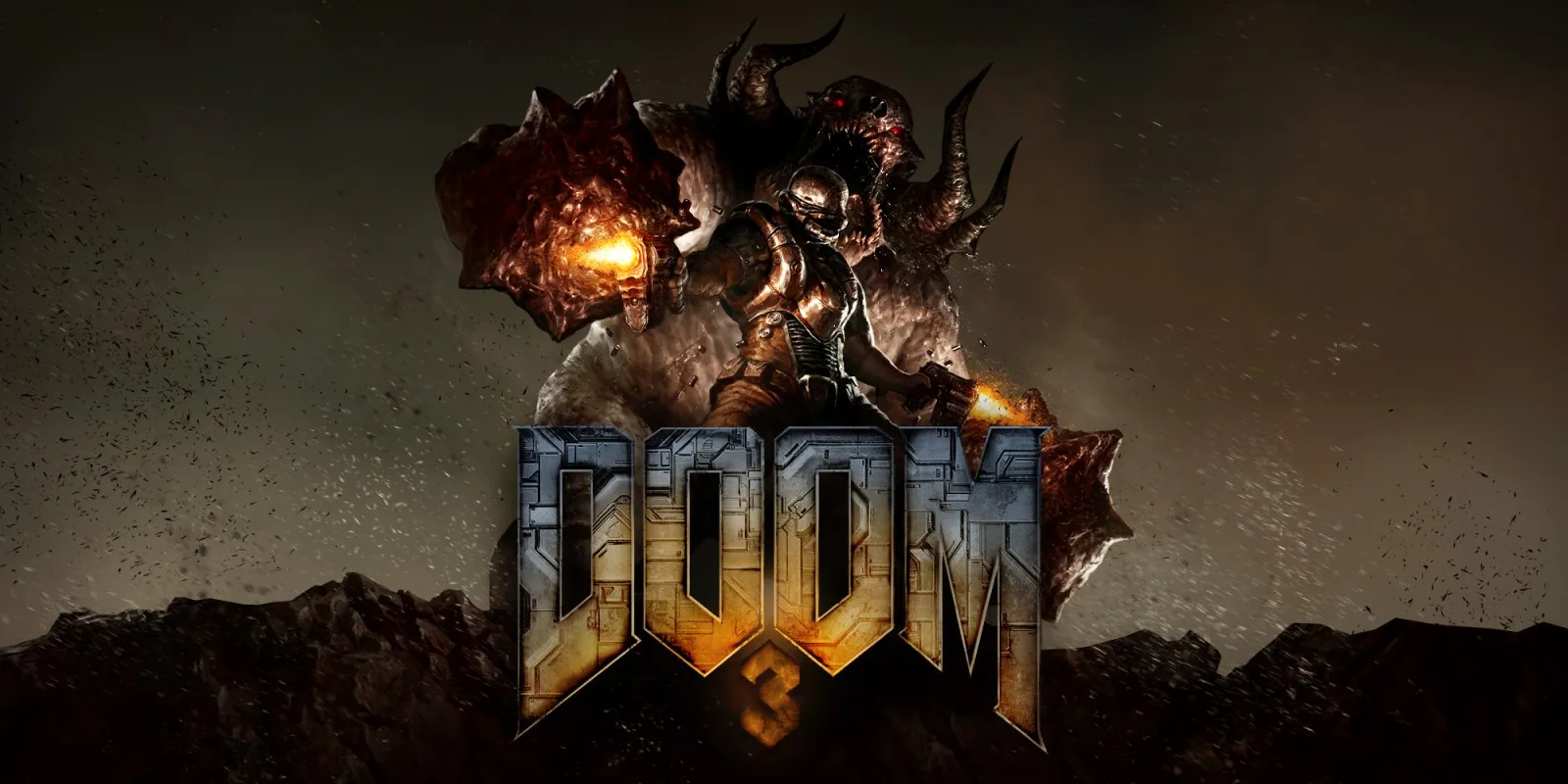
DOOM 3 plays on the Mac at 60 fps through nxnative's OpenGL-on-Metal layer, with no game-specific code patches. Tested from a fresh save through the campaign menus, intro movie and Mars City Hangar — walking, turning, saving and loading — with lighting, stencil shadows and the HUD. It has not been run on an iPhone or iPad yet.
How it runs
On an M6 Mac, play in Mars City Hangar ran for about eight minutes at a steady 60 fps, using about 0.9 GB of memory and 0.35 GB of graphics memory. Rechecks on an M4 Pro Mac also held 59.8 to 60.0 fps over 12,300 frames with no errors logged.
DOOM 3 generates its shaders from internal render programs only on first use. During packing on the Mac, nxnative's packing script runs a brief capture step that triggers the game's own converter to collect all 66 distinct shaders from its 82 render programs, covering the main campaign and its expansions. Earlier OpenGL issues — including a startup crash over extension checks, missing stencil shadows and dropped texture LOD bias — have been fixed across nxnative's OpenGL layer.
Bring update 1.0.5
Tested with update 1.0.5. Put the update in the same folder as the base game before you Pack.
Controls
The Packed app starts in the 2D touch layout. In gameplay, the left stick moves and the right stick turns; there is no mouse aim. Plus opens the pause menu for saving and loading, and the D-pad moves the cursor in the campaign menu (the left stick does not).
Good to know
- Combat, the flashlight, later levels and the Resurrection of Evil and The Lost Mission campaigns have not been played yet, though their shaders are captured during packing.
- An iPhone or iPad app requires an A17 Pro or later because the game uses BC-compressed textures.
Known issues
- iPhone and iPad gameplay has not been tested yet; an iPhone app needs an A17 Pro or later for BC texture support.
- Only the title, menus, intro movie and Mars City Hangar (walking, turning, saving and loading) have been played; combat, the flashlight, later levels, Resurrection of Evil and The Lost Mission are untested.
- Aiming uses the right stick only; the game has no mouse aim.
Packing command
Run this in your nxnative folder on the Build Mac. Replace the game folder and the keys path with your own. It builds a Mac app, the only kind tested so far; leave out --platform mac-app for an iPhone and iPad app, which is untested.
python3 scripts/build_ipa_from_nsp.py ~/Games/doom-3 -k ~/keys/prod.keys --platform mac-appFAQ
Does DOOM 3 work with nxnative?
Yes. DOOM 3 is tested with nxnative on update 1.0.5 and runs at 60 fps.
Which iPhone, iPad or Mac do I need to play DOOM 3?
So far DOOM 3 has been tested on the Mac only, which needs Apple silicon. An iPhone and iPad app can be packed but is untested. Packing needs a Mac with macOS 26.6 or later and Xcode 27.2.
Is DOOM 3 included?
No. Neither this site nor nxnative includes any game. You Pack DOOM 3 from your own copy of the game, with keys dumped from your own Switch.
Does online play work in DOOM 3?
Online play in DOOM 3 is not confirmed to work, so do not count on it.