Every fact on this page applies to update 1.0.2, the one version tested. Other versions may behave differently.
No emulator needed: Borderlands: Game of the Year Edition runs natively on the Apple chip. How nxnative compares with emulators
How Borderlands: Game of the Year Edition runs
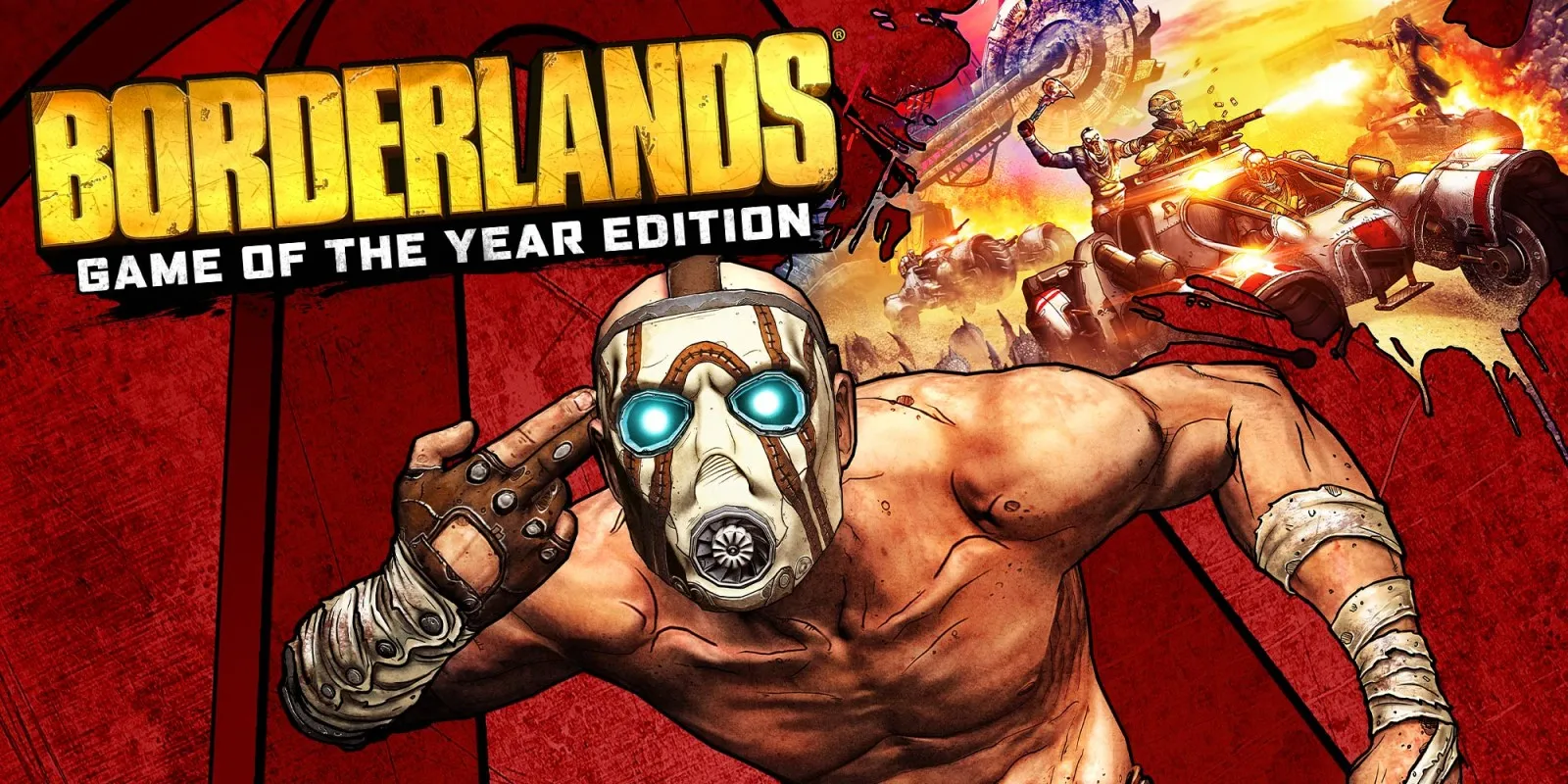
Borderlands: Game of the Year Edition plays on the Mac at 60 fps by default, up from the Switch's 30 fps. Tested through character selection, the ECHO tutorial, walking to the first Fyrestone checkpoint, saving and quitting, and reloading the character in the lobby. No iPhone or iPad app has been built yet.
How it runs
The Switch release caps itself to 30 fps by presenting every second refresh even though the engine ticks at 60 Hz. nxnative switches presentation to match the display refresh, lifting gameplay to 60 fps with normal game speed: on an M6 Mac, the Fyrestone intro averaged 59.6 fps (16.66 ms median) and first-person play after the tutorial averaged 59.9 fps (16.67 ms median), with the in-game clock matching real time. Setting DM_FPS_TARGET=30 restores 30 fps.
Earlier issues with saving — where the character list stayed empty and the saving panel did not clear — were fixed by matching Horizon's open-session account rules. A broken scope reticle caused by two-part vertex shader constants is also fixed. Saving at the first checkpoint and exiting now writes the save cleanly and shows the character in the lobby.
Bring update 1.0.2
Tested with update 1.0.2. Put the update in the same folder as the base game before you Pack.
Controls
The Packed app starts in the 2D touch layout. In menus, tap buttons briefly rather than holding them, as a hold of 0.2 to 0.3 seconds can trigger auto-repeat and register as two presses.
Good to know
- Packing uses nxnative's Mac runtime to decompress the game's Oodle shader packages; nxnative's packing script starts that helper automatically.
- Gameplay past the first Fyrestone checkpoint has not been checked yet.
Known issues
- No iPhone or iPad app has been built or tested yet.
- Only the opening through the first Fyrestone checkpoint, saving and returning to the lobby have been tested.
- In scripted testing, aiming down sights sometimes missed when pressed during the intro or tutorial, and the scoped reticle has not been compared against a console capture.
Packing command
Run this in your nxnative folder on the Build Mac. Replace the game folder and the keys path with your own. It builds a Mac app, the only kind tested so far; leave out --platform mac-app for an iPhone and iPad app, which is untested.
python3 scripts/build_ipa_from_nsp.py ~/Games/borderlands-game-of-the-year-edition -k ~/keys/prod.keys --platform mac-appFAQ
Does Borderlands: Game of the Year Edition work with nxnative?
Yes. Borderlands: Game of the Year Edition is tested with nxnative on update 1.0.2 and runs at 60 fps.
Which iPhone, iPad or Mac do I need to play Borderlands: Game of the Year Edition?
So far Borderlands: Game of the Year Edition has been tested on the Mac only, which needs Apple silicon. An iPhone and iPad app can be packed but is untested. Packing needs a Mac with macOS 26.6 or later and Xcode 27.2.
Is Borderlands: Game of the Year Edition included?
No. Neither this site nor nxnative includes any game. You Pack Borderlands: Game of the Year Edition from your own copy of the game, with keys dumped from your own Switch.
Does online play work in Borderlands: Game of the Year Edition?
Online play in Borderlands: Game of the Year Edition is not confirmed to work, so do not count on it.