Every fact on this page applies to update 2.7.7.92380, the one version tested. Other versions may behave differently.
No emulator needed: Diablo III: Eternal Collection runs natively on the Apple chip. How nxnative compares with emulators
How Diablo III: Eternal Collection runs
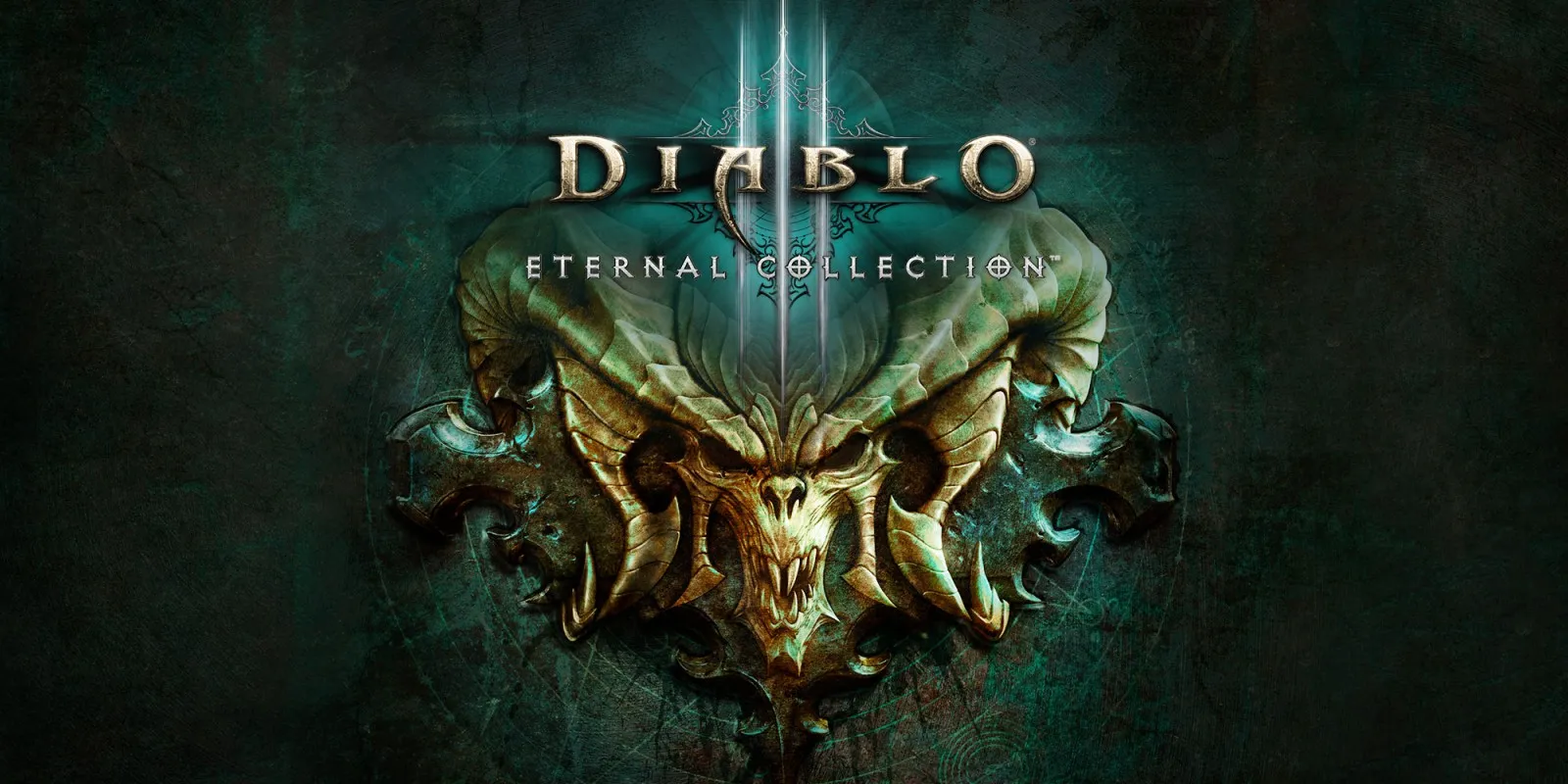
Diablo III: Eternal Collection plays on the Mac at 60 fps with sound. Tested through the logos and notices, hero creation with its class preview movies, the main menu, Normal difficulty and the Act I opening cinematic, then about seven minutes on the road into New Tristram as a Wizard: walking, casting Magic Missile and killing a zombie for experience. No iPhone app has been built yet.
How it runs
It ran with nxnative's standard settings for the game and no game-specific fix. Frames held at 60 fps throughout the seven minutes of play. Memory stayed at about 2.1 GB from the start of play to its end.
Offline, the menu shows "Disconnected from Diablo Network", as expected.
Bring update 2.7.7.92380
Tested with update 2.7.7.92380. Put it in the same folder as the base game before you Pack. The base game alone has not been checked.
Controls
The Packed app starts in the 2D touch layout. The left stick moves, A uses the first skill (the Wizard's Magic Missile, aimed at the nearest enemy) and R drinks a potion. Naming a hero opens the keyboard.
Good to know
- On a fresh save, a "New on Nintendo Switch" notice and a patch notice appear before hero creation; B closes each. Pressing B on hero creation itself goes back.
- A few frames a minute while walking in New Tristram are slow, a short hitch, mostly from the game's own work.
- The game reserves a large block of memory, close to the limit of some iPhones; how much it uses in longer play has not been measured.
Known issues
- No iPhone app has been built or tested yet.
- Walking in New Tristram, about four frames a minute take 65 to 131 ms, a short hitch.
- Only the road into New Tristram has been played.
Packing command
Run this in your nxnative folder on the Build Mac. Replace the game folder and the keys path with your own. It builds a Mac app, the only kind tested so far; leave out --platform mac-app for an iPhone and iPad app, which is untested.
python3 scripts/build_ipa_from_nsp.py ~/Games/diablo-iii-eternal-collection -k ~/keys/prod.keys --platform mac-appFAQ
Does Diablo III: Eternal Collection work with nxnative?
Yes. Diablo III: Eternal Collection is tested with nxnative on update 2.7.7.92380 and runs at 60 fps.
Which iPhone, iPad or Mac do I need to play Diablo III: Eternal Collection?
So far Diablo III: Eternal Collection has been tested on the Mac only, which needs Apple silicon. An iPhone and iPad app can be packed but is untested. Packing needs a Mac with macOS 26.6 or later and Xcode 27.2.
Is Diablo III: Eternal Collection included?
No. Neither this site nor nxnative includes any game. You Pack Diablo III: Eternal Collection from your own copy of the game, with keys dumped from your own Switch.
Does online play work in Diablo III: Eternal Collection?
Online play in Diablo III: Eternal Collection is not confirmed to work, so do not count on it.