Every fact on this page applies to update 1.2.0, the one version tested. Other versions may behave differently.
No emulator needed: Big Brain Academy: Brain vs. Brain runs natively on the Apple chip. How nxnative compares with emulators
Running through nxnative
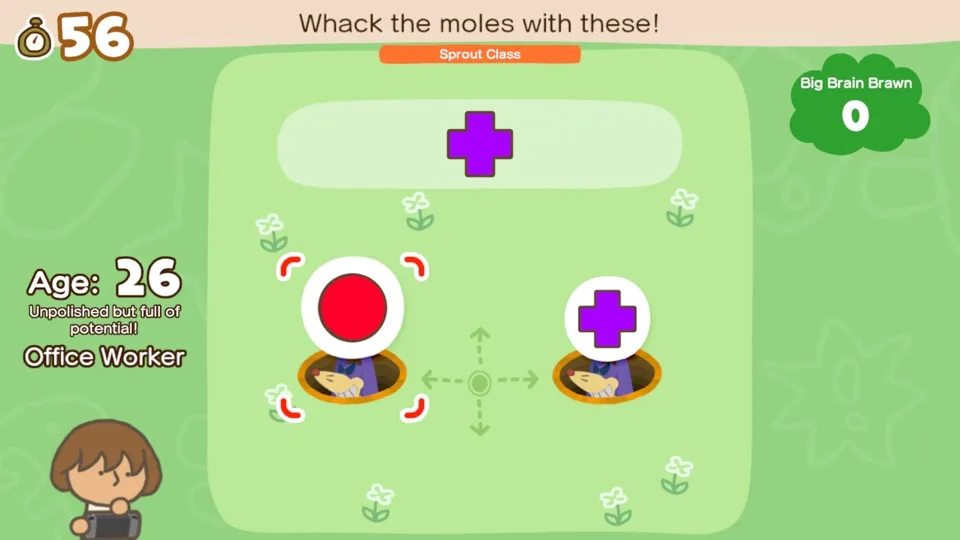
How Big Brain Academy: Brain vs. Brain runs
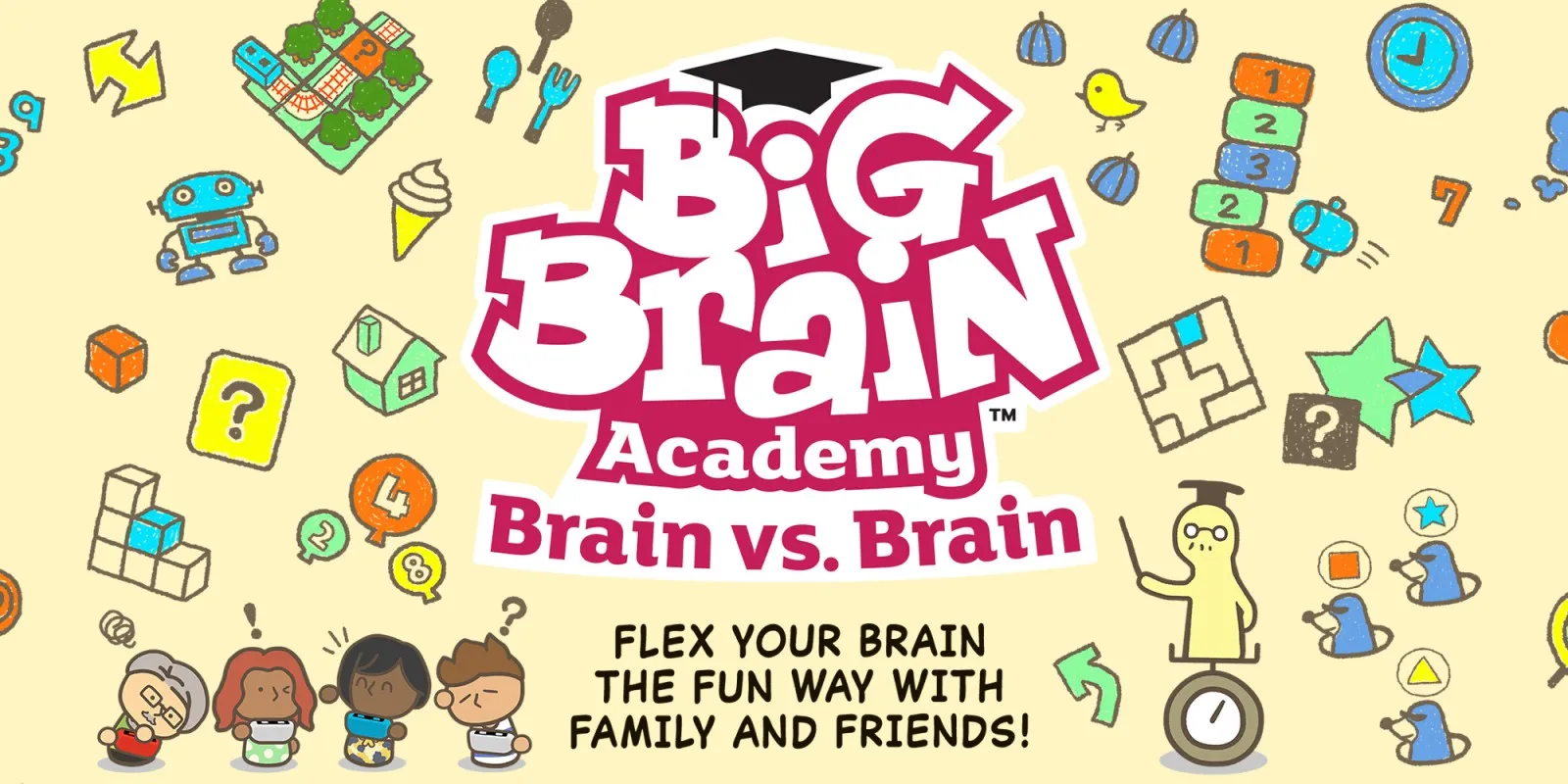
Big Brain Academy: Brain vs. Brain plays on the iPhone, and its Packed app is small: when the project developers last published sizes, it came to about 0.8 GB. It is one of the few tested Games that you can play by touch as well as with buttons.
How it runs
nxnative packs the game in handheld mode with the Switch's Boost setting, at 60 fps. On the Mac it went through enrolling a new student, the main menu, the Practice categories and a long list of activities with their results, coins and unlocks, with sound, the short activity preview videos and working saves, both by controller and by touch.
Controls
The Packed app starts in the 2D touch layout (left stick, face buttons, shoulders, minus and plus). The layout button at the top centre switches layouts in game, and the app remembers your choice. Because the game runs in handheld mode, it reads the touch screen: any touch that does not land on a virtual control goes to the game, so you can tap through menus and activities directly. In docked mode the game would ignore touch, which is why nxnative packs it handheld.
Good to know
- In one of two 15-minute test sessions the game closed during an activity. The project developers have not found the cause, and the second session ran clean.
- Tested with update 1.2.0. Other versions may behave differently.
Known issues
- In one of two 15-minute test sessions the game closed during an activity; the project developers have not found the cause, and the second session ran clean.
Packing command
Run this in your nxnative folder on the Build Mac. Replace the game folder and the keys path with your own. Add --platform mac-app to get a Mac app instead of an iPhone and iPad app.
python3 scripts/build_ipa_from_nsp.py ~/Games/big-brain-academy-brain-vs-brain -k ~/keys/prod.keysFAQ
Does Big Brain Academy: Brain vs. Brain work with nxnative?
Yes. Big Brain Academy: Brain vs. Brain is tested with nxnative on update 1.2.0.
Which iPhone, iPad or Mac do I need to play Big Brain Academy: Brain vs. Brain?
An iPhone 15 Pro or newer (A17 Pro chip or later) or an iPad with an M1 chip or later, on iOS or iPadOS 26 or later, or a Mac with Apple silicon. iPads with the A17 Pro chip (iPad mini) have the iPhone 15 Pro's chip but are untested by nxnative. Packing needs a Mac with macOS 26.6 or later and Xcode 27.1.
Is Big Brain Academy: Brain vs. Brain included?
No. Neither this site nor nxnative includes any game. You Pack Big Brain Academy: Brain vs. Brain from your own copy of the game, with keys dumped from your own Switch.
Does online play work in Big Brain Academy: Brain vs. Brain?
Online play in Big Brain Academy: Brain vs. Brain is not confirmed to work, so do not count on it.