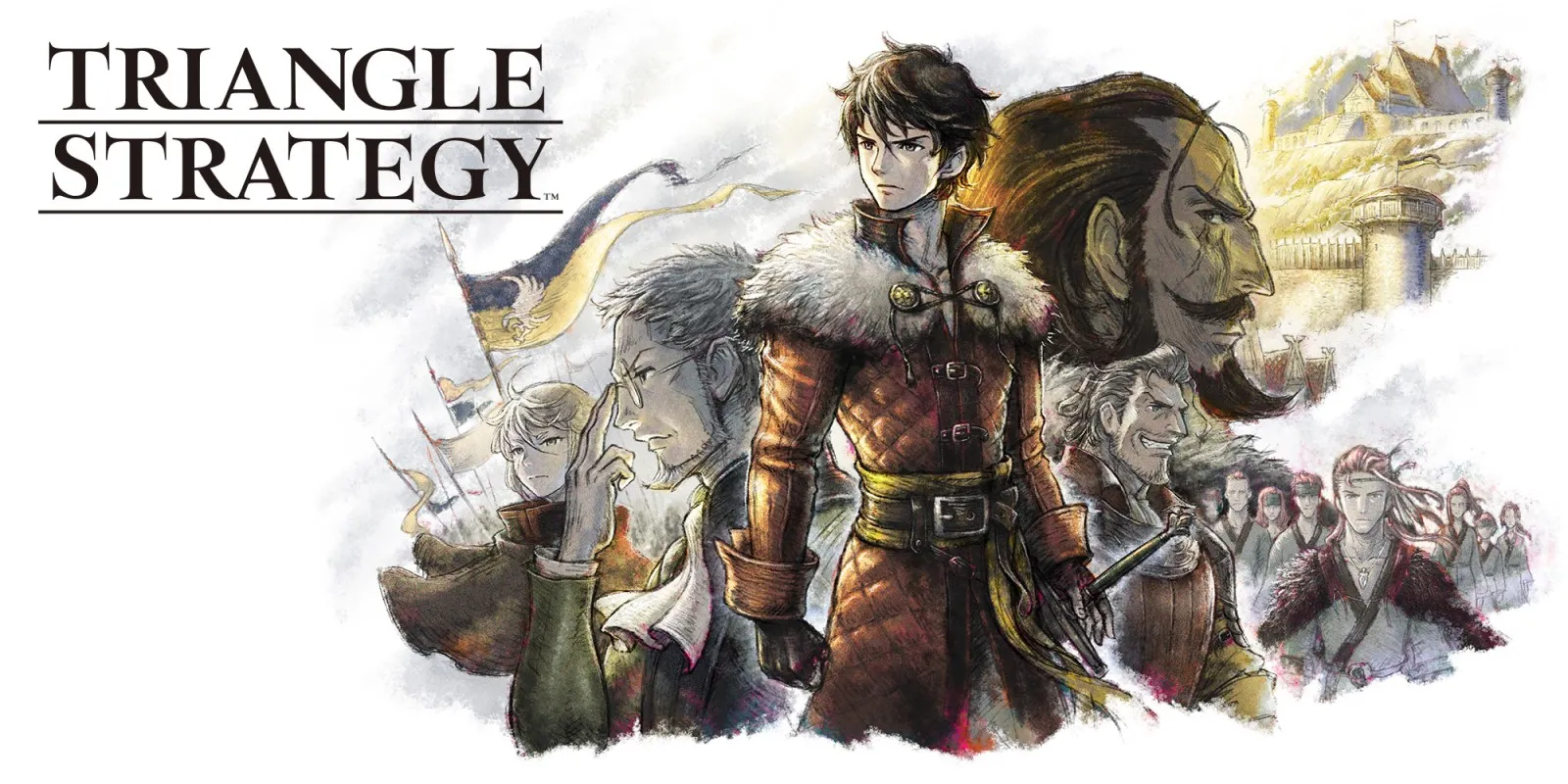
Every fact on this page applies to update 1.1.1, the one version tested. Other versions may behave differently.
No emulator needed: TRIANGLE STRATEGY runs natively on the Apple chip. How nxnative compares with emulators
Running through nxnative
How TRIANGLE STRATEGY runs
TRIANGLE STRATEGY plays on the Mac at a steady 60 fps with sound, up from 30 fps on the Switch. Tested from the title screen through a new game, the opening and the prologue into the first battle, and a quicksave and its load. No iPhone app has been built yet.
How it runs
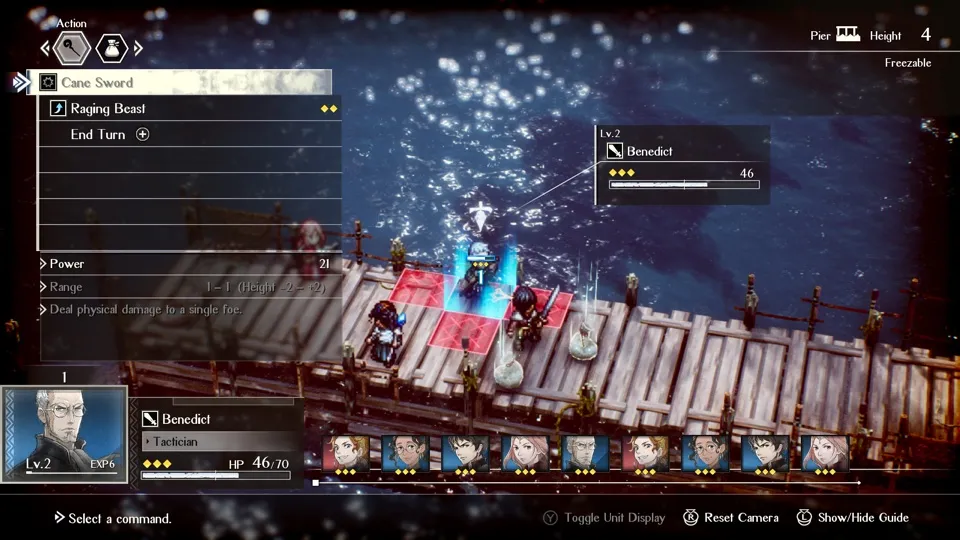
The title screen and its background movies, the narrated opening, the prologue's scenes and world map all run. In the first battle, at Wolffort Harbor, moving the camera, attacks, a fire spell, enemy turns, level ups and the battle tutorials work. The battle's last enemy was not reached, so how a battle ends and what comes after it are untested.
On the Switch the game runs at 30 fps; nxnative runs it at 60. In the opening, the game keeps to normal speed at 60 fps, the same as at 30. Battles were played at 60 fps but not compared with 30. DM_FPS_TARGET=30 in the app's env.txt file keeps the game at its original 30 fps.
Through the title, the prologue and the first battle, memory came to about 3.75 GB. Part way through one battle it rose to 4.3 to 4.5 GB and then stayed flat until the end of the run, so it is not a leak, but what causes it is not known.
Bring update 1.1.1
Tested with update 1.1.1. Put it in the same folder as the base game before you Pack.
Controls
The Packed app starts in the 3D touch layout, with a D-pad and both sticks; the right stick turns the battle camera.
- A turns a help page and B closes it. The update notice on a new save closes with B, not A.
- Plus opens the skip prompt in scenes that can be skipped.
- A dialogue choice shows no cursor at first: press a direction, then A.
- In battle, A on a unit's square opens its command menu. A on another square opens a preview called Simulation, where you cannot give orders; press B twice to return to the unit.
Good to know
- On the first battle's move tutorial, B is greyed out on its first page.
- The battle's opening dialogue cannot be skipped.
- Tested on update 1.1.1. Other versions may behave differently.
Known issues
- No iPhone app has been built or tested yet.
- The end of a battle and everything after the first battle are untested.
- Memory use rises by about 0.7 GB during the first battle; it then stays flat, but it may matter on iPhone.
Packing command
Run this in your nxnative folder on the Build Mac. Replace the game folder and the keys path with your own. Add --platform mac-app to get a Mac app instead of an iPhone and iPad app.
python3 scripts/build_ipa_from_nsp.py ~/Games/triangle-strategy -k ~/keys/prod.keysFAQ
Does TRIANGLE STRATEGY work with nxnative?
Yes. TRIANGLE STRATEGY is tested with nxnative on update 1.1.1.
Which iPhone, iPad or Mac do I need to play TRIANGLE STRATEGY?
An iPhone 15 Pro or newer (A17 Pro chip or later) or an iPad with an M1 chip or later, on iOS or iPadOS 26 or later, or a Mac with Apple silicon. iPads with the A17 Pro chip (iPad mini) have the iPhone 15 Pro's chip but are untested by nxnative. Packing needs a Mac with macOS 26.6 or later and Xcode 27.2.
Is TRIANGLE STRATEGY included?
No. Neither this site nor nxnative includes any game. You Pack TRIANGLE STRATEGY from your own copy of the game, with keys dumped from your own Switch.
Does online play work in TRIANGLE STRATEGY?
Online play in TRIANGLE STRATEGY is not confirmed to work, so do not count on it.