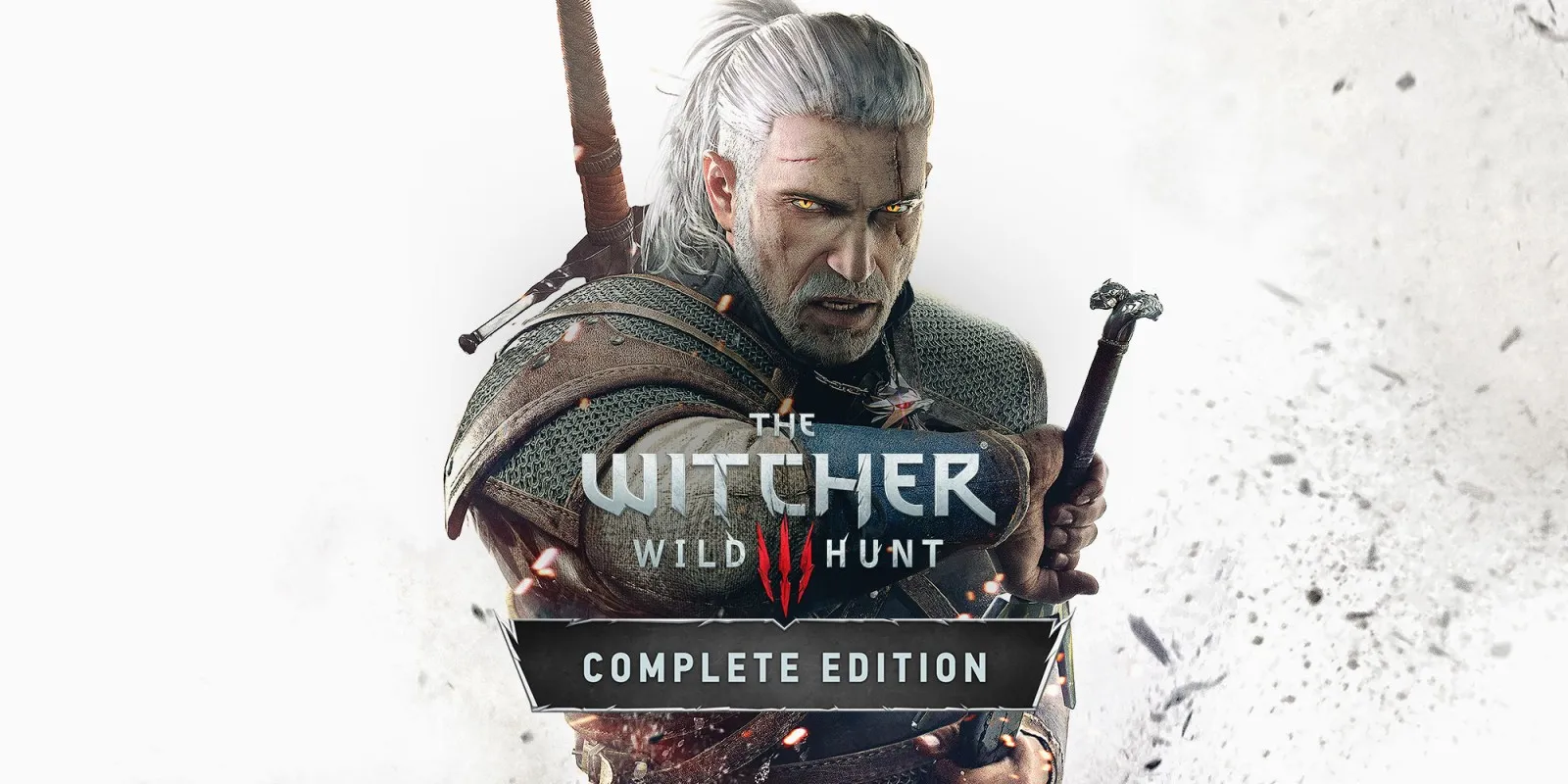
The Witcher 3: Wild Hunt — Complete Edition
Updated
Every fact on this page applies to update 4.04b, the one version tested. Other versions may behave differently.
No emulator needed: The Witcher 3: Wild Hunt — Complete Edition runs natively on the Apple chip. How nxnative compares with emulators
How The Witcher 3: Wild Hunt — Complete Edition runs
The Witcher 3: Wild Hunt — Complete Edition plays on the Mac, iPad and iPhone at 60 fps instead of the 30 fps it targets on Nintendo Switch, tested through Kaer Morhen and White Orchard with working terrain and water tessellation. On an M1 Max Mac and an M4 iPad Pro, White Orchard holds a steady 60 fps, while an iPhone Air runs it but slows down under thermal throttling.
How it runs
The Switch release normally caps itself at 30 fps, but its logic follows real time. nxnative's profile defaults to 60 fps (and lets you switch back to 30 fps from the Frame rate setting or DM_FPS_TARGET=30). On an M1 Max Mac, full builds compiling all 29,673 shaders held 60 fps in White Orchard (16.67 ms median frame time, 16.68 ms p95, about 14 ms GPU time, 2.6 GB footprint) with terrain and water drawn cleanly through nxnative's tessellation path.
On a 13-inch M4 iPad Pro (16 GB), White Orchard held 60 fps with zero dropped frames over 2¼ minutes (12.3 ms median GPU time, 2.8 GB footprint, nominal thermals). On an iPhone Air, it starts at 60 fps while cool, then drops to about 40 fps after roughly 2¼ minutes once thermal state reaches serious; at 30 fps, heavier moments like casting a sign can drop it to 20 fps until you open a light screen such as the map.
Both docked and handheld modes render at 1280x720 (the Switch port fixes that resolution in its config and code), though handheld mode (DM_OPMODE=0) uses the larger handheld HUD and slightly fewer render passes.
Bring update 4.04b
Tested with update 4.04b (v458752) on title ID 0100A0800E9C4000, which requires no patches.py cuts. Put the base game and update 4.04b in the same folder before you Pack.
Controls
The Packed app starts in the 2D touch layout.
Good to know
- The game's files come to about 35 GB, so on iPhone and iPad Pack with
--romfs separateand transfer the RomFS image separately. - Because the game reserves a 48 GiB virtual address region at startup (only committing the roughly 2.7 to 2.9 GB it actually uses), iPhone and iPad builds must be signed with both
com.apple.developer.kernel.increased-memory-limitandcom.apple.developer.kernel.extended-virtual-addressingentitlements (DM_ENTITLEMENTS); without extended virtual addressing, it fails at launch. - A prewarm list of 1,031 entries from White Orchard sessions is included.
- An exposure bug where sunlit surfaces turn white (caused by a compute histogram clear-to-fill race) is still open on 4.04b, and regions beyond White Orchard (Velen, Novigrad, Skellige), combat and in-engine cutscenes remain untested.
Known issues
- iPhone and iPad builds need the extended virtual addressing entitlement alongside increased memory limit when signing, plus `--romfs separate` because the game files are about 35 GB.
- On an iPhone Air, 60 fps drops to about 40 fps after roughly 2¼ minutes as the phone warms up, and at 30 fps heavier moments such as casting a sign can drop it to 20 fps until you open a lighter screen such as the map.
- Sunlit surfaces can get stuck overexposed (white) when a compute histogram race triggers in eye adaptation.
- Only Kaer Morhen and White Orchard have been checked; Velen, Novigrad, Skellige, combat, in-engine cutscenes and long free play are untested.
- Terrain material mip copies and thin UI text strokes awaiting in-game verification still need captures and retests on iOS.
Packing command
Run this in your nxnative folder on the Build Mac. Replace the game folder and the keys path with your own. Add --platform mac-app to get a Mac app instead of an iPhone and iPad app.
python3 scripts/build_ipa_from_nsp.py ~/Games/the-witcher-3-wild-hunt-complete-edition -k ~/keys/prod.keysPut update 4.04b in the game folder to get 60 fps.
FAQ
Does The Witcher 3: Wild Hunt — Complete Edition work with nxnative?
Yes. The Witcher 3: Wild Hunt — Complete Edition is tested with nxnative on update 4.04b. With update 4.04b it runs at 60 fps.
Which iPhone, iPad or Mac do I need to play The Witcher 3: Wild Hunt — Complete Edition?
An iPhone 15 Pro or newer (A17 Pro chip or later) or an iPad with an M1 chip or later, on iOS or iPadOS 26 or later, or a Mac with Apple silicon. iPads with the A17 Pro chip (iPad mini) have the iPhone 15 Pro's chip but are untested by nxnative. Packing needs a Mac with macOS 26.6 or later and Xcode 27.2.
Is The Witcher 3: Wild Hunt — Complete Edition included?
No. Neither this site nor nxnative includes any game. You Pack The Witcher 3: Wild Hunt — Complete Edition from your own copy of the game, with keys dumped from your own Switch.
Does online play work in The Witcher 3: Wild Hunt — Complete Edition?
Online play in The Witcher 3: Wild Hunt — Complete Edition is not confirmed to work, so do not count on it.