Every fact on this page applies to update 1.0.1, the one version tested. Other versions may behave differently.
No emulator needed: Super Mario RPG runs natively on the Apple chip. How nxnative compares with emulators
Running through nxnative
How Super Mario RPG runs
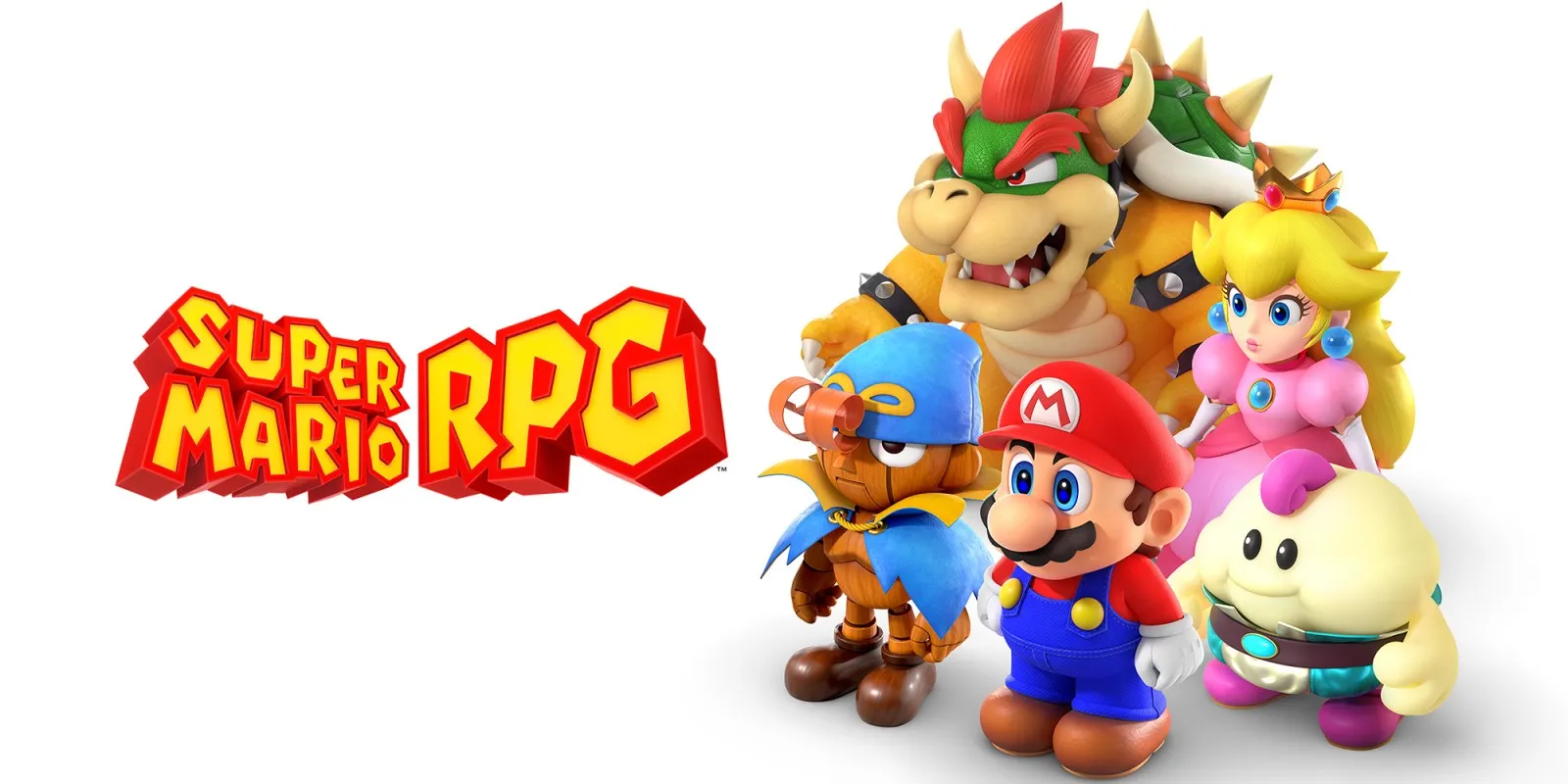
Super Mario RPG plays on the Mac at 60 fps, the rate the game asks for. Testing so far is short: from a fresh save through the opening movie, the title, a new game and its opening cutscene, into the first corridor of Bowser's Keep and the first battle. No iPhone or iPad app has been built yet.
How it runs
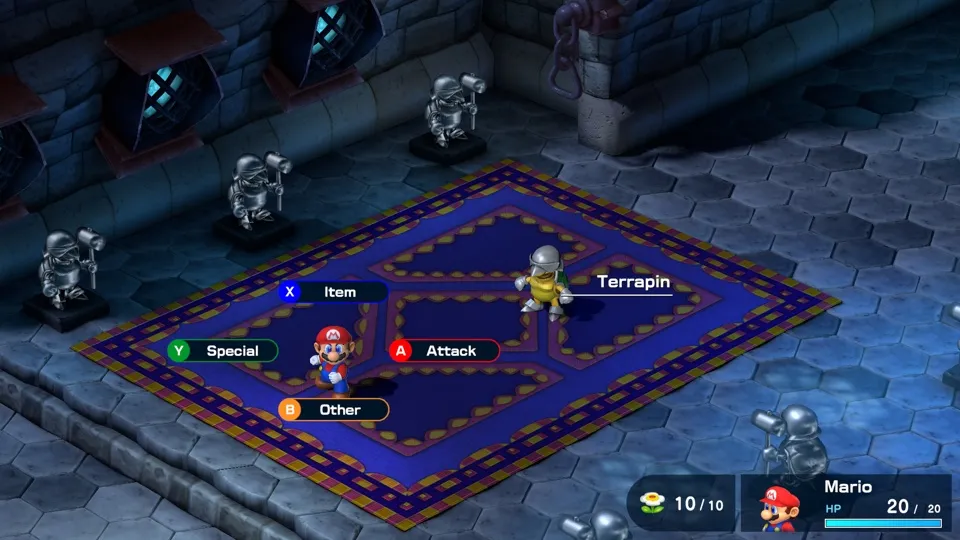
On the Mac, the opening movie plays, the title and menus work, and the new-game cutscene leads into Bowser's Keep. In the corridor Mario walks, a Terrapin comes to life and roams, and touching it starts the first battle, where an attack works. The battle was not finished.
Left alone in the battle menu, 99 in 100 frames arrived within about 24 ms. Longer frames showed up around screenshots, presses and scene changes, but the Mac was busy with other work at the time, so whether those come from the game is not known.
Over about six minutes, memory reached at most 4.71 GB, plus 0.89 GB of graphics memory. How it grows over a longer session has not been measured.
Bring update 1.0.1
Tested with update 1.0.1. Put it in the same folder as the base game before you Pack. The base game without the update has not been tried.
Controls
The Packed app starts in the 2D touch layout.
- A skips the opening movie to the title, then A starts a new game; Normal difficulty is selected first.
- In the first corridor, Up walks up and to the left.
- In battle, A attacks.
Good to know
- Building the game's shaders for the Mac took about an hour and a half, the longest step of a first Pack, on a Mac busy with other work.
- Walking towards the far door in the first corridor pans the camera to the door and leaves Mario out of frame. That is expected: he is back in view once he moves.
- Nobody has yet watched it in motion or listened to it; the checks so far are single frames and the logs.
- Everything after the first battle, including party members and saving and loading, is untested.
Known issues
- No iPhone or iPad app has been built or tested yet; memory use there is the first thing to check.
- Only the opening up to the first attack of the first battle has been tested.
- Sound has only been checked in the logs, and input only through scripted presses, not a controller or keyboard.
Packing command
Run this in your nxnative folder on the Build Mac. Replace the game folder and the keys path with your own. Add --platform mac-app to get a Mac app instead of an iPhone and iPad app.
python3 scripts/build_ipa_from_nsp.py ~/Games/super-mario-rpg -k ~/keys/prod.keysFAQ
Does Super Mario RPG work with nxnative?
Yes. Super Mario RPG is tested with nxnative on update 1.0.1.
Which iPhone, iPad or Mac do I need to play Super Mario RPG?
An iPhone 15 Pro or newer (A17 Pro chip or later) or an iPad with an M1 chip or later, on iOS or iPadOS 26 or later, or a Mac with Apple silicon. iPads with the A17 Pro chip (iPad mini) have the iPhone 15 Pro's chip but are untested by nxnative. Packing needs a Mac with macOS 26.6 or later and Xcode 27.2.
Is Super Mario RPG included?
No. Neither this site nor nxnative includes any game. You Pack Super Mario RPG from your own copy of the game, with keys dumped from your own Switch.
Does online play work in Super Mario RPG?
Online play in Super Mario RPG is not confirmed to work, so do not count on it.