Every fact on this page applies to update 1.01, the one version tested. Other versions may behave differently.
No emulator needed: South Park: The Stick of Truth runs natively on the Apple chip. How nxnative compares with emulators
How South Park: The Stick of Truth runs
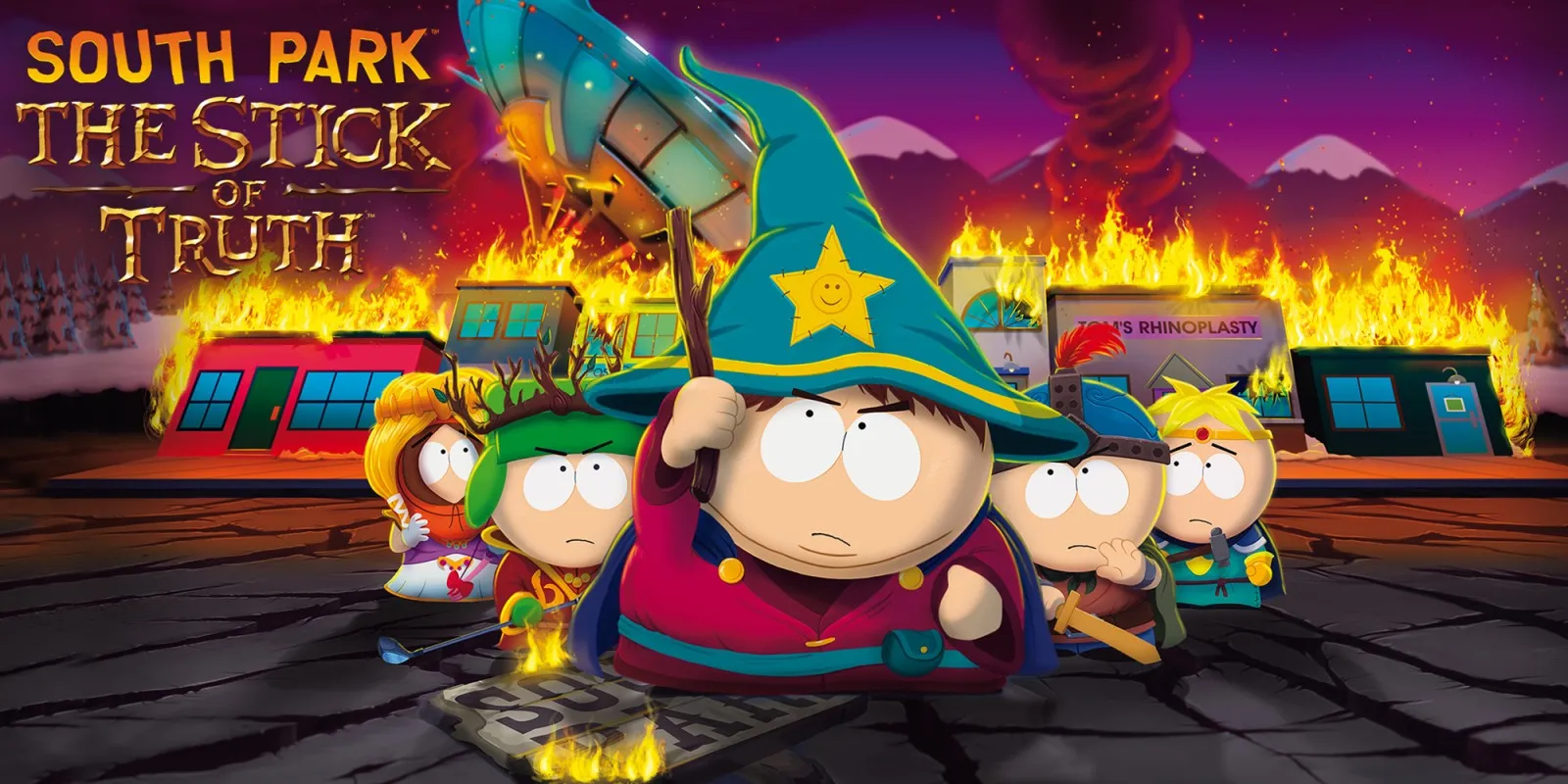
South Park: The Stick of Truth plays on the Mac at 60 fps instead of its original 30 fps, tested with update 1.01 on an Apple M6 Mac through the opening movies, title menu, character creation and the first bedroom scene. iPhone and iPad gameplay has not been tested yet.
How it runs
The game's Onyx engine sets its own internal frame rate to 30 fps even when display pacing is unlocked. nxnative patches that startup rate setter to 60 fps while keeping the engine's elapsed-time clock normal: in the opening bedroom on an Apple M6 Mac, median frame time dropped from 33.4 ms to 16.7 ms while game time advanced at the exact same speed (12.05 seconds over the same real-time window). The startup Bink logo movies still play at about 30 fps.
All 351 distinct shaders compile cleanly, six-channel audio works, and the prewarm list covers the title, character creation and opening house scene.
Bring update 1.01
Tested with update 1.01 (v65536). Put the update in the same folder as the base game before you Pack. Although the 60 fps patch also matches base version 1.0.0, only update 1.01 has a registered profile and gameplay verification.
Controls
The Packed app starts in the 3D touch layout so the right stick and D-pad are available on touchscreens.
- Press A at the title prompt and choose New Game.
- After the opening movie, make the five character choices and select Complete to enter the opening house scene.
Good to know
- Combat timing and scenes past the opening bedroom have not yet been verified at 60 fps.
- On-device iPhone and iPad testing remains open.
Known issues
- No iPhone or iPad gameplay has been tested yet.
- Mac testing stopped after the opening bedroom scene; combat timing and later scenes at 60 fps are untested.
- The base 1.0.0 version has no registered profile (though the 60 fps patch also matches it).
Packing command
Run this in your nxnative folder on the Build Mac. Replace the game folder and the keys path with your own. It builds a Mac app, the only kind tested so far; leave out --platform mac-app for an iPhone and iPad app, which is untested.
python3 scripts/build_ipa_from_nsp.py ~/Games/south-park-the-stick-of-truth -k ~/keys/prod.keys --platform mac-appPut update 1.01 in the game folder to get 60 fps.
FAQ
Does South Park: The Stick of Truth work with nxnative?
Yes. South Park: The Stick of Truth is tested with nxnative on update 1.01. With update 1.01 it runs at 60 fps.
Which iPhone, iPad or Mac do I need to play South Park: The Stick of Truth?
So far South Park: The Stick of Truth has been tested on the Mac only, which needs Apple silicon. An iPhone and iPad app can be packed but is untested. Packing needs a Mac with macOS 26.6 or later and Xcode 27.2.
Is South Park: The Stick of Truth included?
No. Neither this site nor nxnative includes any game. You Pack South Park: The Stick of Truth from your own copy of the game, with keys dumped from your own Switch.
Does online play work in South Park: The Stick of Truth?
Online play in South Park: The Stick of Truth is not confirmed to work, so do not count on it.