Every fact on this page applies to update 1.05, the one version tested. Other versions may behave differently.
No emulator needed: South Park: The Fractured But Whole runs natively on the Apple chip. How nxnative compares with emulators
How South Park: The Fractured But Whole runs
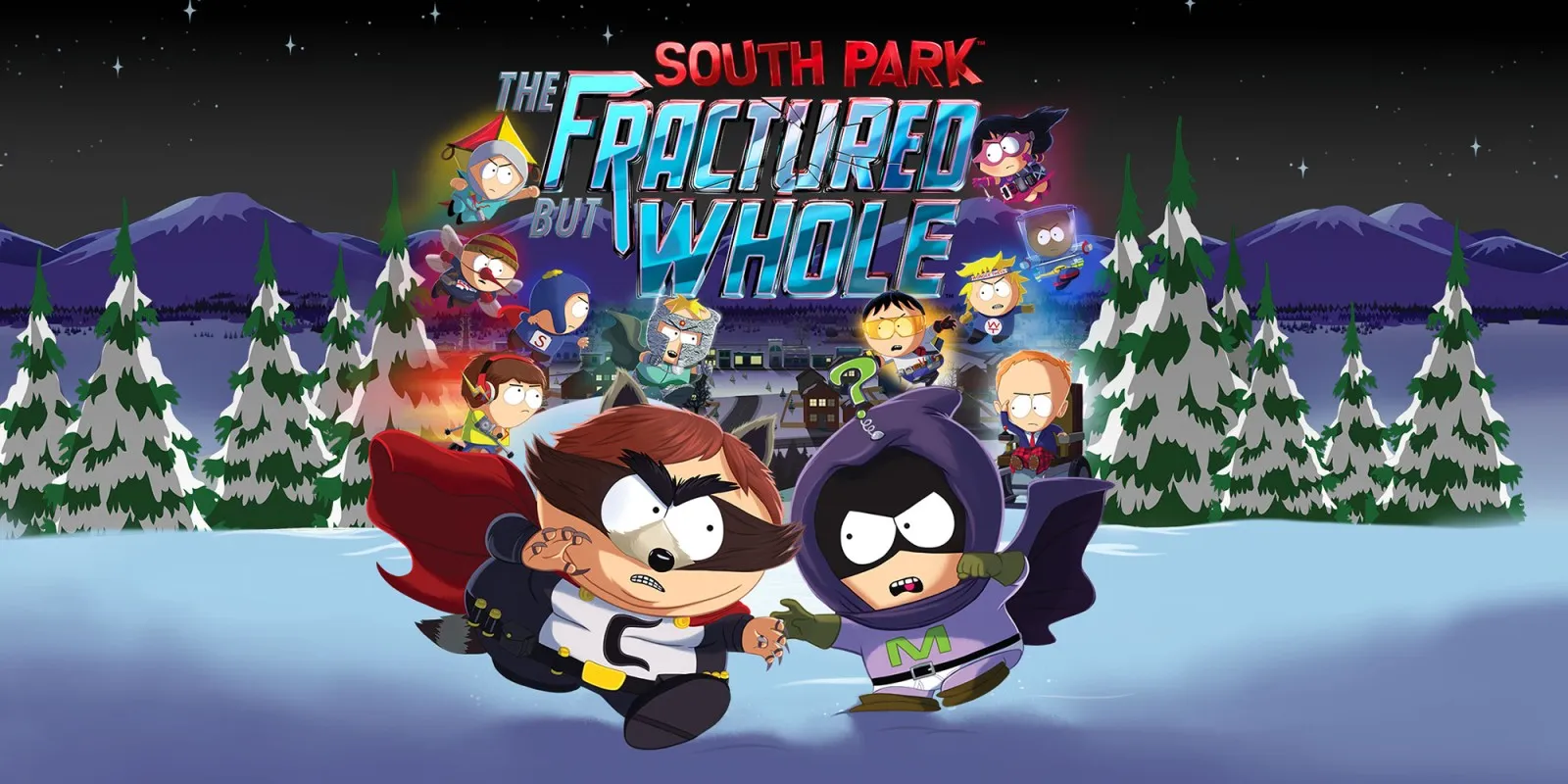
South Park: The Fractured But Whole plays on the Mac at 60 fps instead of its original 30 fps, tested with update 1.05 through the title, opening cutscenes and character creation with the character preview rendered. An earlier build ran on an iPhone 15 Pro Max, though the current 1.05 IPA still needs a device retest.
How it runs
On the Switch, the Snowdrop engine asks for a 30 fps present interval. nxnative's profile defaults to 60 fps using display pacing, and on an Apple M6 Mac mini update 1.05 ran at about 60 fps through most of the opening (with one brief dip) and no timing issues reported. You can switch back to 30 fps from the app's Frame rate setting.
On the Mac, testing also ran with the iPhone-sized alias memory limit, mounting all six DLC licences, outputting audio and writing profile.sys to the save folder. Earlier rendering problems that hid the character preview or flickered the title screen are fixed.
Bring update 1.05
Tested with update 1.05 (v327680) layered over the base game, plus six DLC licence packages. Put the base game, update 1.05 and any DLC in the same folder before you Pack. nxnative's memory-layout patch matches both 1.0 and 1.05.
Controls
The Packed app starts in the 3D touch layout.
- Press A on the title screen to reach Play and New Game.
- Hold B to skip the opening cinematic.
- In character creation, choose Next, pick a difficulty and select Create.
Good to know
- The unsigned separate-RomFS IPA builds all 4,614 shaders and includes the six DLC licences, but the current 1.05 IPA has not yet been retested on an iPhone, and 60 fps on iOS is untested.
- Battles and later areas remain to be tested to verify that the compacted 4 GB memory pools hold up over longer sessions.
Known issues
- The current 1.05 iPhone build has not been retested on an iPhone yet (an earlier build ran on an iPhone 15 Pro Max), and 60 fps has not been tested on iOS.
- Only the opening, character creation and the first interactive scene have been tested on the Mac; battles, later areas and peak memory use over sustained play are untested.
- Because nxnative compacts the engine's 12 GB virtual reservation into 4 GB to fit the iPhone memory layout, a full pool during later play could still hit the original 4 GB growth request.
Packing command
Run this in your nxnative folder on the Build Mac. Replace the game folder and the keys path with your own. Add --platform mac-app to get a Mac app instead of an iPhone and iPad app.
python3 scripts/build_ipa_from_nsp.py ~/Games/south-park-the-fractured-but-whole -k ~/keys/prod.keysPut update 1.05 in the game folder to get 60 fps.
FAQ
Does South Park: The Fractured But Whole work with nxnative?
Yes. South Park: The Fractured But Whole is tested with nxnative on update 1.05. With update 1.05 it runs at 60 fps.
Which iPhone, iPad or Mac do I need to play South Park: The Fractured But Whole?
An iPhone 15 Pro or newer (A17 Pro chip or later) or an iPad with an M1 chip or later, on iOS or iPadOS 26 or later, or a Mac with Apple silicon. iPads with the A17 Pro chip (iPad mini) have the iPhone 15 Pro's chip but are untested by nxnative. Packing needs a Mac with macOS 26.6 or later and Xcode 27.2.
Is South Park: The Fractured But Whole included?
No. Neither this site nor nxnative includes any game. You Pack South Park: The Fractured But Whole from your own copy of the game, with keys dumped from your own Switch.
Does online play work in South Park: The Fractured But Whole?
Online play in South Park: The Fractured But Whole is not confirmed to work, so do not count on it.