Every fact on this page applies to update 1.0.0, the one version tested. Other versions may behave differently.
No emulator needed: Persona 5 Strikers runs natively on the Apple chip. How nxnative compares with emulators
How Persona 5 Strikers runs
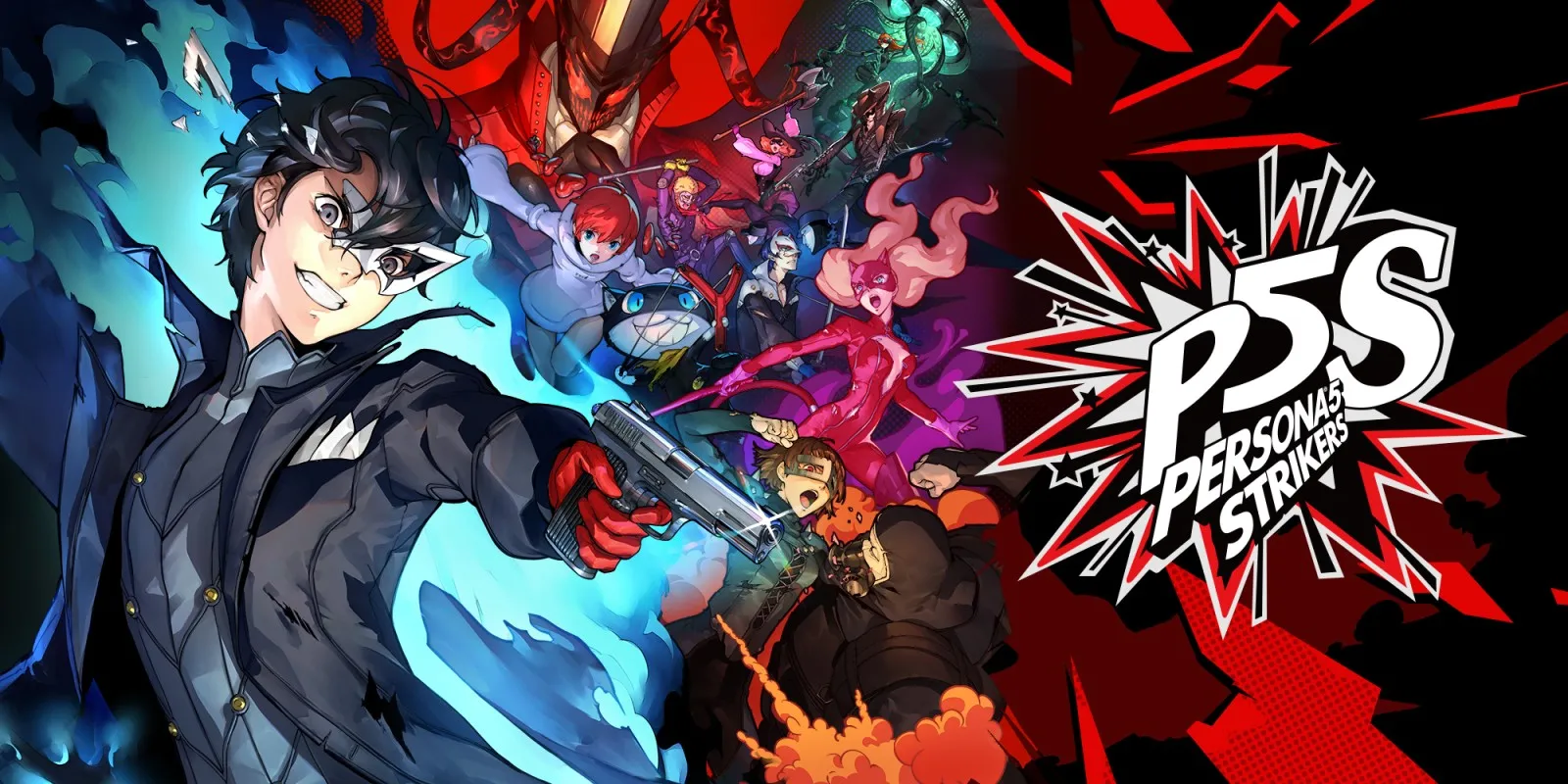
Persona 5 Strikers plays on the Mac at 60 fps instead of its original 30 fps, tested on an Apple M6 Mac from the startup logos, title and DLC grants into the opening Shibuya battle. No iPhone or iPad app has been built or tested yet.
How it runs
On the base 1.0.0 version, nxnative patches the game's internal timing and counter steps so it runs at 60 fps at normal gameplay speed. In the opening Shibuya battle on an Apple M6 Mac, a 300-frame measurement held 60 fps (16.66 ms median frame time, 17.12 ms p95), with 10.00 game seconds matching 10.02 wall seconds and normal speed confirmed during play. Memory use in that scene was about 3.3 GB resident (2.3 GB Metal).
In a diagnostic run with pipeline prebuild disabled, entering the battle paused for 15.5 seconds while compiling 48 first-use pipelines.
Version
Tested with the base game, version 1.0.0 (v0), plus two DLC licence packages. The 60 fps timing patch checks seven function fingerprints on 1.0.0 and leaves unmatched builds at their original 30 fps timing.
Controls
The Packed app starts in the 3D touch layout. On a Mac keyboard:
- J confirms, WASD moves, and Shift with the arrow keys moves the camera.
- From the title screen, choose New Game, dismiss the DLC notices, and choose Yes at the opening cutscene's skip prompt to reach the battle.
Good to know
- If your game folder holds more than one game, pass
--title-id 0100801011C3E000to nxnative's packing script. - Combat beyond the opening Shibuya battle, later areas and save/load have not been tested on the Mac yet.
Known issues
- No iPhone or iPad app has been built or tested yet.
- Mac testing stopped at the opening Shibuya battle; extended combat, later areas and saving and loading are untested.
- An optional 120 fps mode is not available yet because some internal game timers still advance too fast above 60 fps.
Packing command
Run this in your nxnative folder on the Build Mac. Replace the game folder and the keys path with your own. It builds a Mac app, the only kind tested so far; leave out --platform mac-app for an iPhone and iPad app, which is untested.
python3 scripts/build_ipa_from_nsp.py ~/Games/persona-5-strikers -k ~/keys/prod.keys --platform mac-appPut update 1.0.0 in the game folder to get 60 fps.
FAQ
Does Persona 5 Strikers work with nxnative?
Yes. Persona 5 Strikers is tested with nxnative on update 1.0.0. With update 1.0.0 it runs at 60 fps.
Which iPhone, iPad or Mac do I need to play Persona 5 Strikers?
So far Persona 5 Strikers has been tested on the Mac only, which needs Apple silicon. An iPhone and iPad app can be packed but is untested. Packing needs a Mac with macOS 26.6 or later and Xcode 27.2.
Is Persona 5 Strikers included?
No. Neither this site nor nxnative includes any game. You Pack Persona 5 Strikers from your own copy of the game, with keys dumped from your own Switch.
Does online play work in Persona 5 Strikers?
Online play in Persona 5 Strikers is not confirmed to work, so do not count on it.