Every fact on this page applies to update 4.0.0, the one version tested. Other versions may behave differently.
No emulator needed: Mario Golf: Super Rush runs natively on the Apple chip. How nxnative compares with emulators
How Mario Golf: Super Rush runs
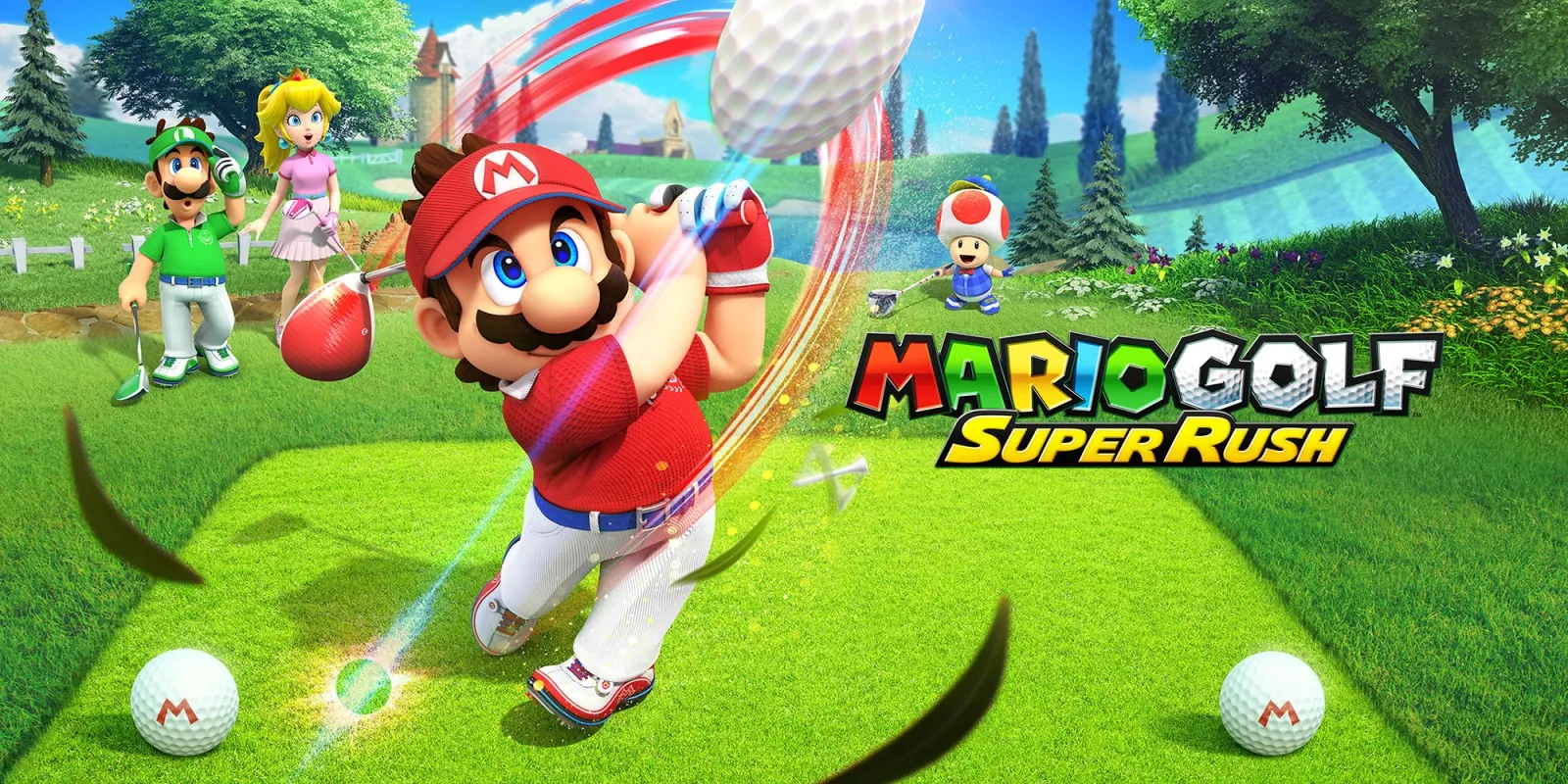
Mario Golf: Super Rush plays on the Mac at 60 fps. Tested on an M6 Mac through the opening movie, the menus and the first hole of the Rookie Course, and through the opening of Golf Adventure. A player has also reported it playable on an M1 Pro Mac, over one hole of one course. No iPhone or iPad app has been built yet.
How it runs
On the Mac, the opening movie, the title, the main menu, Play Golf's menus and character and course select all run. In Standard Golf on the Rookie Course's first hole, drives, an approach, a bunker shot and the CPU player's turns play at 60 fps, with steady 16.67 ms frames in a window on the M6.
Golf Adventure asks for a Mii, and nxnative makes one for it, so the mode starts: its opening and the first evening in the village play. The driving range lesson the next day has not been reached.
Grass blades on the fairway and rough are drawn, checked on Bonny Greens' first hole, with frames still at 16.7 ms. The aiming and putting grids are drawn at their full width. On the first hole the game used about 3.9 GB of memory plus 3.6 GB of graphics memory.
Bring update 4.0.0
Tested with update 4.0.0. Put the update in the same folder as the base game before you Pack.
Controls
The Packed app starts in the 2D touch layout (left stick, face buttons, shoulders, minus and plus). The gear at the top centre opens the in-game menu, where Controller layout switches layouts, and the app remembers your choice.
- On a new save the opening movie plays first, for about a minute.
- At the title, press L and R together to open the main menu.
- On a hole, A starts a shot and A again sets its power. Plus skips the controls pages before the first hole.
Good to know
- A full Mac shader build takes about 16 minutes on an M6.
Known issues
- Sometimes the screen goes black from the title's opening movie on, or after a later menu press, while the game itself keeps running and takes input. It happened in about a third of 20 boots; the cause is unknown.
- The sea and lava effects have not been reached in testing, so whether they draw is unknown.
- Mii heads do not appear unless nxnative is given the Mii data from the player's own console, which has not been tried with this Game.
- No iPhone or iPad app has been built yet: the game reserves more memory address space than an iPhone allows by default.
- Only the first hole of the Rookie Course in Standard Golf and the opening of Golf Adventure have been played: other courses, Speed Golf, Battle Golf, Target Golf, motion controls and online play are untested.
Packing command
Run this in your nxnative folder on the Build Mac. Replace the game folder and the keys path with your own. It builds a Mac app, the only kind tested so far; leave out --platform mac-app for an iPhone and iPad app, which is untested.
python3 scripts/build_ipa_from_nsp.py ~/Games/mario-golf-super-rush -k ~/keys/prod.keys --platform mac-appFAQ
Does Mario Golf: Super Rush work with nxnative?
Yes. Mario Golf: Super Rush is tested with nxnative on update 4.0.0 and runs at 60 fps.
Which iPhone, iPad or Mac do I need to play Mario Golf: Super Rush?
So far Mario Golf: Super Rush has been tested on the Mac only, which needs Apple silicon. An iPhone and iPad app can be packed but is untested. Packing needs a Mac with macOS 26.6 or later and Xcode 27.2.
Is Mario Golf: Super Rush included?
No. Neither this site nor nxnative includes any game. You Pack Mario Golf: Super Rush from your own copy of the game, with keys dumped from your own Switch.
Does online play work in Mario Golf: Super Rush?
Online play in Mario Golf: Super Rush is not confirmed to work, so do not count on it.