Every fact on this page applies to update 1.10.0, the one version tested. Other versions may behave differently.
No emulator needed: LEGO Star Wars: The Skywalker Saga runs natively on the Apple chip. How nxnative compares with emulators
How LEGO Star Wars: The Skywalker Saga runs
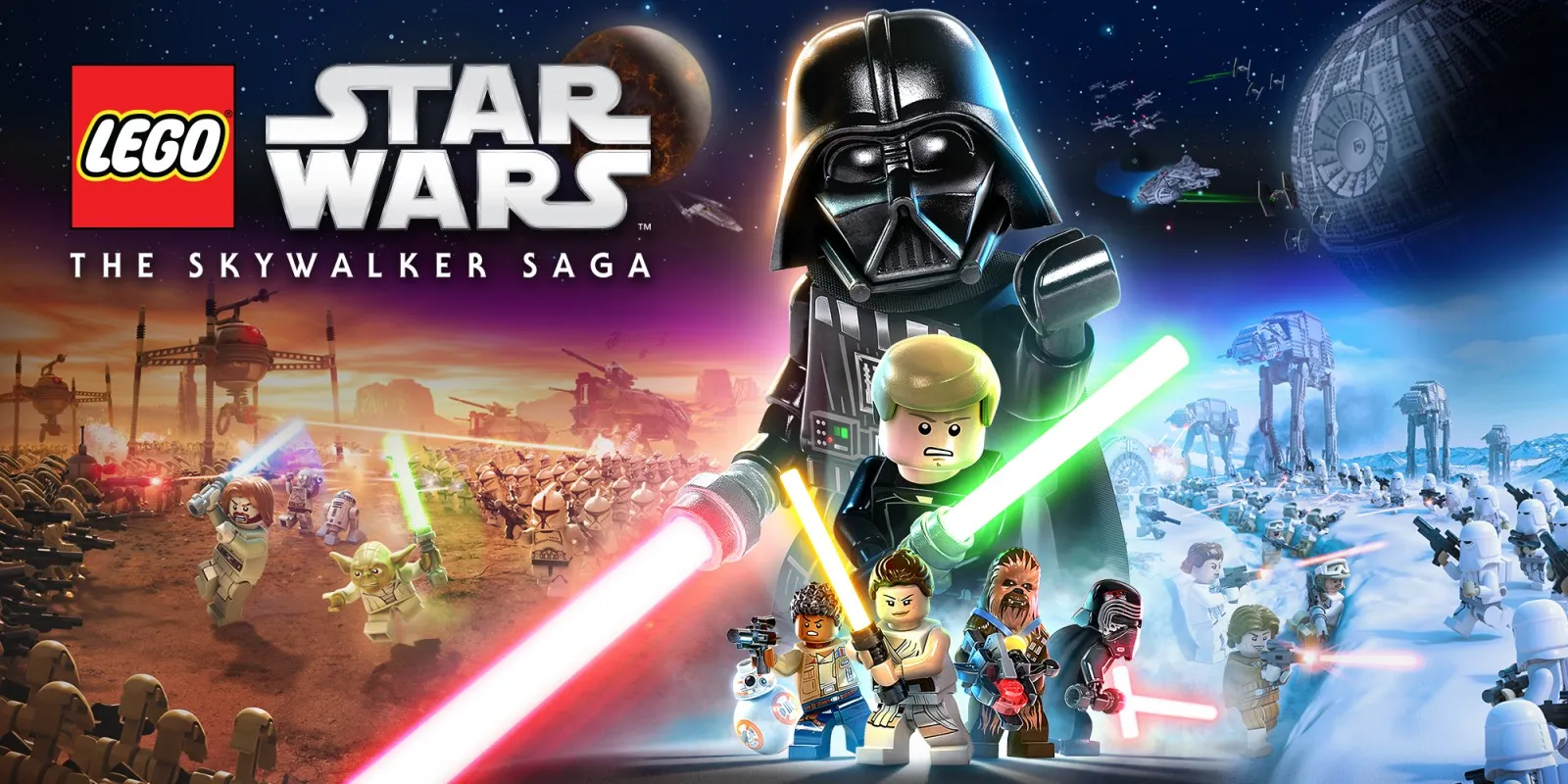
LEGO Star Wars: The Skywalker Saga plays on the Mac at 60 fps by default, up from the Switch's 30 fps. Tested on an M4 Pro Mac into Episode IV's Boarding Party corridor with characters, text, subtitles, audio and save reloading working. It has not been tested on iPhone or iPad yet.
How it runs
The Switch release asks to present every second display refresh, capping it at 30 fps. nxnative switches presentation to match the 60 Hz display refresh while the game's simulation follows elapsed time: on an M4 Pro Mac, the Boarding Party corridor dropped from 33.34 ms median frame time to 16.67 ms (60 fps), and the title montage reached the same scenes at matched wall-clock times at both 30 and 60 fps. You can switch back to 30 fps using the in-app Frame rate setting.
Earlier rendering bugs — including a missing 3D picture after the opening crawl and dropped GPU texture copies — were resolved across nxnative, and the shader extractor now reads Traveller's Tales' DAT archives and compressed add-on shaders. All 99,299 shaders (including 17 add-on packages) build cleanly for the Mac.
Bring update 1.10.0
Tested with update 1.10.0 over the base game, together with 17 add-on content packages. Put the update and any add-on packages in the same folder as the base game before you Pack.
Controls
The Packed app starts in the 2D touch layout.
Good to know
- Packing processes nearly 100,000 shaders (97,648 from the game files, 667 from the executable and 984 from the 17 add-on packages).
- Later chapters, local co-op and play on iPhone or iPad have not been tested yet.
Known issues
- iPhone and iPad gameplay has not been tested yet.
- Only Episode IV through the Boarding Party corridor, audio and save reloading have been tested; later chapters and local co-op are untested.
Packing command
Run this in your nxnative folder on the Build Mac. Replace the game folder and the keys path with your own. It builds a Mac app, the only kind tested so far; leave out --platform mac-app for an iPhone and iPad app, which is untested.
python3 scripts/build_ipa_from_nsp.py ~/Games/lego-star-wars-the-skywalker-saga -k ~/keys/prod.keys --platform mac-appFAQ
Does LEGO Star Wars: The Skywalker Saga work with nxnative?
Yes. LEGO Star Wars: The Skywalker Saga is tested with nxnative on update 1.10.0 and runs at 60 fps.
Which iPhone, iPad or Mac do I need to play LEGO Star Wars: The Skywalker Saga?
So far LEGO Star Wars: The Skywalker Saga has been tested on the Mac only, which needs Apple silicon. An iPhone and iPad app can be packed but is untested. Packing needs a Mac with macOS 26.6 or later and Xcode 27.2.
Is LEGO Star Wars: The Skywalker Saga included?
No. Neither this site nor nxnative includes any game. You Pack LEGO Star Wars: The Skywalker Saga from your own copy of the game, with keys dumped from your own Switch.
Does online play work in LEGO Star Wars: The Skywalker Saga?
Online play in LEGO Star Wars: The Skywalker Saga is not confirmed to work, so do not count on it.