Every fact on this page applies to update 1.2.1_5, the one version tested. Other versions may behave differently.
No emulator needed: FINAL FANTASY VI runs natively on the Apple chip. How nxnative compares with emulators
How FINAL FANTASY VI runs
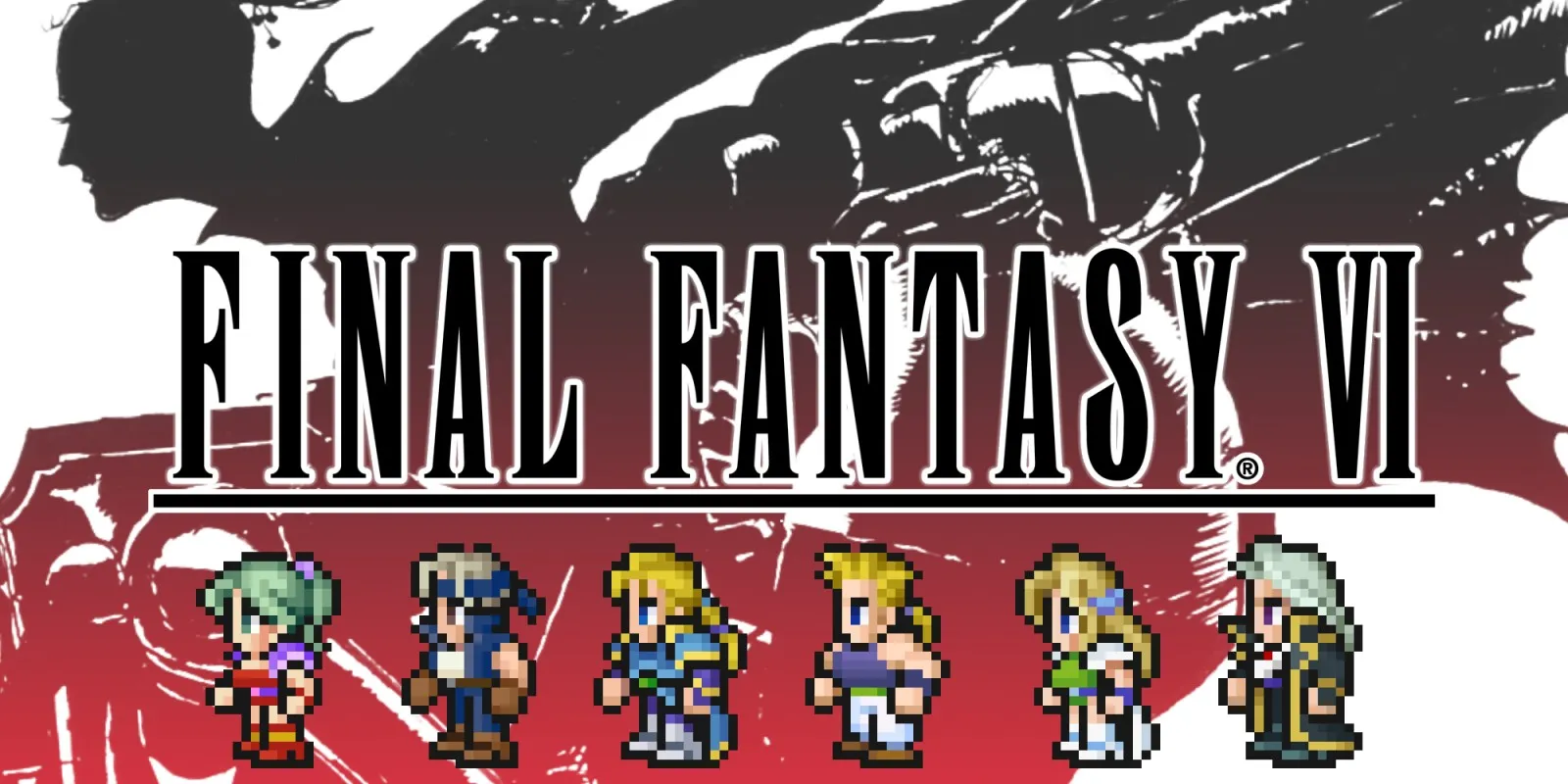
The Pixel Remaster of FINAL FANTASY VI plays on the Mac at 60 fps. A nine-minute run went through the opening narration and the march into Narshe, walking through the town, the first battle against the two guards through to the results screen, the menus and a quick save. An iPhone app has been built but not yet installed on a device.
How it runs
On a Mac with an Apple M6 the game runs at 60 fps, with a few short dips during the battle and its results screen. Memory use settled at about 1.9 GB after the battle and did not keep growing. It needs no game-specific fixes. Its memory layout was sized to fit iPhone and iPad and checked on the Mac, not on a device.
Bring update 1.2.1_5
Tested with update 1.2.1_5. Put it in the same folder as the base game before you Pack.
Controls
The Packed app starts in the 2D touch layout. A advances the title, dialogue and battle results. Plus brings up the Skip prompt during the opening narration and the march; it starts on No, so press Left, then A. Plus also closes the controls tutorial. In battle, Y turns on the game's auto-battle. X opens the menu.
To quick save, open the menu with X, press Down six times from Items to reach Quick Save, then A, then Left and A to confirm. The normal Save option works only at a save point.
Good to know
- The iPhone app came to about 1.3 GB and the Mac app to about 1.7 GB.
- Loading a quick save, normal save points, later battles and maps, long play sessions and physical controllers have not been tested yet.
Known issues
- No iPhone or iPad app has been tested yet.
- Loading a quick save, normal save points, later battles and maps, and long play sessions have not been tested yet.
- Sound has only been checked in the logs, and input only through scripted presses, not a controller.
Packing command
Run this in your nxnative folder on the Build Mac. Replace the game folder and the keys path with your own. It builds a Mac app, the only kind tested so far; leave out --platform mac-app for an iPhone and iPad app, which is untested.
python3 scripts/build_ipa_from_nsp.py ~/Games/final-fantasy-vi -k ~/keys/prod.keys --platform mac-appFAQ
Does FINAL FANTASY VI work with nxnative?
Yes. FINAL FANTASY VI is tested with nxnative on update 1.2.1_5 and runs at 60 fps.
Which iPhone, iPad or Mac do I need to play FINAL FANTASY VI?
So far FINAL FANTASY VI has been tested on the Mac only, which needs Apple silicon. An iPhone and iPad app can be packed but is untested. Packing needs a Mac with macOS 26.6 or later and Xcode 27.2.
Is FINAL FANTASY VI included?
No. Neither this site nor nxnative includes any game. You Pack FINAL FANTASY VI from your own copy of the game, with keys dumped from your own Switch.
Does online play work in FINAL FANTASY VI?
Online play in FINAL FANTASY VI is not confirmed to work, so do not count on it.