Every fact on this page applies to update 2.0.76, the one version tested. Other versions may behave differently.
No emulator needed: DRAGON BALL: Sparking! ZERO runs natively on the Apple chip. How nxnative compares with emulators
Running through nxnative
How DRAGON BALL: Sparking! ZERO runs
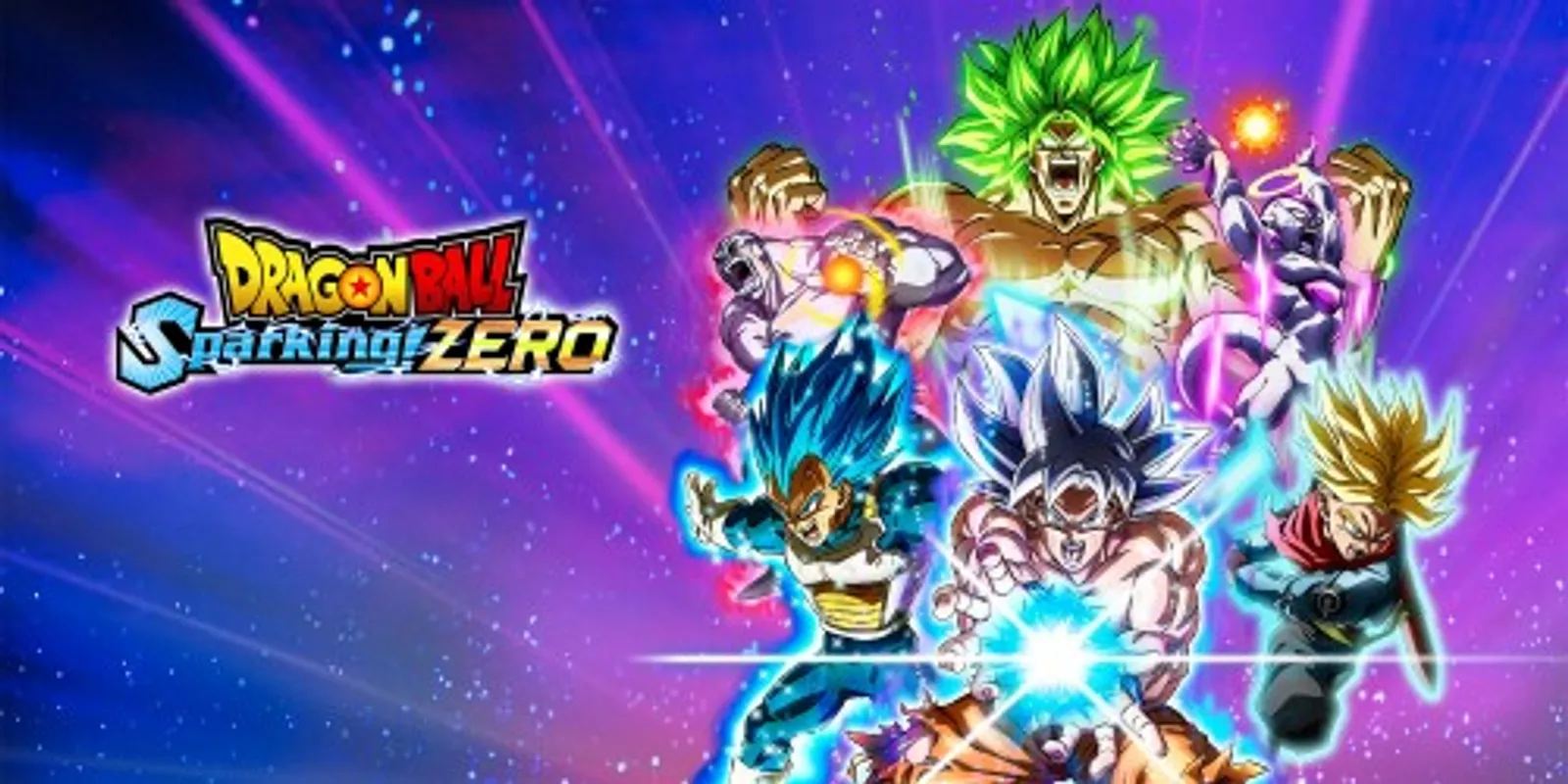
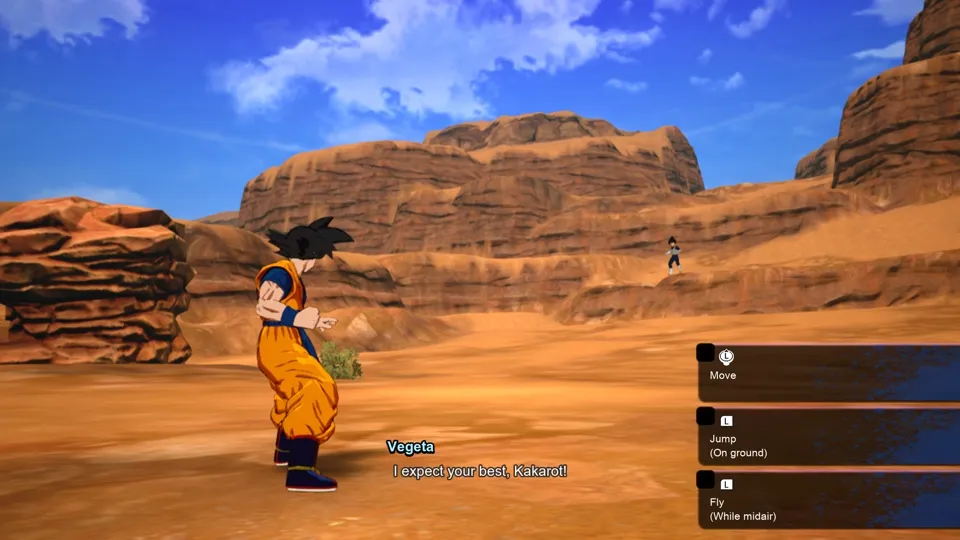
DRAGON BALL: Sparking! ZERO plays on the Mac at 60 fps, up from the 30 fps its battles run at on the Switch, and up to 120 fps on a screen that shows 120 Hz. Tested from an empty save through the opening notices, the opening scenes and movie, the title and the tutorial battle against Vegeta: moving, flying and attacking, with sound. No iPhone or iPad app has been built yet.
How it runs
The Packed app raises the battles and their cinematics from 30 to 60 fps; the title already runs near 60. In the tutorial battle the game held 56 to 60 fps, and a tester who played it in a window with sound found the speed right.
On the Mac, the Frame rate setting also offers 120 fps. A tester played about 3 minutes of the tutorial battle at 120 and found the speed right: the game held about 119 fps most of the time, with a few slower stretches of 86 to 117 fps, and dropped to 60 while a movie played.
The arena floor used to show as one flat green with no texture. This is fixed on the Mac: in the Piccolo and Gohan battle the floor shows its dirt, grass patches and tracks, and a tester played it at 60 fps. That check used the base game without update 2.0.76, and the fix has not been checked on an iPhone.
With the iPhone's memory layout on the Mac, the tutorial battle used about 2.8 to 3.2 GB of memory. The iPhone itself has not been tried.
Bring update 2.0.76
Tested with update 2.0.76 over the base game, the only version tried, with six add-on contents, among them the Pre-order Pack and the Ultimate Upgrade Pack.
Controls
The Packed app starts in the 3D touch layout, because the game is fought in a 3D arena with the D-pad and both sticks.
- On an empty save, press A at the first notice (about 30 seconds in) and through the two add-on notices, then Left and A to accept the privacy notice and Y to confirm the language. The opening follows.
- With a save, press A at the first notice, A at the autosave notice, then A at the title. The intro movie runs on into the tutorial battle.
- In battle, the left stick moves, L jumps and flies, and Y and A attack. Plus pauses, with Continue Battle, Skip Tutorial and Explanation of Controls.
Good to know
- To keep the game at its original 30 fps, set
DM_FPS_TARGET=30. - A first full Mac build prepares about 14,800 graphics programs, which the project developers report took about 12 minutes on an M6 Mac.
- On some Macs this build stopped after a few seconds while preparing the graphics programs. This is fixed.
Known issues
- Nothing past the first steps of the tutorial battle has been played: the rest of the tutorial, the episodes, other stages and characters, and the add-on characters are untested.
- No iPhone or iPad app has been built yet.
- Game speed at 60 and 120 fps was judged by eye in the tutorial battle only, not compared over the same inputs at both rates.
Packing command
Run this in your nxnative folder on the Build Mac. Replace the game folder and the keys path with your own. It builds a Mac app, the only kind tested so far; leave out --platform mac-app for an iPhone and iPad app, which is untested.
python3 scripts/build_ipa_from_nsp.py ~/Games/dragon-ball-sparking-zero -k ~/keys/prod.keys --platform mac-appFAQ
Does DRAGON BALL: Sparking! ZERO work with nxnative?
Yes. DRAGON BALL: Sparking! ZERO is tested with nxnative on update 2.0.76. On a Mac it runs at up to 120 fps on a screen that shows 120 Hz, with no particular update needed.
Which iPhone, iPad or Mac do I need to play DRAGON BALL: Sparking! ZERO?
So far DRAGON BALL: Sparking! ZERO has been tested on the Mac only, which needs Apple silicon. An iPhone and iPad app can be packed but is untested. Packing needs a Mac with macOS 26.6 or later and Xcode 27.2.
Is DRAGON BALL: Sparking! ZERO included?
No. Neither this site nor nxnative includes any game. You Pack DRAGON BALL: Sparking! ZERO from your own copy of the game, with keys dumped from your own Switch.
Does online play work in DRAGON BALL: Sparking! ZERO?
Online play in DRAGON BALL: Sparking! ZERO is not confirmed to work, so do not count on it.