Every fact on this page applies to update 1.0.3, the one version tested. Other versions may behave differently.
No emulator needed: DARK SOULS: REMASTERED runs natively on the Apple chip. How nxnative compares with emulators
Running through nxnative
How DARK SOULS: REMASTERED runs
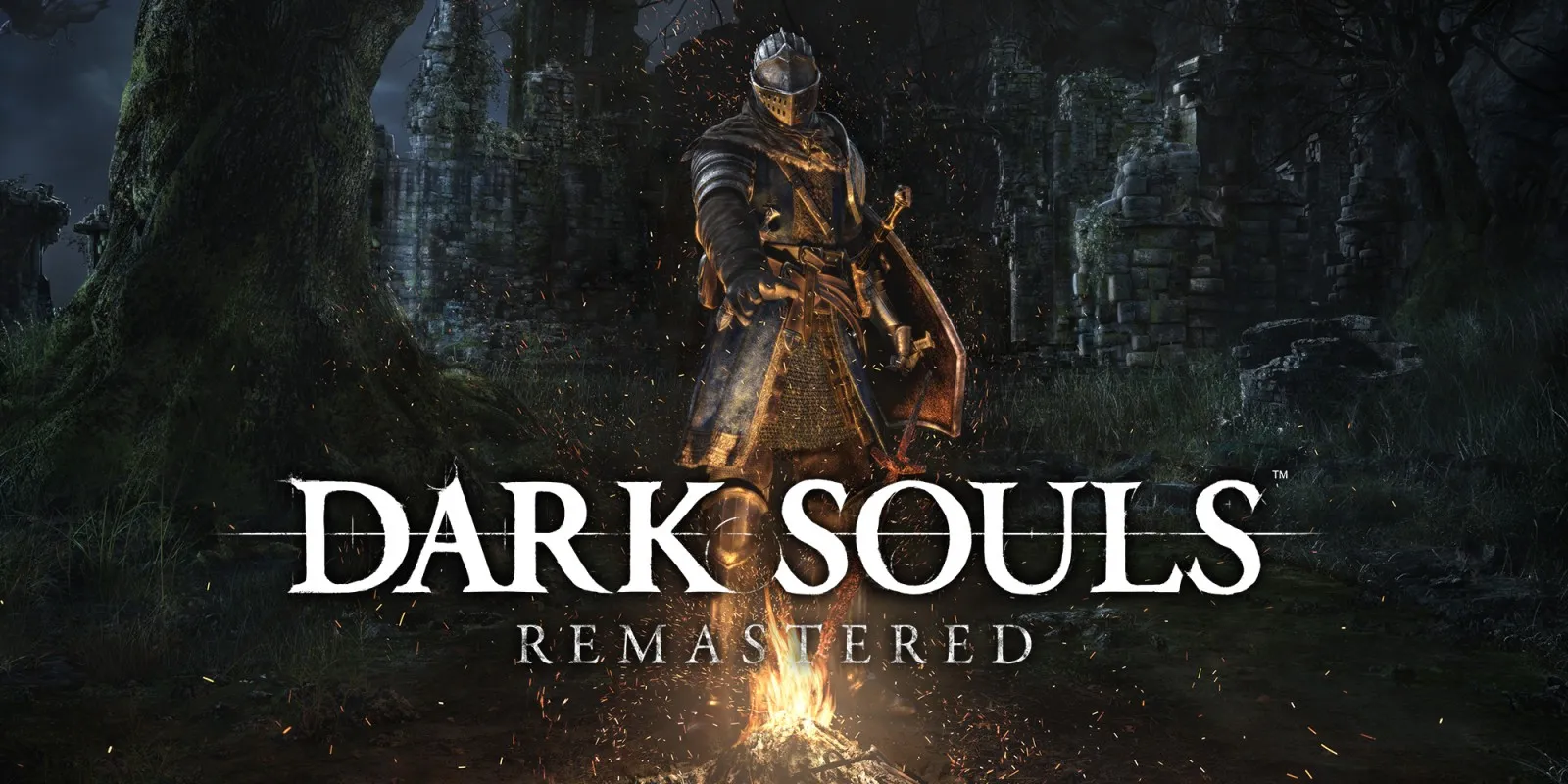
DARK SOULS: REMASTERED plays on the iPhone and, with update 1.0.3, runs at 60 fps instead of the 30 fps it has on the Switch. Its Packed app came to about 4 GB when the project developers last published sizes.
How it runs
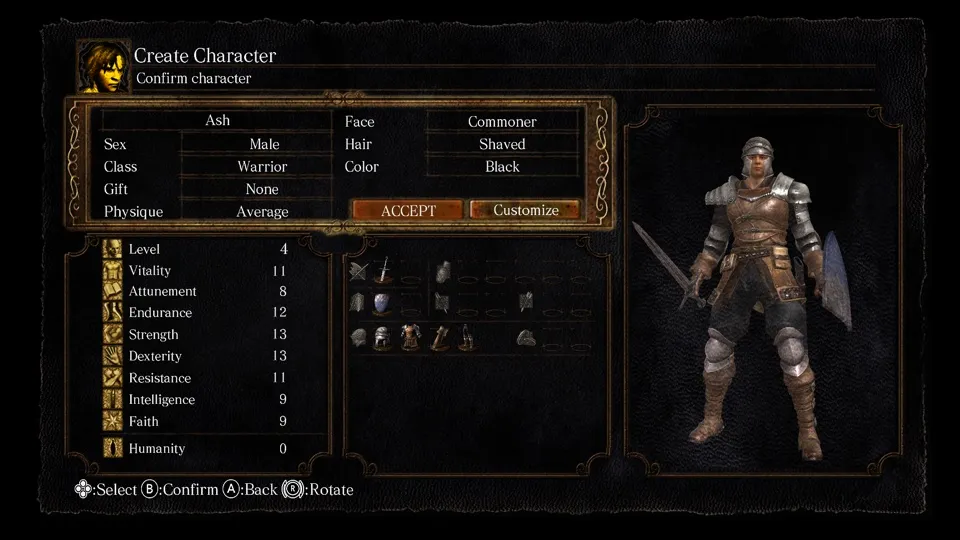
The game normally limits itself to 30 fps and steps its world by a fixed 1/30 of a second each frame. nxnative changes both values for update 1.0.3, so the game draws 60 frames a second and still plays at its normal speed. On the Mac, it was tested from the logos through character creation (naming the character with the on-screen keyboard), the opening cutscene and the Undead Asylum cell, at 60 fps with music and sound.
Bring update 1.0.3
The 60 fps result and every other fact on this page apply to update 1.0.3. Put the 1.0.3 update in the same folder as the base game before you Pack.
Controls
The Packed app starts in the 3D touch layout: a left stick, a D-pad and the face buttons, with a right stick that is not drawn. Touch anywhere in the right third of the screen that has no control on it, and that touch works as the right stick, centred where your finger lands. The game maps its buttons by position, so B confirms and A goes back, as its own prompts say. If a menu seems to ignore A, that is the game, not nxnative.
Good to know
- On first boot the game shows two notices about the network and starts in offline mode; a new game then walks you through the brightness, options and button settings.
- Climbing ladders does not yet play correctly at 60 fps.
- Once, loading a save on the iPhone stayed on the loading screen. The next launch loaded it, and the project developers have not seen it happen again.
- Grass, ferns and tree leaves were reported to draw as solid squares at Firelink Shrine and in Darkroot Garden. nxnative has since gained a general fix for this kind of problem, but it has not yet been checked on this Game.
Known issues
- Climbing ladders does not play correctly at 60 fps.
- Once, loading a save on the iPhone stayed on the loading screen; the next launch loaded it, and the project developers have not seen it again.
Packing command
Run this in your nxnative folder on the Build Mac. Replace the game folder and the keys path with your own. Add --platform mac-app to get a Mac app instead of an iPhone and iPad app.
python3 scripts/build_ipa_from_nsp.py ~/Games/dark-souls-remastered -k ~/keys/prod.keysPut update 1.0.3 in the game folder to get 60 fps.
FAQ
Does DARK SOULS: REMASTERED work with nxnative?
Yes. DARK SOULS: REMASTERED is tested with nxnative on update 1.0.3. With update 1.0.3 it runs at 60 fps.
Which iPhone, iPad or Mac do I need to play DARK SOULS: REMASTERED?
An iPhone 15 Pro or newer (A17 Pro chip or later) or an iPad with an M1 chip or later, on iOS or iPadOS 26 or later, or a Mac with Apple silicon. iPads with the A17 Pro chip (iPad mini) have the iPhone 15 Pro's chip but are untested by nxnative. Packing needs a Mac with macOS 26.6 or later and Xcode 27.1.
Is DARK SOULS: REMASTERED included?
No. Neither this site nor nxnative includes any game. You Pack DARK SOULS: REMASTERED from your own copy of the game, with keys dumped from your own Switch.
Does online play work in DARK SOULS: REMASTERED?
Online play in DARK SOULS: REMASTERED is not confirmed to work, so do not count on it.