Every fact on this page applies to update 1.0.0, the one version tested. Other versions may behave differently.
No emulator needed: Cozy Land runs natively on the Apple chip. How nxnative compares with emulators
How Cozy Land runs
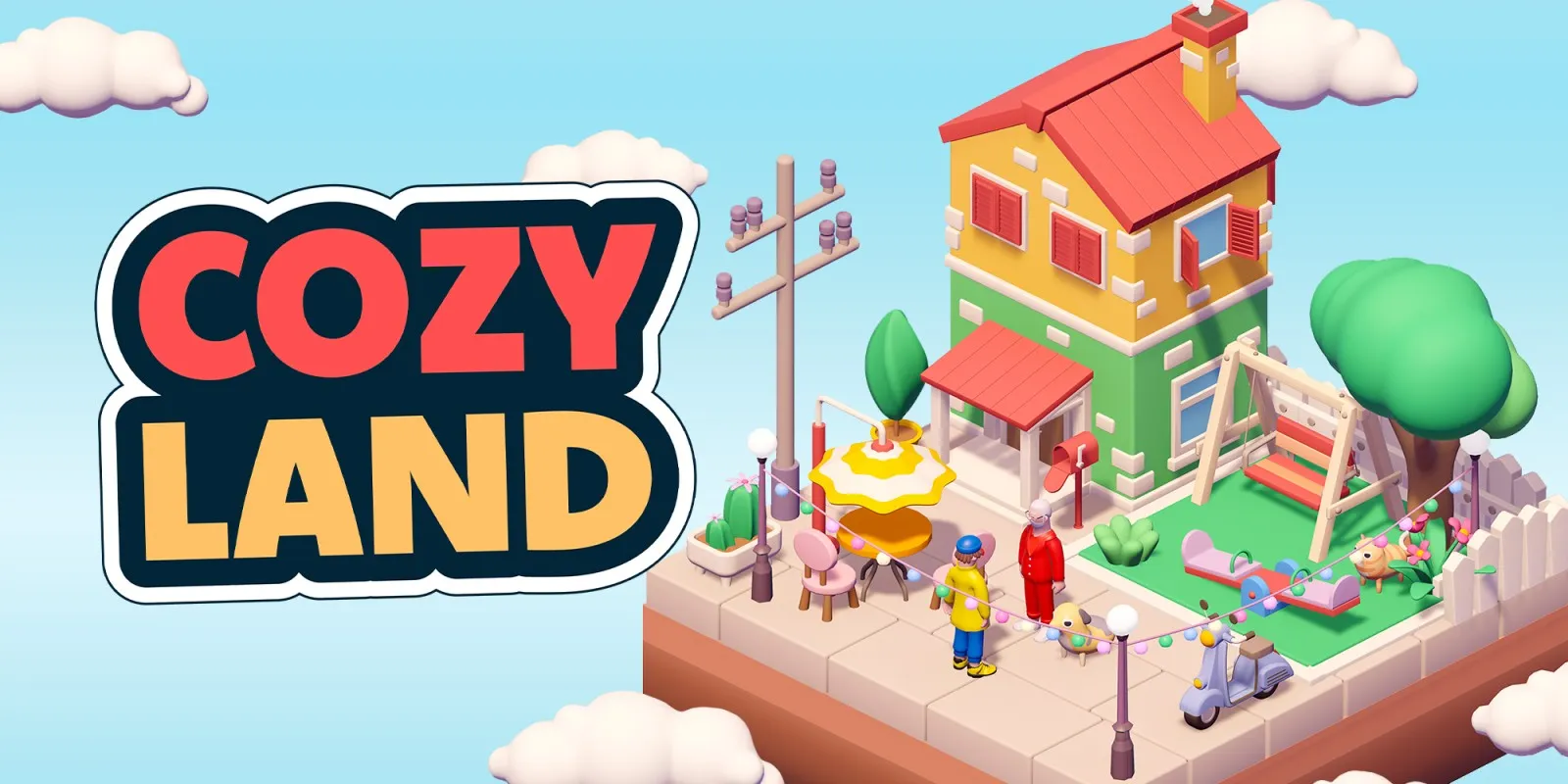
Cozy Land plays on the Mac at 60 fps with no game-specific patches, tested through the opening splash movie, animated title menu and building plots. It also ran at 60 fps in an earlier launch check on an iPhone, though that test predates nxnative's current video decoder.
How it runs
On an M6 Mac, a fresh-save run moved past the opening RedDeer.Games video into the animated title menu, opened New Creation and ran the builder with category switching, item selection, floor placement and a house preview. Frames held 60 fps (16.66 to 16.67 ms median, with 4.8 ms GPU time) and memory use sat around 2.5 GB, with no errors logged. An earlier seven-minute session on an M2 Max Mac also played at 60 fps while placing houses, shops and decorations, zooming and reshaping the plot.
On an iPhone (A20 Pro), a contributor reported 60 fps and a 0.96 GB memory footprint in a short launch check using an earlier H.264 video fix. Current nxnative uses a general codec-backed video decoder that fixed the splash screen hanging on its final red frame on the Mac; iPhone play has not been rechecked since that change.
Bring the base game
Tested on the base game, version 1.0.0, with no update needed.
Controls
The Packed app starts in the 3D touch layout so the D-pad is available for zooming and reshaping the plot. The left stick moves the cursor, A places items, B goes back, Y opens a category's item list, L and R switch categories, and the D-pad zooms (up and down) and changes plot shape (left and right). The game stays in 1920×1080 docked mode; touch input has not been tested.
Good to know
- From a fresh save, the title menu appears about 15 seconds after launch, once the splash video finishes.
- All 7,554 shaders translate cleanly, and the Mac pipeline archive prebuilds in near-zero depth mode to avoid redundant compilation on first launch.
Known issues
- The iPhone test ran on an earlier nxnative video decoder before the current replacement; current iPhone and iPad gameplay has not been rechecked.
- Long-session memory use, touch controls, item deletion (X) and object rotation (ZL/ZR) have not been tested yet.
Packing command
Run this in your nxnative folder on the Build Mac. Replace the game folder and the keys path with your own. Add --platform mac-app to get a Mac app instead of an iPhone and iPad app.
python3 scripts/build_ipa_from_nsp.py ~/Games/cozy-land -k ~/keys/prod.keysFAQ
Does Cozy Land work with nxnative?
Yes. Cozy Land is tested with nxnative on update 1.0.0 and runs at 60 fps.
Which iPhone, iPad or Mac do I need to play Cozy Land?
An iPhone 15 Pro or newer (A17 Pro chip or later) or an iPad with an M1 chip or later, on iOS or iPadOS 26 or later, or a Mac with Apple silicon. iPads with the A17 Pro chip (iPad mini) have the iPhone 15 Pro's chip but are untested by nxnative. Packing needs a Mac with macOS 26.6 or later and Xcode 27.2.
Is Cozy Land included?
No. Neither this site nor nxnative includes any game. You Pack Cozy Land from your own copy of the game, with keys dumped from your own Switch.
Does online play work in Cozy Land?
Online play in Cozy Land is not confirmed to work, so do not count on it.