Every fact on this page applies to update 1.0.2, the one version tested. Other versions may behave differently.
No emulator needed: Yoshi and the Mysterious Book runs natively on the Apple chip. How nxnative compares with emulators
Running through nxnative
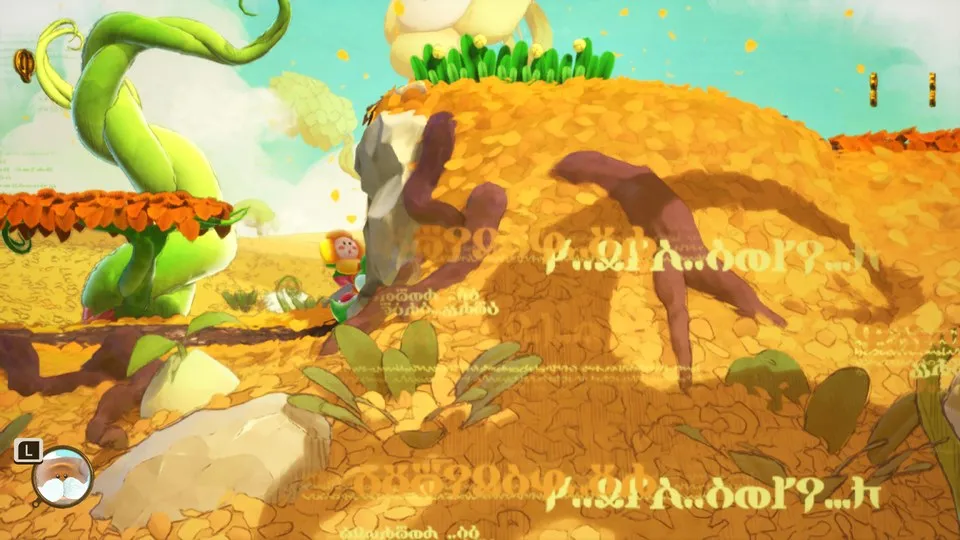
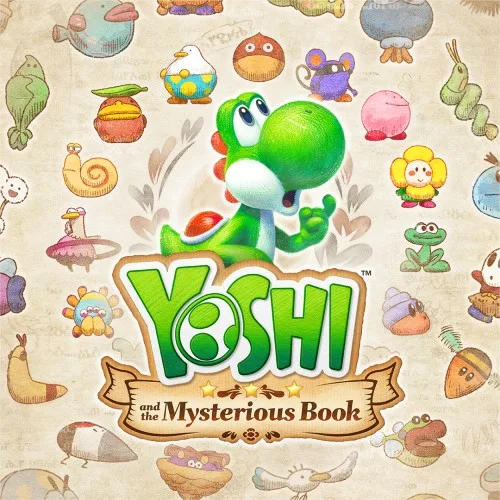
How Yoshi and the Mysterious Book runs
Yoshi and the Mysterious Book plays on the Mac at 60 fps, the game's own rate. Tested from a new save through the opening movie, Mr. E's dialogue, Chapter 1's page and the first habitat, with walking, jumping and the flower friend, then ending an exploration, saving and loading that save. No iPhone or iPad app has been built yet.
How it runs
In the first habitat on an M6 Mac with 16 GB, the median frame time is 16.7 ms, with most frames under 17.1 ms, and the game uses about half of one processor core. An occasional frame takes 65 to 79 ms. The pause menu's blurred background shows correctly, and the water on Chapter 1's page has its colour and foam.
Memory is tight: the first habitat leaves about 0.6 GB of the game's memory space free, and later chapters have not been measured, so they may run out. Another tester reports that the first level and part of the second work, with error reports on the second level that the project developers have not checked themselves.
Bring update 1.0.2
Tested with update 1.0.2 (v131072; the title screen shows Ver. 1.0.2). The game is packed from a single .nup file of 41 GB that holds the base game and the update.
Controls
The Packed app starts in the 3D touch layout, because the game is a 3D field and uses both triggers.
- From an empty save, press A at the title and A on New Game. Press Plus, then hold Plus for about two seconds, to skip the opening movie, and press A through the dialogue.
- The magnifier is on the left stick; put it on the flower and press A to enter the first habitat.
- In a habitat, the left stick walks and A jumps. To end an exploration, press Plus, move down to End Exploration and press A.
Good to know
- The game saves only when an exploration ends. Until then, a restart shows New Game again; after it, Start Game continues at Chapter 1's page.
Known issues
- Only Chapter 1's page and the first habitat have been tested; later chapters are untested and may run short of memory.
- An occasional frame takes 65 to 79 ms.
- Sound has not been listened to, and the staff roll movie has not been checked.
- No iPhone or iPad app has been built or tested yet.
Packing command
Run this in your nxnative folder on the Build Mac. Replace the game path with your .nup file or the folder of the game's files. It builds a Mac app, the only kind tested so far; leave out --platform mac-app for an iPhone and iPad app, which is untested.
python3 scripts/build_ipa_from_nsp.py ~/Games/yoshi-and-the-mysterious-book --platform mac-appFAQ
Does Yoshi and the Mysterious Book work with nxnative?
Yes. Yoshi and the Mysterious Book is tested with nxnative on update 1.0.2 and runs at 60 fps.
Which iPhone, iPad or Mac do I need to play Yoshi and the Mysterious Book?
Yoshi and the Mysterious Book is a Nintendo Switch 2 Game. So far it has been tested on the Mac only, which needs Apple silicon; an iPhone and iPad app can be packed but is untested. Packing needs a Mac with macOS 26.6 or later and Xcode 27.2.
Is Yoshi and the Mysterious Book included?
No. Neither this site nor nxnative includes any game. You Pack Yoshi and the Mysterious Book from your own copy of the game.
Does online play work in Yoshi and the Mysterious Book?
Online play in Yoshi and the Mysterious Book is not confirmed to work, so do not count on it.