Every fact on this page applies to update 1.0.3, the one version tested. Other versions may behave differently.
No emulator needed: TUNIC runs natively on the Apple chip. How nxnative compares with emulators
How TUNIC runs
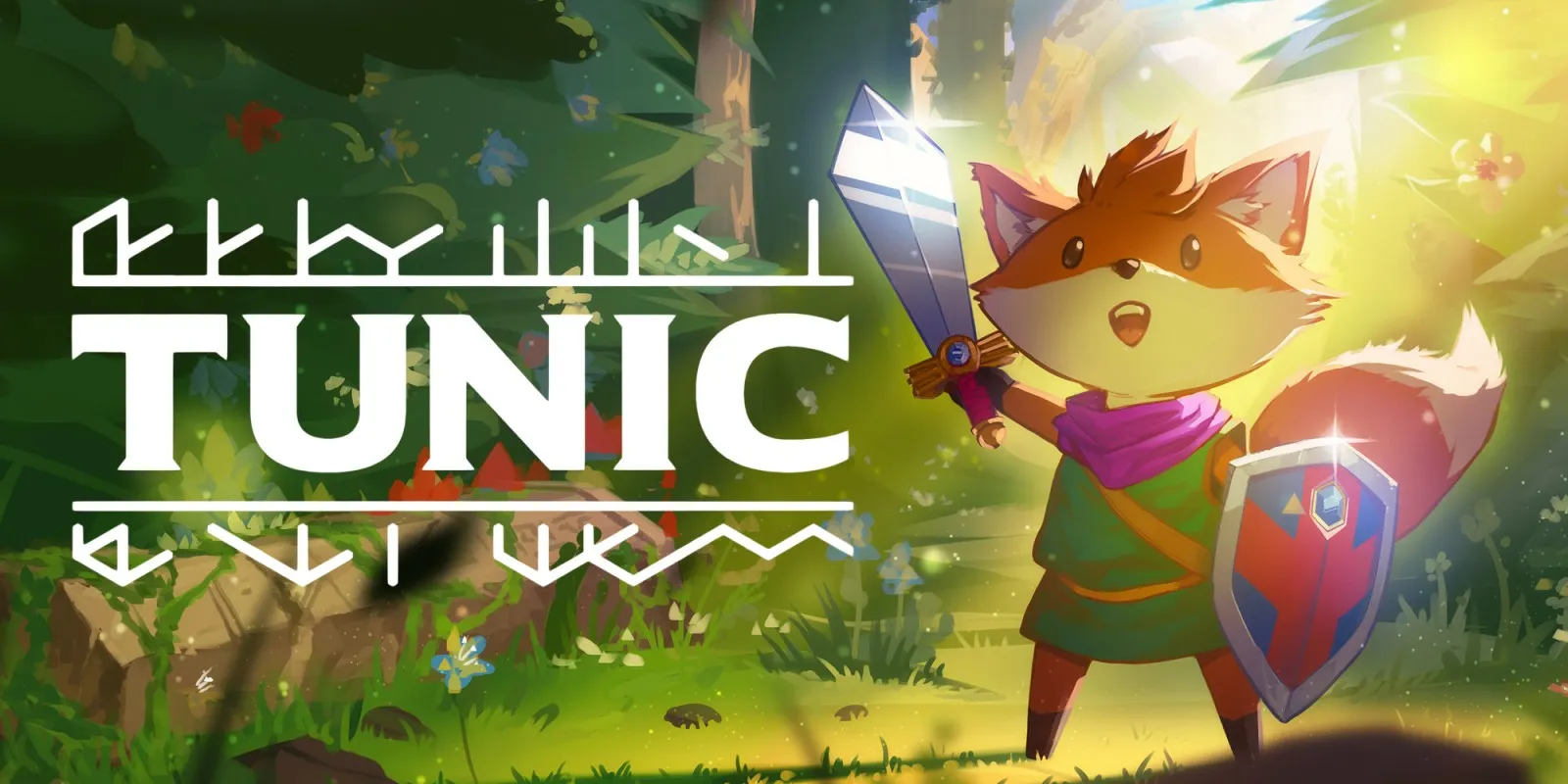
TUNIC plays on the Mac at 60 fps, up from the 30 fps it has on the Switch, with no game-specific fixes. Tested through the opening, the beach and the plateau above it. An iPhone and iPad app has been built but not yet run on a device.
How it runs
On the Mac, play ran through the title, New Game, the opening fly-over, control on the beach, the stairs up the cliff and the plateau above it with its first enemies, and the pause menu. No fight was started.
Frames run at 60 fps by default, about 16.7 ms each on the beach on an M6 Mac. nxnative sets the game's own frame rate setting, and the game keeps its speed: a timed walk from the start of a new game ended at the same place at 30 and 60 fps. For the Switch's 30 fps, set DM_FPS_TARGET=30 in the app's env.txt file. 120 fps has not been measured.
From the title through the beach and the plateau, memory use stayed flat at up to 2.26 GB, plus 1.27 GB of graphics memory, over a four-minute run. Later areas have not been measured.
A recheck on the M6 Mac held 60.0 fps on the beach, with frames of 16.67 ms at the median and about 5 ms of GPU time each, and no crash from the title to moving on the beach.
On an iPhone or iPad, the app has no graphics prepared in advance, so it would prepare them on its first start. That first start has not been tried.
Bring update 1.0.3
Tested with update 1.0.3. Put the update in the same folder as the base game before you Pack. The base game without the update has not been played.
Controls
The Packed app starts in the 2D touch layout (left stick, face buttons, shoulders, minus and plus). The gear at the top centre opens the in-game menu, where Controller layout switches layouts, and the app remembers your choice. A on New Game starts a game, the left stick moves, and Plus opens the pause menu.
Good to know
- The title comes up within 40 seconds of the game starting.
- The opening sea is an opaque, saturated blue with a bright shore line. That is how the game draws it on the console too.
Known issues
- An iPhone and iPad app has been built, but it has not been installed or run on a device yet.
- Only the beach and the plateau above it have been played: fights, item pickups, save points and later areas are untested at any frame rate.
- The sound has not been listened to in testing.
- The base game without update 1.0.3 has not been played.
- Testing drove the game with scripted input only, not a controller or keyboard.
Packing command
Run this in your nxnative folder on the Build Mac. Replace the game folder and the keys path with your own. It builds a Mac app, the only kind tested so far; leave out --platform mac-app for an iPhone and iPad app, which is untested.
python3 scripts/build_ipa_from_nsp.py ~/Games/tunic -k ~/keys/prod.keys --platform mac-appFAQ
Does TUNIC work with nxnative?
Yes. TUNIC is tested with nxnative on update 1.0.3 and runs at 60 fps.
Which iPhone, iPad or Mac do I need to play TUNIC?
So far TUNIC has been tested on the Mac only, which needs Apple silicon. An iPhone and iPad app can be packed but is untested. Packing needs a Mac with macOS 26.6 or later and Xcode 27.2.
Is TUNIC included?
No. Neither this site nor nxnative includes any game. You Pack TUNIC from your own copy of the game, with keys dumped from your own Switch.
Does online play work in TUNIC?
Online play in TUNIC is not confirmed to work, so do not count on it.