Every fact on this page applies to update 6.0.0, the one version tested. Other versions may behave differently.
No emulator needed: Super Nintendo Entertainment System – Nintendo Classics runs natively on the Apple chip. How nxnative compares with emulators
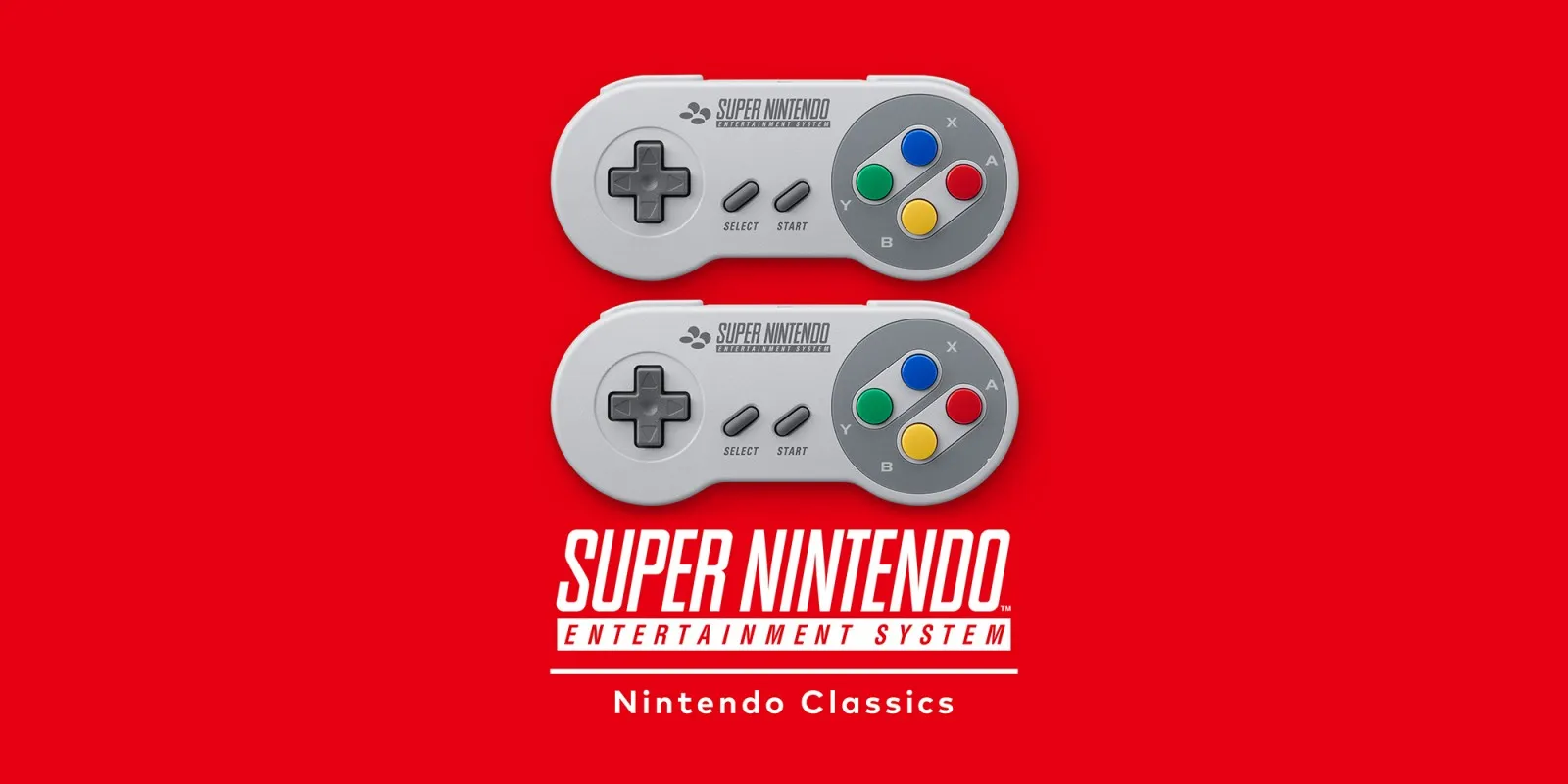
How Super Nintendo Entertainment System – Nintendo Classics runs
Super Nintendo Entertainment System – Nintendo Classics plays on the Mac at 60 fps and an earlier build has also been played on an iPhone. Offline, the app opens its game library, launches SNES games and plays with emulated console audio without prompting for a Nintendo Switch Online membership.
How it runs
On an Apple M2 Max Mac running macOS 27.3, update 6.0.0 booted to the game library, ran Bubsy's first level at a steady 60 fps (16.7 ms p99 frame interval) with emulated console sound, and opened and closed the suspend menu. Memory use stayed low at 0.66 to 0.71 GB resident (0.94 GB GPU memory).
The app uses two separate audio renderers — 48 kHz for the library interface and 32 kHz for the emulated SNES — and nxnative drives both so in-game audio works alongside menu sounds. All 23 screen-filter and UI shaders compile cleanly, and an earlier build was also played by hand on an iPhone.
Bring update 6.0.0
Tested with update 6.0.0 (v1966080) layered over the base game. Put both the base game and update 6.0.0 in the same folder before you Pack.
Controls
The Packed app starts in the 2D touch layout.
- In the game list, the D-pad browses, A starts the selected game, X opens details and Y moves titles.
- In a game, Plus acts as Start, and ZL + ZR opens the suspend menu (hold to rewind).
Good to know
- Offline, the library opens and games launch without any membership prompt or game-specific patches; online play menus have not been tested.
- Only Bubsy and the suspend menu have been verified so far; other SNES games in the app and the rewind feature still need testing.
- A fresh launch of 6.0.0 on the current host is still pending to verify both landed service fixes and emulated audio together.
Known issues
- Gameplay testing covered Bubsy's first level and the suspend menu; other SNES games in the library, rewind and the online play menu remain untested.
- Only an earlier build was played on an iPhone (A20 Pro); 6.0.0 with the current host still needs a fresh verification run.
Packing command
Run this in your nxnative folder on the Build Mac. Replace the game folder and the keys path with your own. Add --platform mac-app to get a Mac app instead of an iPhone and iPad app.
python3 scripts/build_ipa_from_nsp.py ~/Games/super-nintendo-entertainment-system-nintendo-classics -k ~/keys/prod.keysFAQ
Does Super Nintendo Entertainment System – Nintendo Classics work with nxnative?
Yes. Super Nintendo Entertainment System – Nintendo Classics is tested with nxnative on update 6.0.0 and runs at 60 fps.
Which iPhone, iPad or Mac do I need to play Super Nintendo Entertainment System – Nintendo Classics?
An iPhone 15 Pro or newer (A17 Pro chip or later) or an iPad with an M1 chip or later, on iOS or iPadOS 26 or later, or a Mac with Apple silicon. iPads with the A17 Pro chip (iPad mini) have the iPhone 15 Pro's chip but are untested by nxnative. Packing needs a Mac with macOS 26.6 or later and Xcode 27.2.
Is Super Nintendo Entertainment System – Nintendo Classics included?
No. Neither this site nor nxnative includes any game. You Pack Super Nintendo Entertainment System – Nintendo Classics from your own copy of the game, with keys dumped from your own Switch.
Does online play work in Super Nintendo Entertainment System – Nintendo Classics?
Online play in Super Nintendo Entertainment System – Nintendo Classics is not confirmed to work, so do not count on it.