Every fact on this page applies to update 1.4.1, the one version tested. Other versions may behave differently.
No emulator needed: SUPER ROBOT WARS Y runs natively on the Apple chip. How nxnative compares with emulators
Running through nxnative
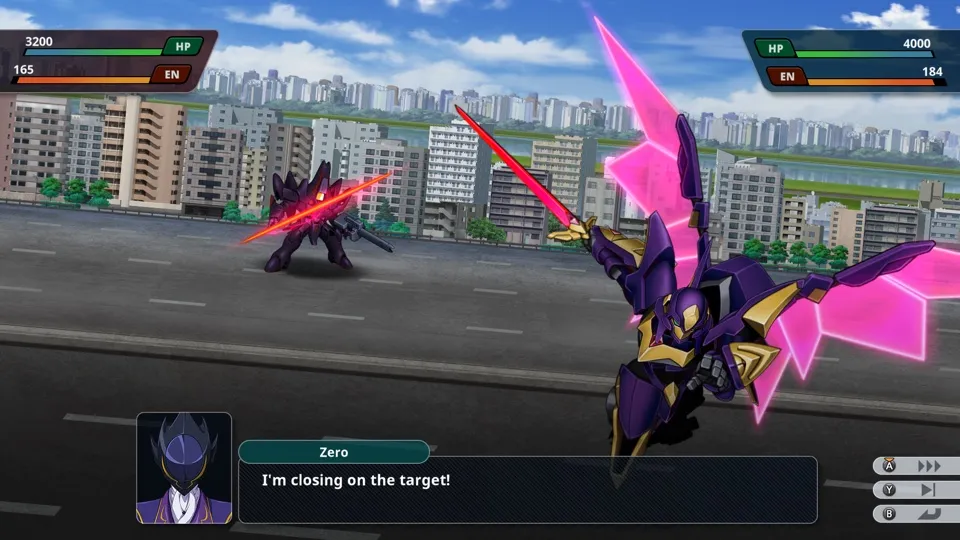
How SUPER ROBOT WARS Y runs
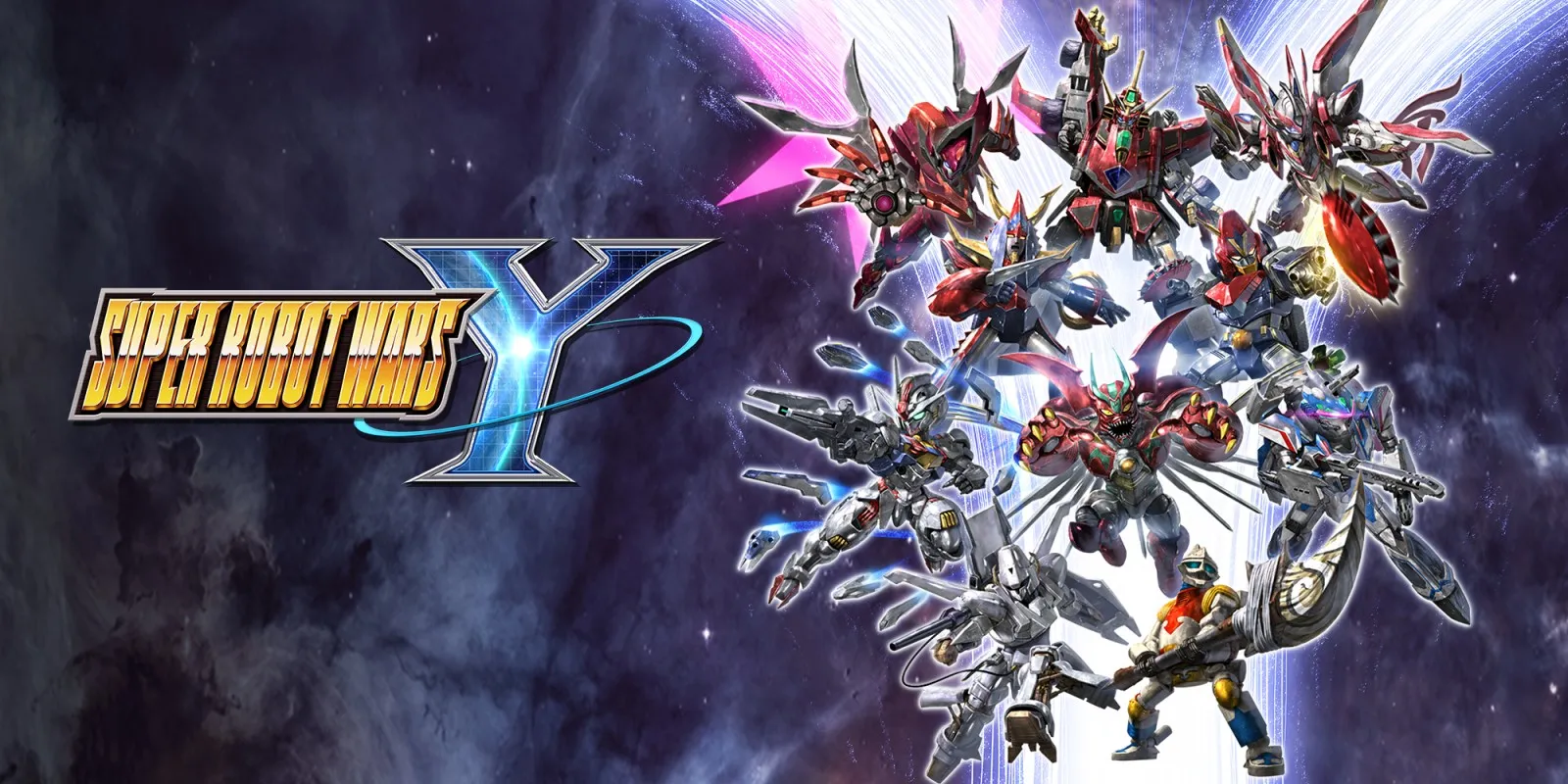
SUPER ROBOT WARS Y plays on the Mac at 60 fps, as on the Switch. Tested from the first-run screens through a new game, the first map, the start of the second, saving and continuing after a restart, and the start of the Anniversary Expansion. No iPhone or iPad app has been built yet.
How it runs
The title and the attract battles it plays when left alone run, as does a new game. On the first map, a battle played by hand works, and Auto played the rest of the map and the start of the second. A manual save works, and Continue picks up the autosave after a restart.
Memory came to at most about 2.7 GB over 40 minutes of the first maps, with no growth. Later chapters have not been measured. The game's movies have not come up on any route tested so far, so their playback is untested.
Bring update 1.4.1
Tested with update 1.4.1. Put it in the same folder as the base game before you Pack; the base game alone has not been tested. In testing, ten add-on content packages loaded with the game.
Controls
The Packed app starts in the 2D touch layout.
- Hold B to skip a scene. A tap of B closes tutorial popups, which A does not.
- On a map, A on an empty cell opens a menu with End Phase, and Plus opens Save, Load, System and To Title Screen.
- The cursor moves one cell per press, along the map's own grid.
- Minus turns Auto on: the game then plays your side, and only dialogue and popups need a press.
Good to know
- One scene reached through Continue could not be skipped and advanced only with A.
- The menu's Load has not been tried; Continue has.
- The controls have been tested only with scripted presses, not with a controller or keyboard.
- Tested on update 1.4.1. Other versions may behave differently.
Known issues
- No iPhone or iPad app has been built or tested yet.
- The game's movies have not been played in testing yet.
- Everything past the start of the second map and of the Anniversary Expansion, including the menus between maps, is untested.
- Sound has not been listened to yet.
Packing command
Run this in your nxnative folder on the Build Mac. Replace the game folder and the keys path with your own. Add --platform mac-app to get a Mac app instead of an iPhone and iPad app.
python3 scripts/build_ipa_from_nsp.py ~/Games/super-robot-wars-y -k ~/keys/prod.keysFAQ
Does SUPER ROBOT WARS Y work with nxnative?
Yes. SUPER ROBOT WARS Y is tested with nxnative on update 1.4.1.
Which iPhone, iPad or Mac do I need to play SUPER ROBOT WARS Y?
An iPhone 15 Pro or newer (A17 Pro chip or later) or an iPad with an M1 chip or later, on iOS or iPadOS 26 or later, or a Mac with Apple silicon. iPads with the A17 Pro chip (iPad mini) have the iPhone 15 Pro's chip but are untested by nxnative. Packing needs a Mac with macOS 26.6 or later and Xcode 27.2.
Is SUPER ROBOT WARS Y included?
No. Neither this site nor nxnative includes any game. You Pack SUPER ROBOT WARS Y from your own copy of the game, with keys dumped from your own Switch.
Does online play work in SUPER ROBOT WARS Y?
Online play in SUPER ROBOT WARS Y is not confirmed to work, so do not count on it.