Every fact on this page applies to update 1.3.1, the one version tested. Other versions may behave differently.
No emulator needed: Super Mario Galaxy runs natively on the Apple chip. How nxnative compares with emulators
Running through nxnative
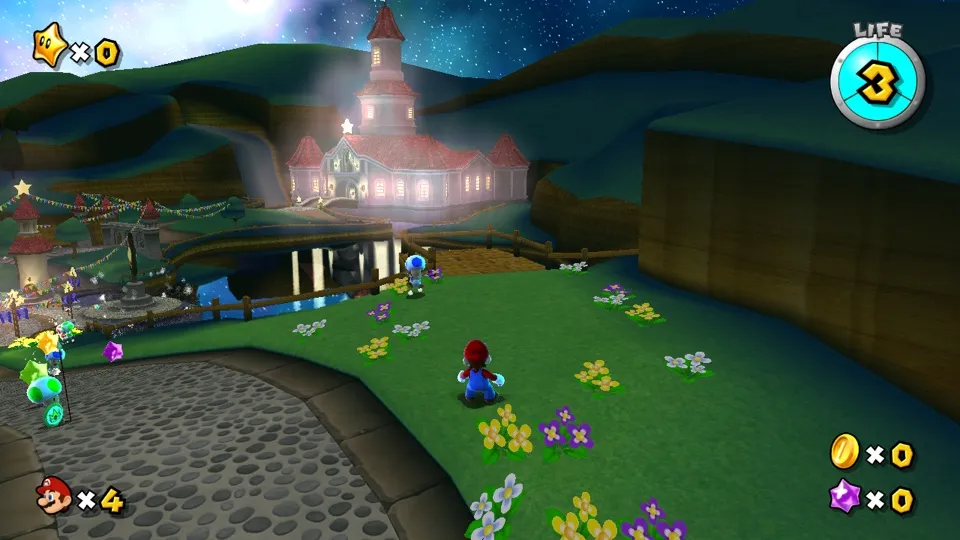
How Super Mario Galaxy runs
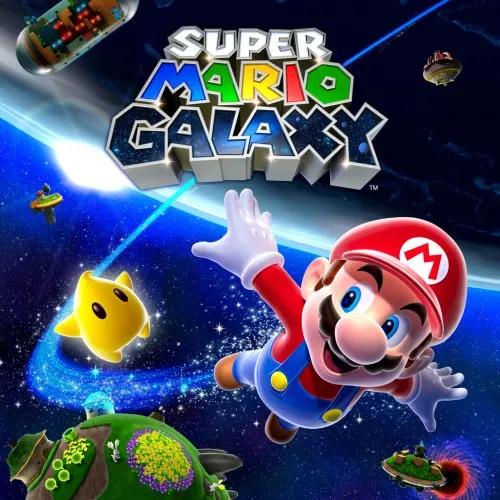
Super Mario Galaxy plays on the iPhone, and its Packed app is about 3 GB. It is technically unusual: the Switch release wraps the original Wii game in an emulation layer, with the Wii's PowerPC code converted ahead of time into Switch code and its graphics drawn through Vulkan. nxnative runs that whole package, translating the Vulkan drawing to Apple's Metal.
How it runs
Because the game is a Wii title at heart, much of the work on it went into the Vulkan layer rather than the game itself. Fixes removed a white half on Mario's model caused by how the lighting handled an invalid value, and a crash on iPhone when the ship took off after the first galaxy. Both fixes also carry over to Super Mario Galaxy 2, which runs on the same layer.
Controls
The Packed app starts in handheld mode with the 3D touch layout. In handheld mode the game's pointer, which collects Star Bits and works the menus and file select, is the touch screen: on iPhone, any touch that does not land on a gamepad control or in the right-stick area moves it. On the Mac the mouse acts as your finger.
If you would rather aim the pointer with a controller's gyro, switch to docked mode with DM_OPMODE=1 in the app's env.txt file. A tester reported this working with a Pro Controller over Bluetooth on a Mac.
Good to know
- Effects that the Wii drew as points or lines appear one pixel wide, because those shaders are not translated yet.
- Tested with update 1.3.1.
Known issues
- Effects the Wii drew as points or lines come out only one pixel wide.
Packing command
Run this in your nxnative folder on the Build Mac. Replace the game folder and the keys path with your own. Add --platform mac-app to get a Mac app instead of an iPhone and iPad app.
python3 scripts/build_ipa_from_nsp.py ~/Games/super-mario-galaxy -k ~/keys/prod.keysFAQ
Does Super Mario Galaxy work with nxnative?
Yes. Super Mario Galaxy is tested with nxnative on update 1.3.1.
Which iPhone, iPad or Mac do I need to play Super Mario Galaxy?
An iPhone 15 Pro or newer (A17 Pro chip or later) or an iPad with an M1 chip or later, on iOS or iPadOS 26 or later, or a Mac with Apple silicon. iPads with the A17 Pro chip (iPad mini) have the iPhone 15 Pro's chip but are untested by nxnative. Packing needs a Mac with macOS 26.6 or later and Xcode 27.1.
Is Super Mario Galaxy included?
No. Neither this site nor nxnative includes any game. You Pack Super Mario Galaxy from your own copy of the game, with keys dumped from your own Switch.
Does online play work in Super Mario Galaxy?
Online play in Super Mario Galaxy is not confirmed to work, so do not count on it.