Every fact on this page applies to update 1.2.2, the one version tested. Other versions may behave differently.
No emulator needed: Super Mario 3D World + Bowser's Fury runs natively on the Apple chip. How nxnative compares with emulators
Running through nxnative
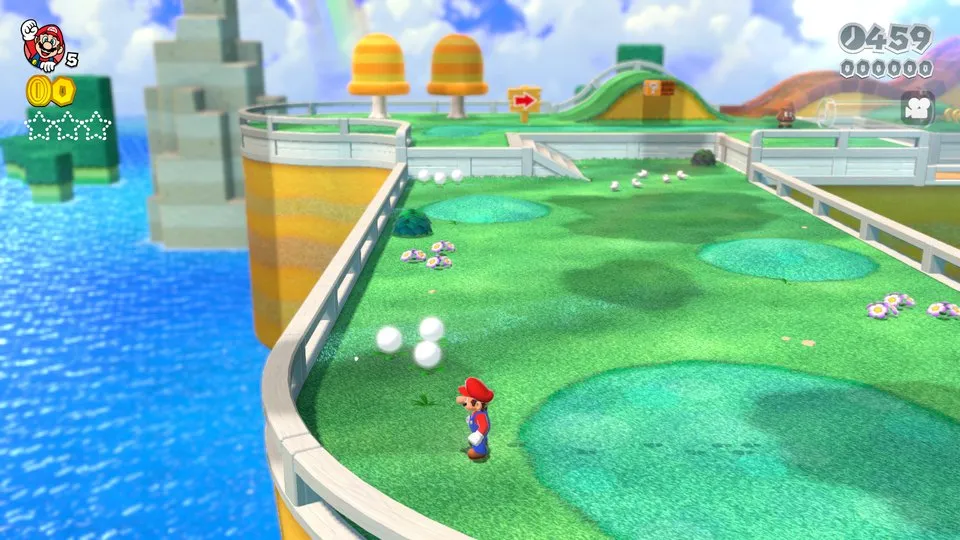
How Super Mario 3D World + Bowser's Fury runs
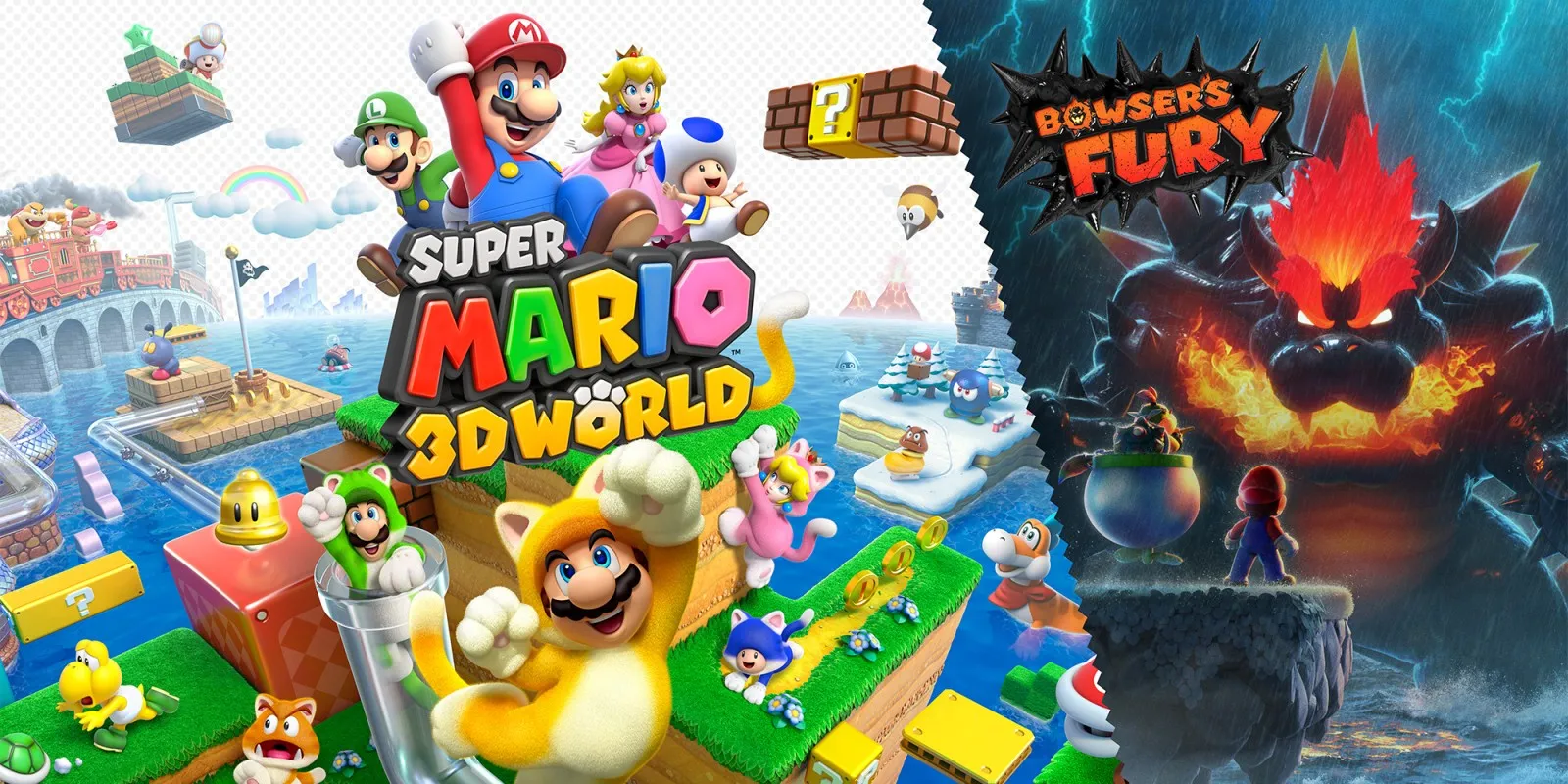
Super Mario 3D World + Bowser's Fury plays on the iPhone, and at about 3 GB its Packed app is a modest size for a 3D Mario game. Both halves of the package start: on the Mac, testing reached World 1-1 in 3D World and the open world of Bowser's Fury.
How it runs
Getting the game to look right took a few fixes. Daylight scenes used to wash out to a flat white, and several lighting and material effects needed changes in how nxnative binds textures. Those are resolved.
One problem is specific to iPhone: Apple's phone GPU sometimes returned garbage when the game drew into an image while reading from it, which showed up as hard-edged magenta squares in World 1-1. nxnative now gives those draws a separate copy to read from, but the fix has not yet been confirmed on a phone.
Controls
The Packed app starts in the 3D touch layout, with the camera on an undrawn right stick: touch the right third of the screen away from the buttons to use it. On the game select screen, hold the stick to the right to switch to Bowser's Fury.
Good to know
- The magenta squares never appeared on the Mac, whose GPU happens to return the old image in that case.
- Fur drawn with a geometry shader is missing, because Metal cannot express that shader.
Known issues
- On iPhone, solid magenta squares could flash on screen in World 1-1. The project developers have a fix in place, but it is still waiting to be confirmed on a device.
- The fur effect drawn with a geometry shader does not render, because Metal has no equivalent.
Packing command
Run this in your nxnative folder on the Build Mac. Replace the game folder and the keys path with your own. Add --platform mac-app to get a Mac app instead of an iPhone and iPad app.
python3 scripts/build_ipa_from_nsp.py ~/Games/super-mario-3d-world-bowsers-fury -k ~/keys/prod.keysFAQ
Does Super Mario 3D World + Bowser's Fury work with nxnative?
Yes. Super Mario 3D World + Bowser's Fury is tested with nxnative on update 1.2.2.
Which iPhone, iPad or Mac do I need to play Super Mario 3D World + Bowser's Fury?
An iPhone 15 Pro or newer (A17 Pro chip or later) or an iPad with an M1 chip or later, on iOS or iPadOS 26 or later, or a Mac with Apple silicon. iPads with the A17 Pro chip (iPad mini) have the iPhone 15 Pro's chip but are untested by nxnative. Packing needs a Mac with macOS 26.6 or later and Xcode 27.1.
Is Super Mario 3D World + Bowser's Fury included?
No. Neither this site nor nxnative includes any game. You Pack Super Mario 3D World + Bowser's Fury from your own copy of the game, with keys dumped from your own Switch.
Does online play work in Super Mario 3D World + Bowser's Fury?
Online play in Super Mario 3D World + Bowser's Fury is not confirmed to work, so do not count on it.