Every fact on this page applies to update 1.2, the one version tested. Other versions may behave differently.
No emulator needed: Rayman Legends: Definitive Edition runs natively on the Apple chip. How nxnative compares with emulators
How Rayman Legends: Definitive Edition runs
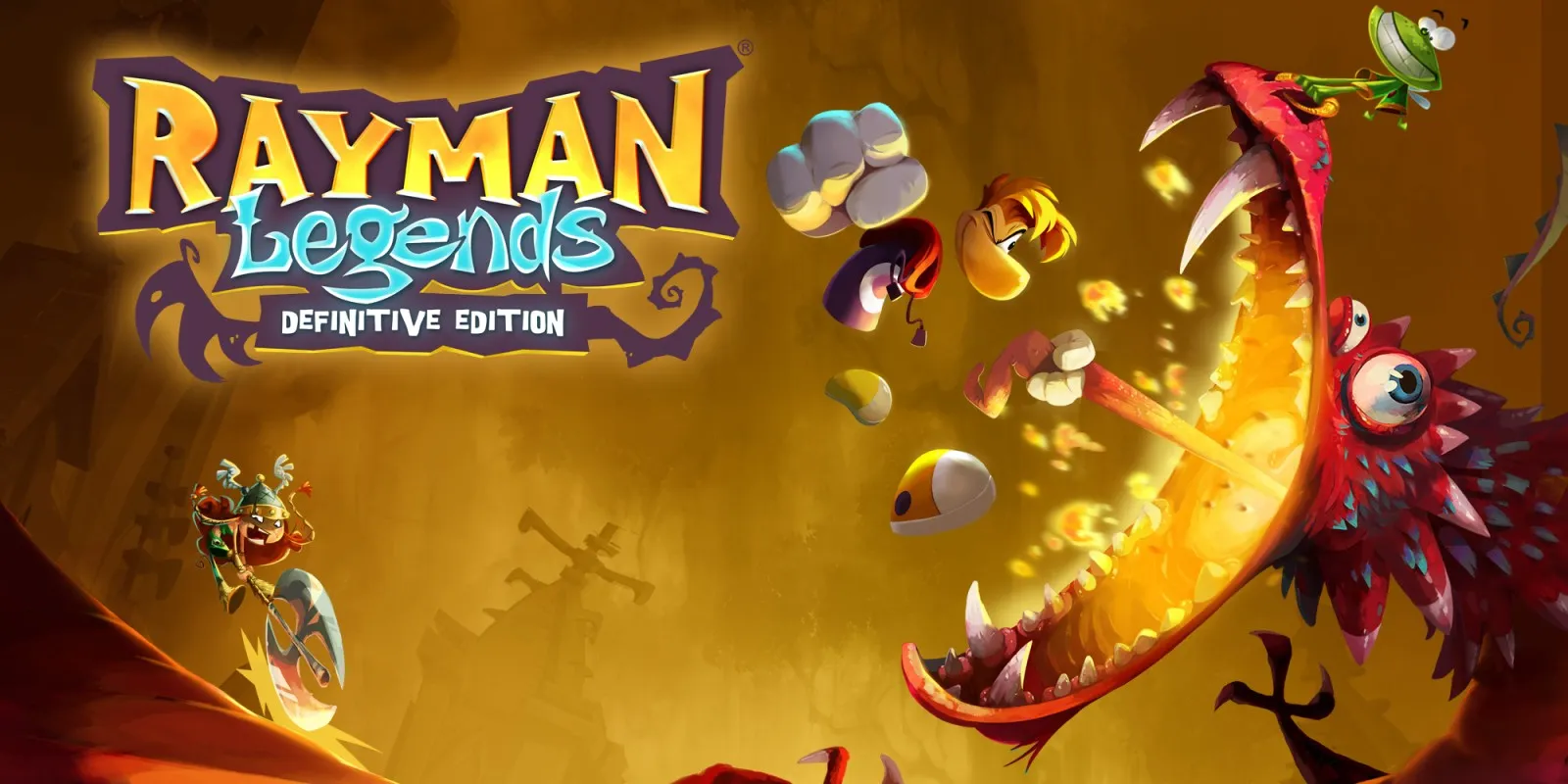
Rayman Legends: Definitive Edition plays on the Mac at 60 fps, with music and sound effects, tested on an M4 Pro Mac from a fresh save through the title, New game, the intro movie, the prologue and the first level, running and jumping. A player also reports it at 60 fps on an iPhone 17 Pro Max, with the touch screen working.
How it runs
On the M4 Pro the first level ran at 59.8 fps over about five minutes, with no sound dropouts. On an M1 Mac the title runs at 54 to 58 fps and the first level at 42 to 45 fps, held back by the M1's graphics. Memory use is 1.5 to 1.9 GB. These figures come from test runs, not a performance comparison.
An earlier build also reached the Main Gallery and the first world's gallery, Teensies in Trouble.
Bring update 1.2
Tested with update 1.2.
Controls
The Packed app starts in the 2D touch layout.
- From a fresh save, A at the title, A for the leaderboard country and A on New game. The intro movie (about a minute) and the prologue play by themselves, then A wakes the heroes and the first level starts.
- B jumps, and jumping into a gallery painting enters its world or level. A confirms in the menus.
Good to know
- The game pauses when its window loses focus, as it does on a Switch sent to the background.
Known issues
- Only the start has been played: the other worlds, the four-player mode, the Murfy touch levels and the online challenges are untested.
- On the iPhone, only one player's report from an iPhone 17 Pro Max is known; its iOS version and how far the game was played are not. Other iPhones and iPads are untested.
- On an M1 Mac the first level runs at 42 to 45 fps and the title at 54 to 58 fps.
- On an earlier build, skipping the intro movie (Plus, then A) once left a grey screen that took no input. Letting the movie play to the end, or choosing Continue on the title, always worked.
Packing command
Run this in your nxnative folder on the Build Mac. Replace the game folder and the keys path with your own. Add --platform mac-app to get a Mac app instead of an iPhone and iPad app.
python3 scripts/build_ipa_from_nsp.py ~/Games/rayman-legends-definitive-edition -k ~/keys/prod.keysFAQ
Does Rayman Legends: Definitive Edition work with nxnative?
Yes. Rayman Legends: Definitive Edition is tested with nxnative on update 1.2 and runs at 60 fps.
Which iPhone, iPad or Mac do I need to play Rayman Legends: Definitive Edition?
An iPhone 15 Pro or newer (A17 Pro chip or later) or an iPad with an M1 chip or later, on iOS or iPadOS 26 or later, or a Mac with Apple silicon. iPads with the A17 Pro chip (iPad mini) have the iPhone 15 Pro's chip but are untested by nxnative. Packing needs a Mac with macOS 26.6 or later and Xcode 27.2.
Is Rayman Legends: Definitive Edition included?
No. Neither this site nor nxnative includes any game. You Pack Rayman Legends: Definitive Edition from your own copy of the game, with keys dumped from your own Switch.
Does online play work in Rayman Legends: Definitive Edition?
Online play in Rayman Legends: Definitive Edition is not confirmed to work, so do not count on it.