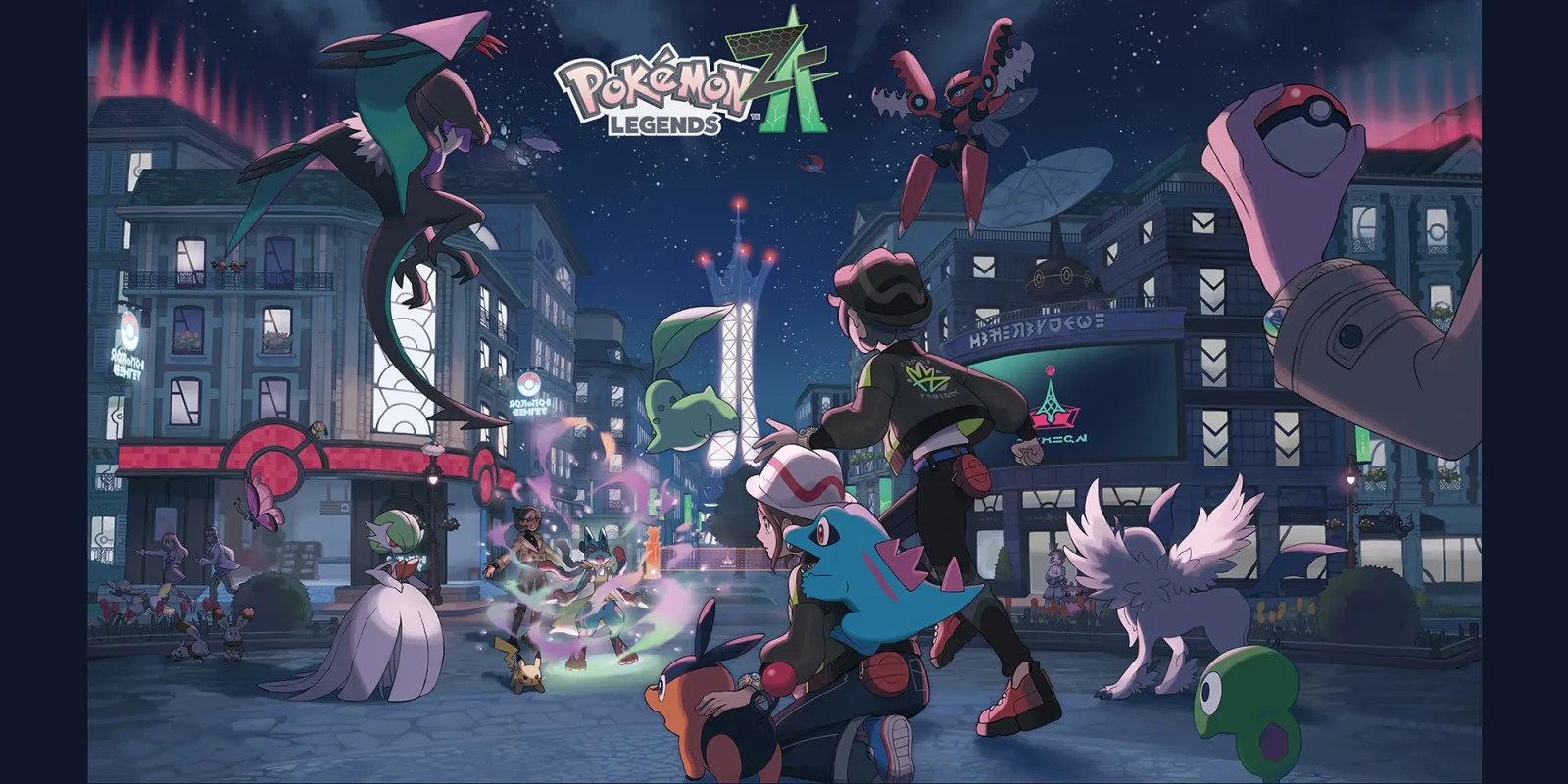
Pokémon Legends: Z-A
Every fact on this page applies to update 2.0.2, the one version tested. Other versions may behave differently.
No emulator needed: Pokémon Legends: Z-A runs natively on the Apple chip. How nxnative compares with emulators
Running through nxnative

How Pokémon Legends: Z-A runs
Pokémon Legends: Z-A is playable on the iPhone at 30 fps, using about 2 GB of memory. The iPhone app came to about 6 GB in the last published sizes.
How it runs
On the Mac, the language select, character creation, the story opening and the first minutes in Lumiose City played at a steady 30 fps.
Getting there took a long list of fixes, several of them visible: characters that collapsed into a spike, a black world once the opening reached Lumiose, striped lighting, and legs that folded backwards as soon as a character walked. All of these are resolved. Most of the fixes changed nxnative itself, so other Games benefit too.
Controls
The Packed app starts in the 2D touch layout. The layout button at the top centre switches layouts in game.
Good to know
- One player reported the game freezing on an iPhone 17. The project developers changed how the game's image effects run, and a long Mac test since then had no freeze, but the iPhone case has not been rechecked.
- The base game without updates (1.0.0) reaches Lumiose City for one tester on the Mac, but the project developers have not played it with input or on an iPhone.
- Tested with update 2.0.2. Other versions may behave differently.
Known issues
- A freeze on iPhone reported by a player has not been rechecked since nxnative's fix for it.
Packing command
Run this in your nxnative folder on the Build Mac. Replace the game folder and the keys path with your own. Add --platform mac-app to get a Mac app instead of an iPhone and iPad app.
python3 scripts/build_ipa_from_nsp.py ~/Games/pokemon-legends-z-a -k ~/keys/prod.keysFAQ
Does Pokémon Legends: Z-A work with nxnative?
Yes. Pokémon Legends: Z-A is tested with nxnative on update 2.0.2.
Which iPhone, iPad or Mac do I need to play Pokémon Legends: Z-A?
An iPhone 15 Pro or newer (A17 Pro chip or later) or an iPad with an M1 chip or later, on iOS or iPadOS 26 or later, or a Mac with Apple silicon. iPads with the A17 Pro chip (iPad mini) have the iPhone 15 Pro's chip but are untested by nxnative. Packing needs a Mac with macOS 26.6 or later and Xcode 27.1.
Is Pokémon Legends: Z-A included?
No. Neither this site nor nxnative includes any game. You Pack Pokémon Legends: Z-A from your own copy of the game, with keys dumped from your own Switch.
Does online play work in Pokémon Legends: Z-A?
Online play in Pokémon Legends: Z-A is not confirmed to work, so do not count on it.