Every fact on this page applies to update 1.3.0, the one version tested. Other versions may behave differently.
No emulator needed: Pokémon Brilliant Diamond runs natively on the Apple chip. How nxnative compares with emulators
Running through nxnative
How Pokémon Brilliant Diamond runs
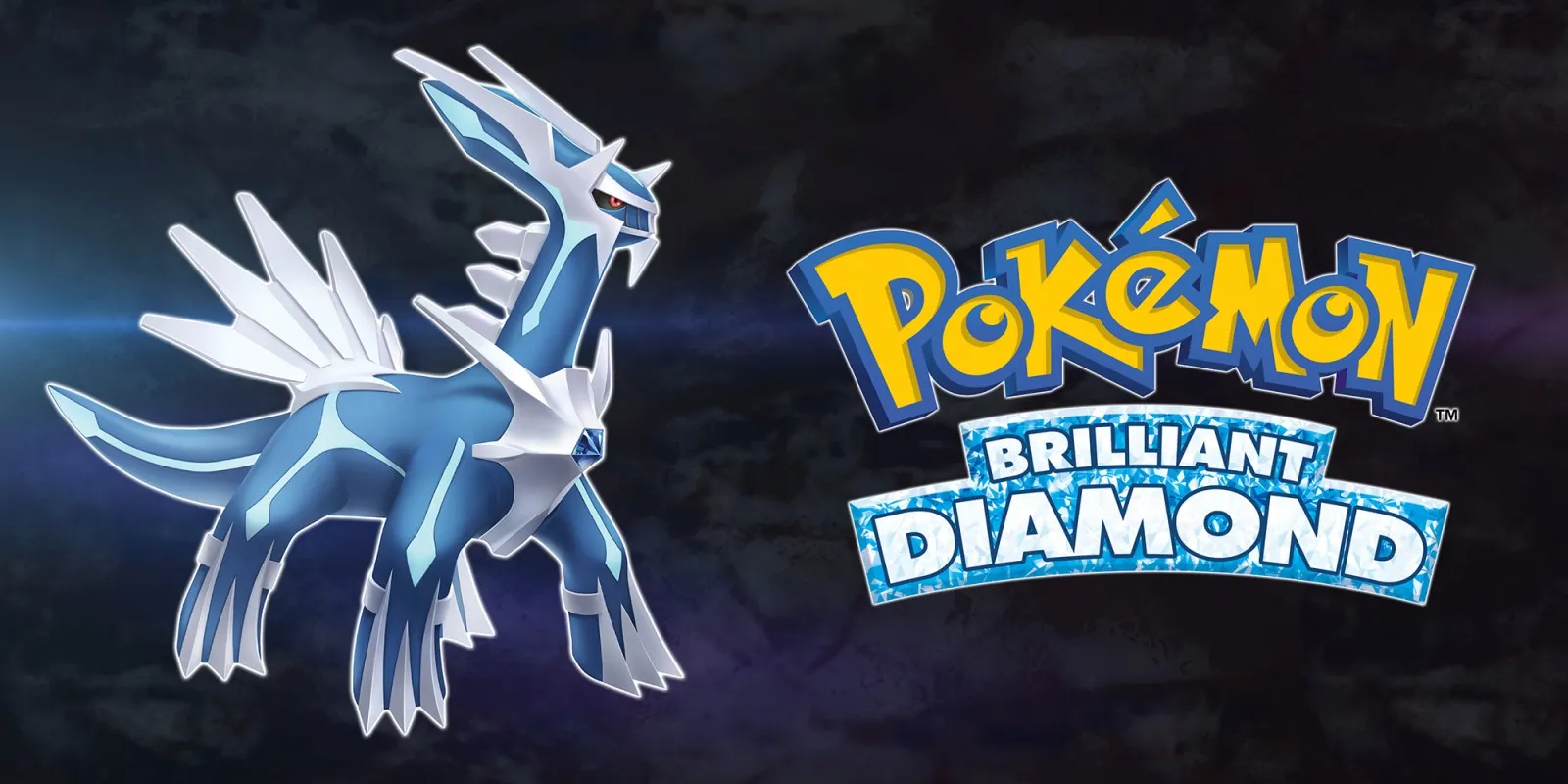
Pokémon Brilliant Diamond runs on the Mac and, with update 1.3.0, at 60 fps instead of the 30 fps it has on the Switch. The project developers have built the iPhone app, about 4.6 GB, but have not yet played it on a device.
How it runs
The game sets its own 30 fps cap and resets it after the menus, so nxnative holds the cap at 60 for this exact build. To check that the world does not run at double speed, the project developers walked the same route at 30 and 60 fps from one save and compared screenshots: the player ended up in the same spots and hit the same wall. That rules out doubled walking speed, but not every physics problem later in the game.
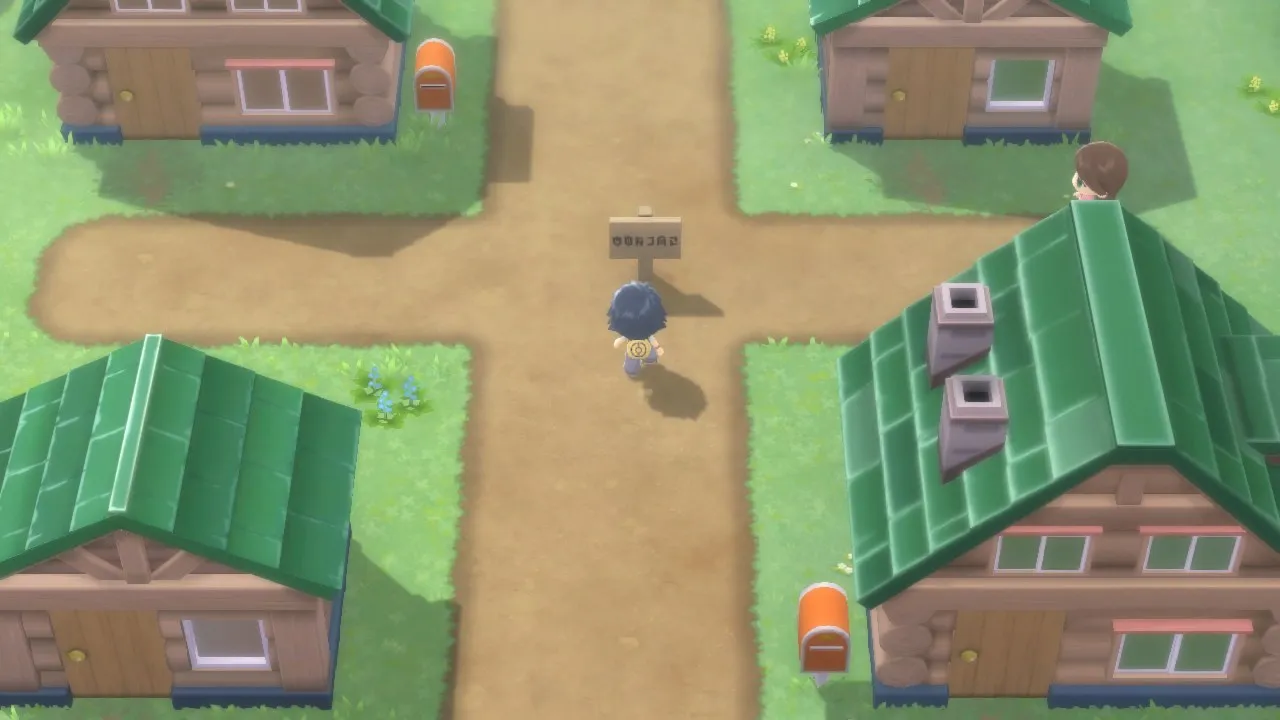
On the Mac, a fresh save played through language selection, Professor Rowan's introduction, character and name entry, the player's house, Twinleaf Town and the rival encounter. A longer session reached Route 201 and Verity Lakefront, and autosaves reloaded correctly.
If you prefer the original pace, put both DM_FPS_TARGET=30 and DM_PRESENT_INTERVAL=game in the app's env.txt file.
Controls
The Packed app starts in the 2D touch layout. The layout button at the top centre switches layouts in game.
Good to know
- In long Mac sessions, the sound occasionally stalled for a moment and recovered on its own, without the game hanging. The cause has not been found yet.
- The first battle and later areas have not been tested yet.
- Tested with update 1.3.0. Other versions may behave differently.
Known issues
- The iPhone app is built but has not been tested on a device yet.
- The first battle and later areas have not been tested.
- Other players have reported physics problems above 30 fps for this version, and a short movement check cannot rule them out in later areas.
Packing command
Run this in your nxnative folder on the Build Mac. Replace the game folder and the keys path with your own. Add --platform mac-app to get a Mac app instead of an iPhone and iPad app.
python3 scripts/build_ipa_from_nsp.py ~/Games/pokemon-brilliant-diamond -k ~/keys/prod.keysPut update 1.3.0 in the game folder to get 60 fps.
FAQ
Does Pokémon Brilliant Diamond work with nxnative?
Yes. Pokémon Brilliant Diamond is tested with nxnative on update 1.3.0. With update 1.3.0 it runs at 60 fps.
Which iPhone, iPad or Mac do I need to play Pokémon Brilliant Diamond?
An iPhone 15 Pro or newer (A17 Pro chip or later) or an iPad with an M1 chip or later, on iOS or iPadOS 26 or later, or a Mac with Apple silicon. iPads with the A17 Pro chip (iPad mini) have the iPhone 15 Pro's chip but are untested by nxnative. Packing needs a Mac with macOS 26.6 or later and Xcode 27.1.
Is Pokémon Brilliant Diamond included?
No. Neither this site nor nxnative includes any game. You Pack Pokémon Brilliant Diamond from your own copy of the game, with keys dumped from your own Switch.
Does online play work in Pokémon Brilliant Diamond?
Online play in Pokémon Brilliant Diamond is not confirmed to work, so do not count on it.