Every fact on this page applies to update v0, the one version tested. Other versions may behave differently.
No emulator needed: Mario Kart World runs natively on the Apple chip. How nxnative compares with emulators
Running through nxnative
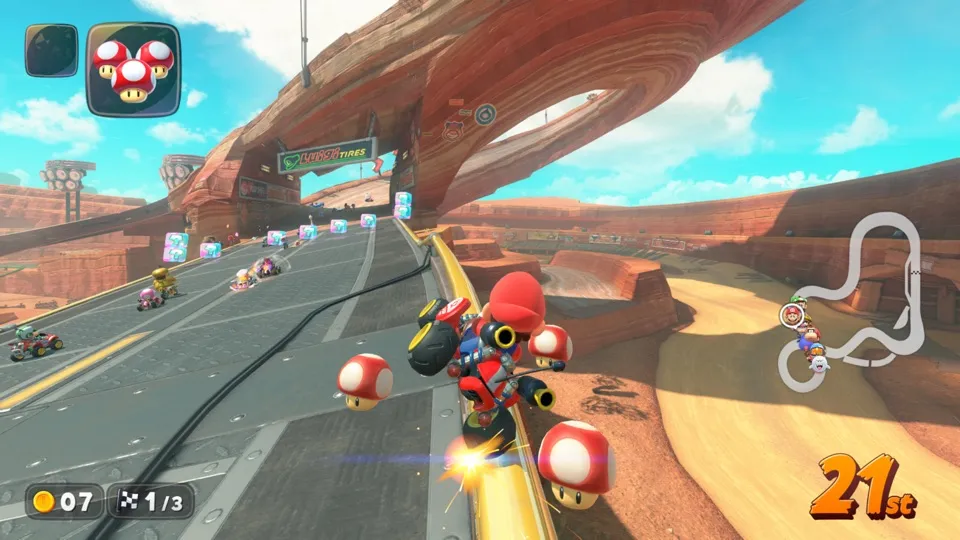
How Mario Kart World runs
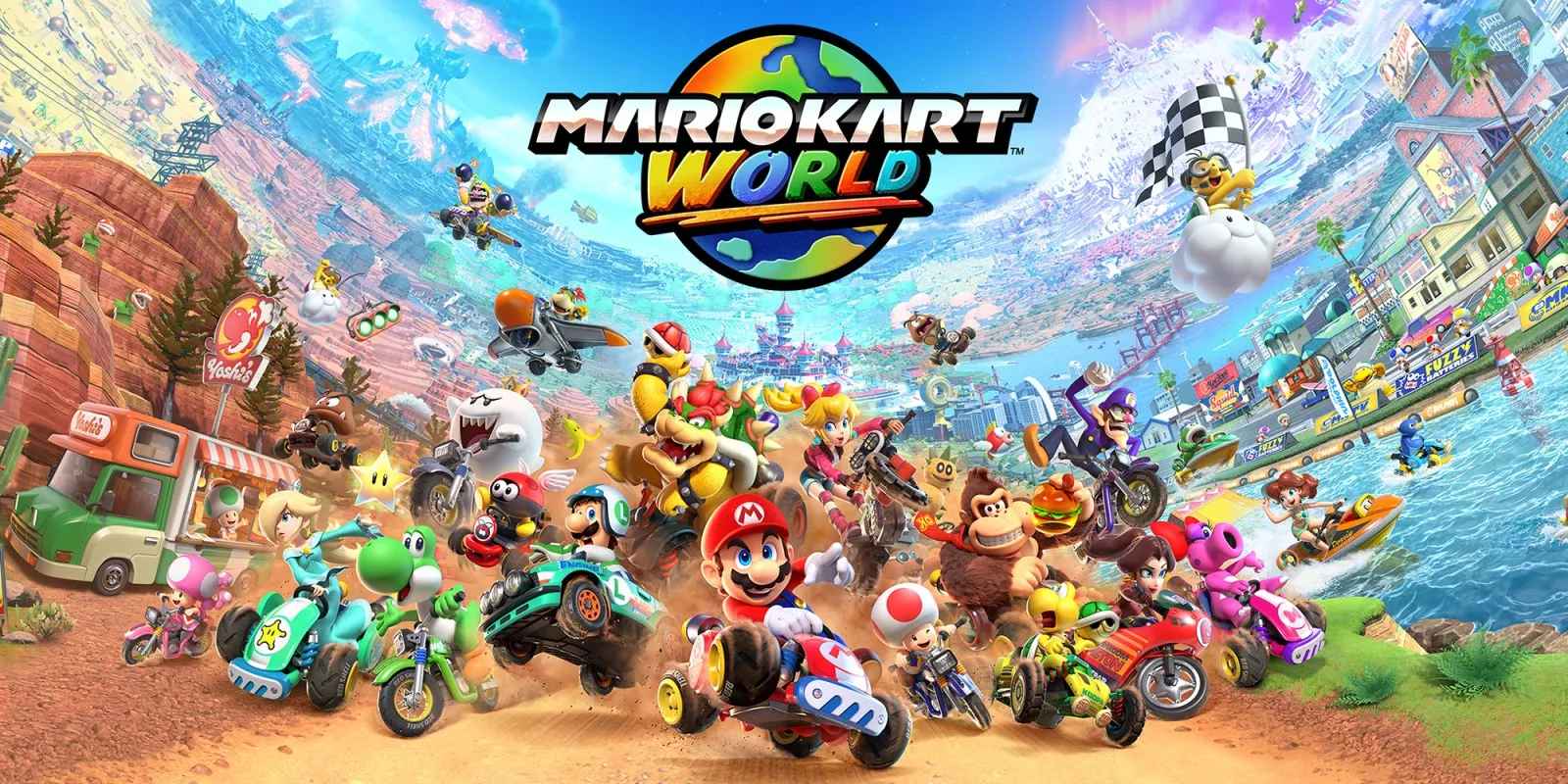
Mario Kart World reaches a race on the Mac at 60 fps. Tested on the base game through the title, the main menu, the Single Player and Grand Prix menus, character, kart, cup and class selection, the Mushroom Cup's opening and the first race on Mario Bros. Circuit at 50cc, driven with items. iPhone and iPad have not been tested.
How it runs
On an M6 Mac with 16 GB, the first race holds a median frame time of 15.5 to 16.7 ms, about 60 fps, with most frames under 17 to 33 ms. Some frames take 35 to 65 ms, and a few up to about 230 ms; part of this comes from graphics effects prepared the first time the game uses them. The game uses a lot of memory: on that Mac about 11 to 14 GB were in use and the Mac swapped, and runs vary with how much memory is free. It has not been measured on a Mac with more memory.
On a 16 GB M1 Pro Mac the same race ran at a median of 25 to 28 ms a frame, about 36 to 40 fps. Two Grand Prix in one session of about 30 minutes played there, with single frames of 100 to 200 ms now and then.
A crash after about 16 minutes of play has been reported. Later runs were only minutes long, so it is not known whether it is fixed.
The Mushroom Cup's opening movie plays with correct colours. Earlier problems with flat panels in the sky, vanishing trees and bushes, and flat, blocky ground behind the title are fixed on the base game.
Bring the base game
Tested with the base game alone, with no update, packed from a folder of the game's files. Update 1.8.0 can also be packed, but it has not been run, so nothing on this page applies to it.
Controls
The Packed app starts in the 3D touch layout.
- At the title, press L and R together, then A through Single Player, Grand Prix, the character, the kart, the cup, the class and "Start Grand Prix?".
- Hold A to drive.
Good to know
- The class screen offers 50, 100 and 150cc in the tested version.
Known issues
- Only the menus and the first race of the Mushroom Cup at 50cc have been tested in depth.
- Some frames take 35 to 65 ms, now and then up to about 230 ms; part of this comes from graphics effects prepared on first use.
- A crash after about 16 minutes of play has been reported, and it is not yet confirmed fixed.
- On a 16 GB M1 Pro Mac the game runs at about 36 to 40 fps.
- Update 1.8.0 can be packed but has not been run.
- No iPhone or iPad app has been built or tested yet.
Packing command
Run this in your nxnative folder on the Build Mac. Replace the game path with your .nup file or the folder of the game's files. It builds a Mac app, the only kind tested so far; leave out --platform mac-app for an iPhone and iPad app, which is untested.
python3 scripts/build_ipa_from_nsp.py ~/Games/mario-kart-world --platform mac-appFAQ
Does Mario Kart World work with nxnative?
Yes. Mario Kart World is tested with nxnative on update v0 and runs at 60 fps.
Which iPhone, iPad or Mac do I need to play Mario Kart World?
Mario Kart World is a Nintendo Switch 2 Game. So far it has been tested on the Mac only, which needs Apple silicon; an iPhone and iPad app can be packed but is untested. Packing needs a Mac with macOS 26.6 or later and Xcode 27.2.
Is Mario Kart World included?
No. Neither this site nor nxnative includes any game. You Pack Mario Kart World from your own copy of the game.
Does online play work in Mario Kart World?
Online play in Mario Kart World is not confirmed to work, so do not count on it.