Every fact on this page applies to update 2.0.76, the one version tested. Other versions may behave differently.
No emulator needed: Factorio runs natively on the Apple chip. How nxnative compares with emulators
How Factorio runs
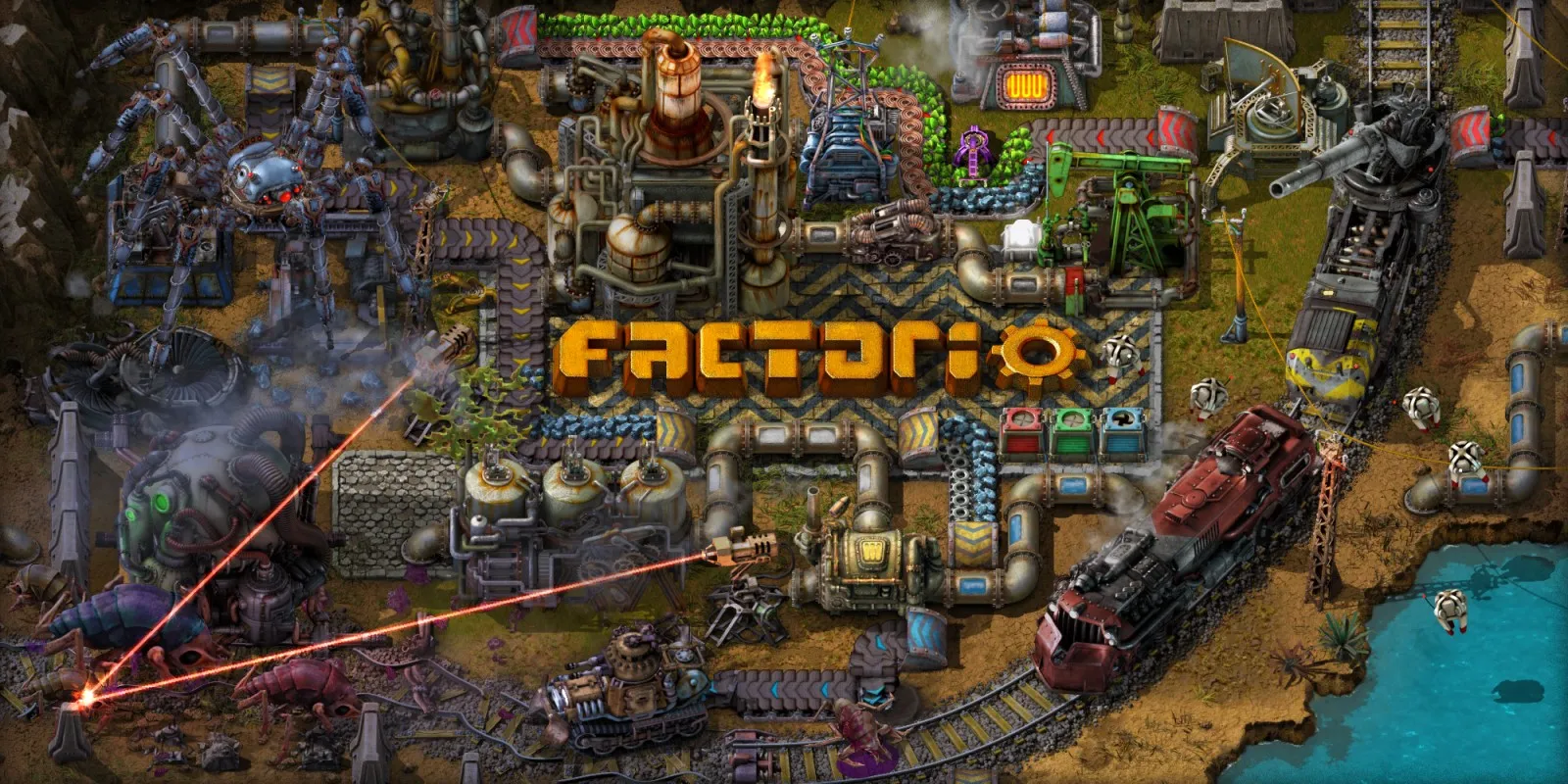
Factorio plays on the Mac at 60 fps through nxnative's OpenGL-on-Metal layer. Tested on an M6 Mac through the menus into the first tutorial at 1080p with controller input and sound. An iPhone and iPad app has been built, but it has not been run on a device yet.
How it runs
On an M6 Mac, Factorio ran in 1920×1080 docked mode with audio enabled and held 59.8 fps over a 900-frame sample in the first tutorial, with no errors logged. Memory sat near 2.55 GB with about 1.11 GB of graphics memory.
All 97 OpenGL shader stages come straight from the game's files and translate offline for both Mac and iPhone/iPad. Bringing up the game added general support in nxnative's OpenGL layer for integer vertex inputs, timestamp queries, framebuffer draw/read buffers, sprite-atlas copies and texel buffer views.
Bring update 2.0.76
Tested with update 2.0.76. Put the update in the same folder as the base game before you Pack.
Controls
The Packed app starts in the 2D touch layout. On launch, press B to dismiss the update changelog if it appears, use the D-pad and A to pick Single player and New game, and press X on the first tutorial to start it.
Good to know
- Multiplayer, reloading saves and later tutorials or freeplay factories have not been tested yet.
- The game logs a note about a missing custom selection cursor, which does not stop controller play in the first tutorial.
Known issues
- An iPhone and iPad app has been built, but iPhone and iPad gameplay has not been tested yet.
- Only the first tutorial has been tested; multiplayer and reloading saves are untested.
- The game logs that the video driver lacks a custom selection cursor, though the first tutorial plays with controller input.
Packing command
Run this in your nxnative folder on the Build Mac. Replace the game folder and the keys path with your own. It builds a Mac app, the only kind tested so far; leave out --platform mac-app for an iPhone and iPad app, which is untested.
python3 scripts/build_ipa_from_nsp.py ~/Games/factorio -k ~/keys/prod.keys --platform mac-appFAQ
Does Factorio work with nxnative?
Yes. Factorio is tested with nxnative on update 2.0.76 and runs at 60 fps.
Which iPhone, iPad or Mac do I need to play Factorio?
So far Factorio has been tested on the Mac only, which needs Apple silicon. An iPhone and iPad app can be packed but is untested. Packing needs a Mac with macOS 26.6 or later and Xcode 27.2.
Is Factorio included?
No. Neither this site nor nxnative includes any game. You Pack Factorio from your own copy of the game, with keys dumped from your own Switch.
Does online play work in Factorio?
Online play in Factorio is not confirmed to work, so do not count on it.