Every fact on this page applies to update 1.0.2, the one version tested. Other versions may behave differently.
No emulator needed: DRAGON QUEST I & II HD-2D Remake runs natively on the Apple chip. How nxnative compares with emulators
Running through nxnative
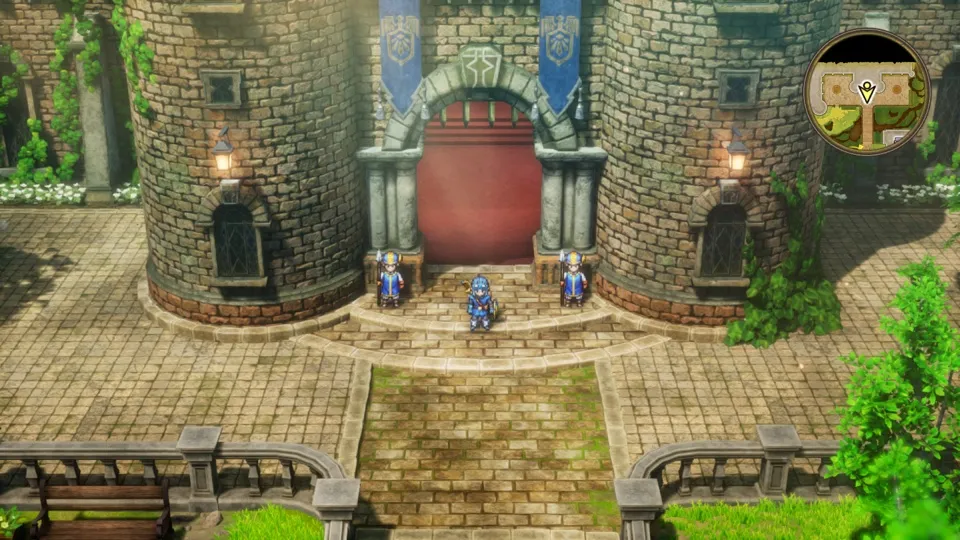
How DRAGON QUEST I & II HD-2D Remake runs
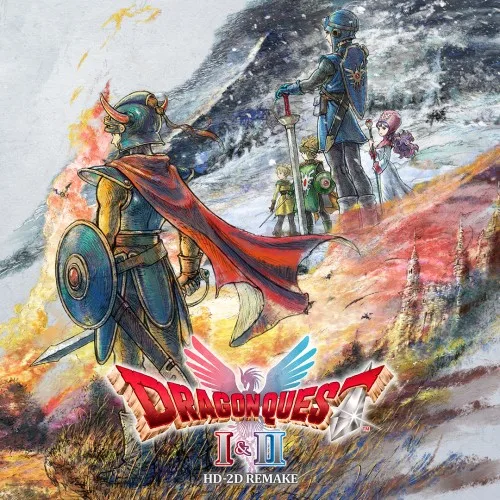
DRAGON QUEST I & II HD-2D Remake plays on the Mac. Both games in the collection start, create a new adventure log and continue from their autosave after a restart. No iPhone app has been built yet.
How it runs
In DRAGON QUEST I, a new game reaches free movement in Tantegel Castle after the opening and the king's dialogue. In DRAGON QUEST II, a new game gets through naming the companions, the attack on Moonbrooke and the king's dialogue to Midenhall, then down the castle stairs, through the town's market and on to the south gate. Moving, running, the camera, the minimap, dialogue and tutorial cards all work, including the controller button icons shown in the text.
On the Switch the game runs at 30 fps. nxnative asks it for 60 fps instead, but whether it then plays at normal speed has not been measured yet. DM_FPS_TARGET=30 in the app's env.txt file keeps the game at its original 30 fps.
In an early ten-minute test of DRAGON QUEST II's opening, memory use peaked at a little over 4 GB. It has not been measured with the finished build.
Bring update 1.0.2
Tested with update 1.0.2. Put it in the same folder as the base game before you Pack. The six add-on content packages are licences only; the game needs no extra files from them.
Controls
The Packed app starts in the 3D touch layout, with a D-pad and both sticks; the right stick turns the camera. In dialogue, A advances and hold X to fast-forward. Close the tutorial cards with B before the left stick moves your character.
Good to know
- The title leads to a screen where you pick DRAGON QUEST I or II. Wait for its transition to finish before you press Left or Right.
- Battles and the later areas of both games have not been tested yet.
- Tested on update 1.0.2. Other versions may behave differently.
Known issues
- No iPhone app has been built or tested yet.
- Battles and later areas of both games are untested.
- Whether the game plays at normal speed at 60 fps has not been measured yet.
Packing command
Run this in your nxnative folder on the Build Mac. Replace the game folder and the keys path with your own. Add --platform mac-app to get a Mac app instead of an iPhone and iPad app.
python3 scripts/build_ipa_from_nsp.py ~/Games/dragon-quest-i-ii-hd-2d-remake -k ~/keys/prod.keysFAQ
Does DRAGON QUEST I & II HD-2D Remake work with nxnative?
Yes. DRAGON QUEST I & II HD-2D Remake is tested with nxnative on update 1.0.2.
Which iPhone, iPad or Mac do I need to play DRAGON QUEST I & II HD-2D Remake?
An iPhone 15 Pro or newer (A17 Pro chip or later) or an iPad with an M1 chip or later, on iOS or iPadOS 26 or later, or a Mac with Apple silicon. iPads with the A17 Pro chip (iPad mini) have the iPhone 15 Pro's chip but are untested by nxnative. Packing needs a Mac with macOS 26.6 or later and Xcode 27.2.
Is DRAGON QUEST I & II HD-2D Remake included?
No. Neither this site nor nxnative includes any game. You Pack DRAGON QUEST I & II HD-2D Remake from your own copy of the game, with keys dumped from your own Switch.
Does online play work in DRAGON QUEST I & II HD-2D Remake?
Online play in DRAGON QUEST I & II HD-2D Remake is not confirmed to work, so do not count on it.