Every fact on this page applies to update 1.0.3, the one version tested. Other versions may behave differently.
No emulator needed: Mega Man Legacy Collection runs natively on the Apple chip. How nxnative compares with emulators
How Mega Man Legacy Collection runs
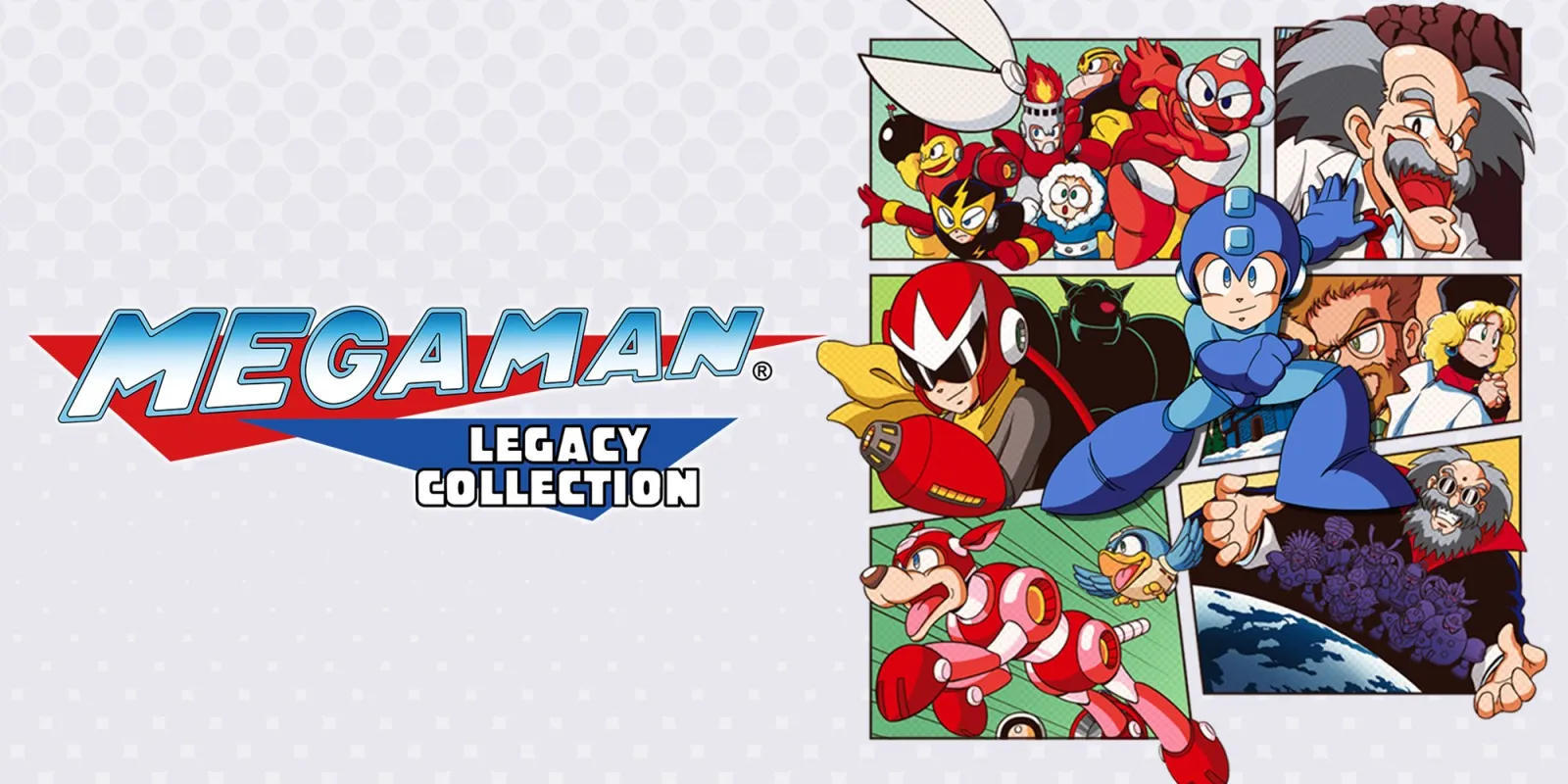
Mega Man Legacy Collection plays on the Mac at 60 fps through nxnative's OpenGL-on-Metal layer, with no game-specific patches. Tested on an M6 Mac through the collection menu into Mega Man 1's Cut Man stage — running, jumping and shooting with sound — and the Options menu with its CRT and composite TV filters. It has not been tested on iPhone or iPad yet.
How it runs
On an M6 Mac, play ran for about five minutes at a steady 60 fps (with occasional empty ticks when the TV filter is on), using about 0.8 GB of memory and 0.17 GB of graphics memory. Audio ran cleanly at 48 kHz with zero underruns across 14,000 callbacks after nxnative matched Horizon's refusal of the game's initial 44.1 kHz audio request so it falls back to 48 kHz.
All six GLSL shader files in the game's files (default, CRT and composite filters) are read and translated offline by nxnative. Earlier OpenGL issues — blank output, sampler objects and upside-down rendering — have all been fixed generally across nxnative's OpenGL layer.
Bring update 1.0.3
Tested with update 1.0.3. Put the update in the same folder as the base game before you Pack.
Controls
The Packed app starts in the 2D touch layout. In Mega Man 1, the D-pad moves, A jumps, B shoots, Plus picks a stage on the stage select screen, and Minus opens the collection's Options/Controls menu (for saving, screen borders, TV filters and CPU speed).
Good to know
- The warning and logos take about 24 seconds on a fresh save before the title appears.
- Mega Man 2 through 6, bosses, saving and loading, Challenges, Museum, Music Player and iPhone or iPad play have not been tested yet.
Known issues
- iPhone and iPad gameplay has not been tested yet.
- Only Mega Man 1's Cut Man stage and the in-game Options/Controls menu (including the TV filter) have been tested; the other five games, bosses, saving and loading, Challenges, Museum and Music Player are untested.
Packing command
Run this in your nxnative folder on the Build Mac. Replace the game folder and the keys path with your own. It builds a Mac app, the only kind tested so far; leave out --platform mac-app for an iPhone and iPad app, which is untested.
python3 scripts/build_ipa_from_nsp.py ~/Games/mega-man-legacy-collection -k ~/keys/prod.keys --platform mac-appFAQ
Does Mega Man Legacy Collection work with nxnative?
Yes. Mega Man Legacy Collection is tested with nxnative on update 1.0.3 and runs at 60 fps.
Which iPhone, iPad or Mac do I need to play Mega Man Legacy Collection?
So far Mega Man Legacy Collection has been tested on the Mac only, which needs Apple silicon. An iPhone and iPad app can be packed but is untested. Packing needs a Mac with macOS 26.6 or later and Xcode 27.2.
Is Mega Man Legacy Collection included?
No. Neither this site nor nxnative includes any game. You Pack Mega Man Legacy Collection from your own copy of the game, with keys dumped from your own Switch.
Does online play work in Mega Man Legacy Collection?
Online play in Mega Man Legacy Collection is not confirmed to work, so do not count on it.