Every fact on this page applies to update v262144, the one version tested. Other versions may behave differently.
No emulator needed: Fast Fusion runs natively on the Apple chip. How nxnative compares with emulators
How Fast Fusion runs
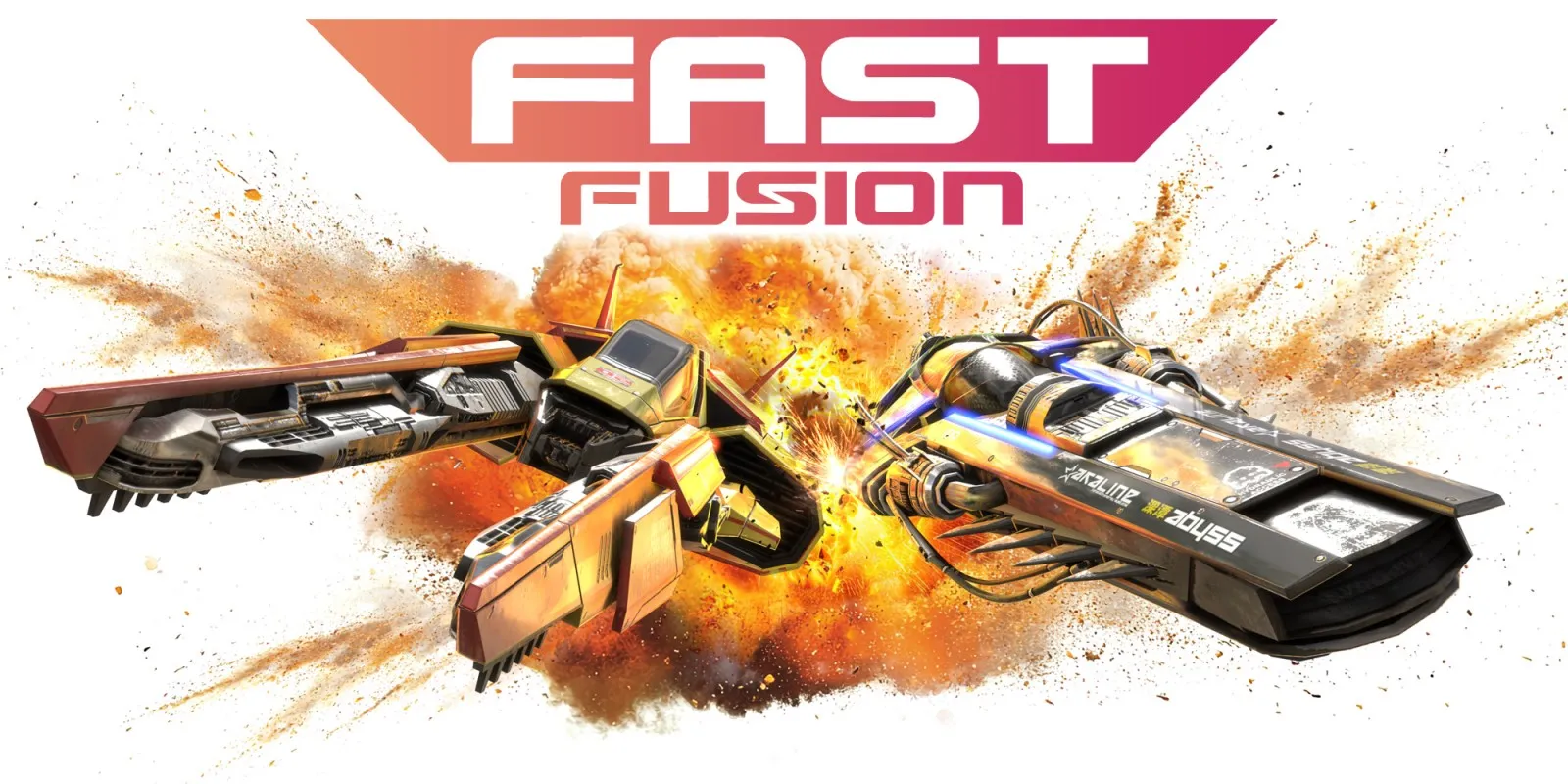
Fast Fusion plays on the Mac at about 60 fps, tested on an M6 Mac with 16 GB through the title, the Championship menus and the first available race, with sound on. No race was finished in testing, and no iPhone or iPad app has been built yet.
How it runs
In the first race the sky and its volumetric fog are drawn, and the scenery streams in as you accelerate. The game's DLSS upscaling is handled by MetalFX on the Mac, and a fix for alpha handling restored the vehicle selector's background, heading and controls.
In 95-second race runs on an M6 Mac, the race window ran at 58.8 to 59.9 fps, with 99% of frames taking 17.4 to 18.1 ms and peak memory around 6.5 to 6.6 GB. An earlier diagnostic run with the Metal HUD, graphics recording and frame captures enabled had measured about 29 fps. Memory use settled at about 6.7 to 7.0 GB in the race without growing.
Bring update v262144
Tested with update v262144. Other versions have not been tested.
Controls
The Packed app starts in the 2D touch layout.
- From the title, L+R, then A four times: Championship, the first league, the first cup and the first vehicle. Wait between menus.
- In a race, A accelerates and the left stick steers.
Good to know
- The first start can take longer while the game's graphics are prepared.
- Graphics are prepared ahead of time for the title, the menus and the first race only; other courses prepare theirs the first time they appear.
- The supplied update has no icon. nxnative's packing script can give the app one with
--iconand an image. - Later courses, a full race, multiplayer, online modes and frame generation have not been tested yet.
Known issues
- No iPhone or iPad app has been built or tested yet.
- Testing totalled under ten minutes and no race was finished: later courses, a full race, multiplayer, online modes and frame generation are untested.
- The supplied update has no icon, so the Packed app has none unless you give it one when you Pack.
Packing command
Run this in your nxnative folder on the Build Mac. Replace the game path with your .nup file or the folder of the game's files. It builds a Mac app, the only kind tested so far; leave out --platform mac-app for an iPhone and iPad app, which is untested.
python3 scripts/build_ipa_from_nsp.py ~/Games/fast-fusion --platform mac-appFAQ
Does Fast Fusion work with nxnative?
Yes. Fast Fusion is tested with nxnative on update v262144 and runs at 60 fps.
Which iPhone, iPad or Mac do I need to play Fast Fusion?
Fast Fusion is a Nintendo Switch 2 Game. So far it has been tested on the Mac only, which needs Apple silicon; an iPhone and iPad app can be packed but is untested. Packing needs a Mac with macOS 26.6 or later and Xcode 27.2.
Is Fast Fusion included?
No. Neither this site nor nxnative includes any game. You Pack Fast Fusion from your own copy of the game.
Does online play work in Fast Fusion?
Online play in Fast Fusion is not confirmed to work, so do not count on it.